The Price of Mini PCs: Cooling, Upgrades, and Repairs All Bow to Size
From Geekom and Beelink to ASUS's ROG NUC 16, mini PCs squeeze a full computer into the palm of your hand—but that comes at the cost of cooling, upgradability, and repairability. Here's what you should know before buying one.
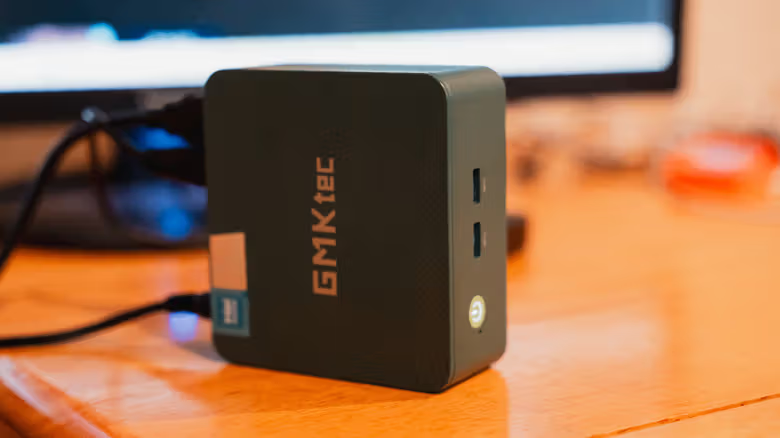
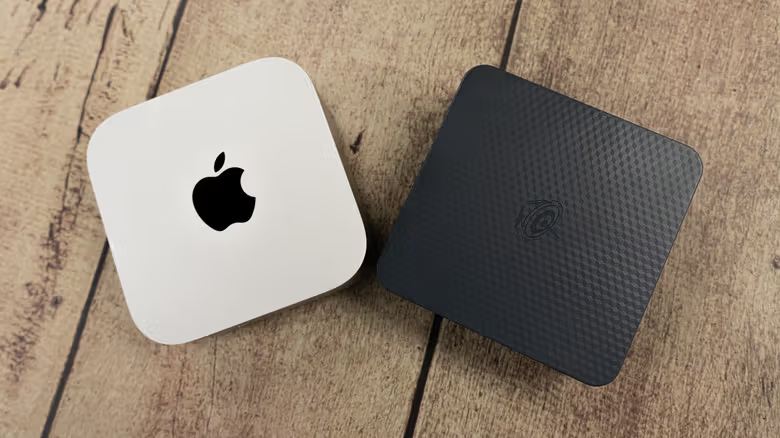
Names like Geekom, Beelink, and Minisforum seemed to pop up almost overnight. They've managed to cram performance that once required a full-sized case into a box you can hold in one hand, and it's undeniably appealing. But shrinking the size never comes without trade-offs—and with mini PCs, you often don't discover what's been sacrificed until you're already using one.
Almost No Room to Upgrade
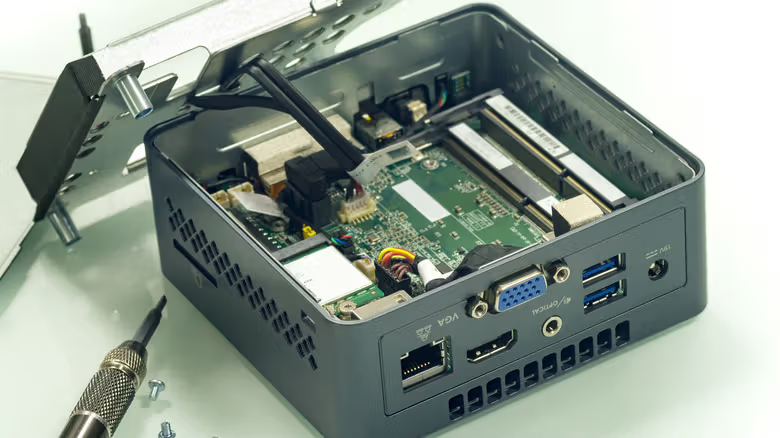
The internal components of a mini PC actually resemble a laptop far more than a traditional desktop. The CPU and GPU are typically soldered directly onto the motherboard, meaning you can't just unscrew and swap them out—unless you're willing to break out a soldering iron. Even the parts that can be upgraded are limited to SO-DIMM memory modules and M.2 SSDs, both common laptop specs. And not every mini PC even offers that much flexibility—some models on the market still solder down both memory and storage, meaning the performance ceiling is fixed the moment it leaves the factory.
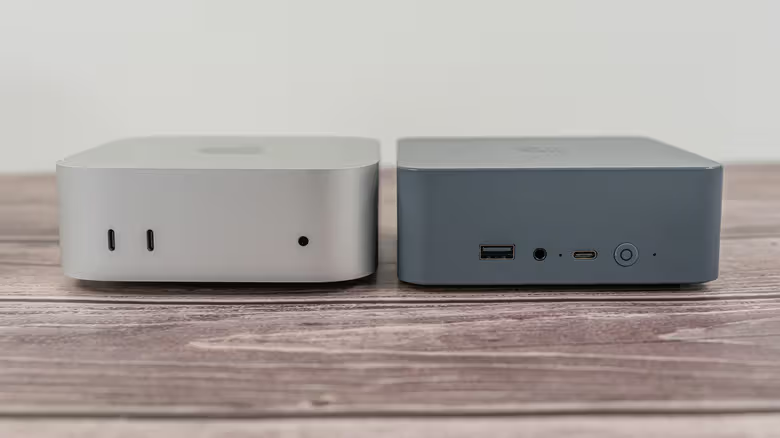
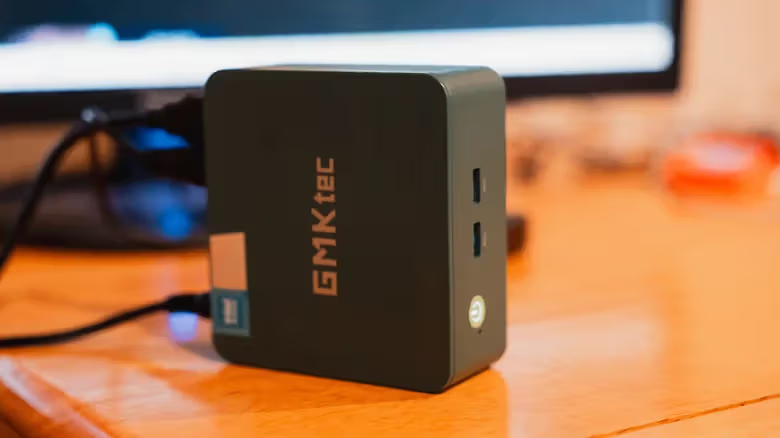
A smaller chassis naturally means fewer expansion ports, and USB port counts tend to be far stingier than on a desktop. Some higher-end models offer OCuLink or Thunderbolt USB-C, allowing users to connect an external GPU enclosure to boost graphics performance. This can help with gaming or AI workloads, but it still can't match a desktop's built-in graphics card, and it doesn't really count as an internal upgrade. Once a budget model's performance falls short, most people's only real option is to replace the entire unit.
When Cooling Can't Keep Up, Performance Has to Give
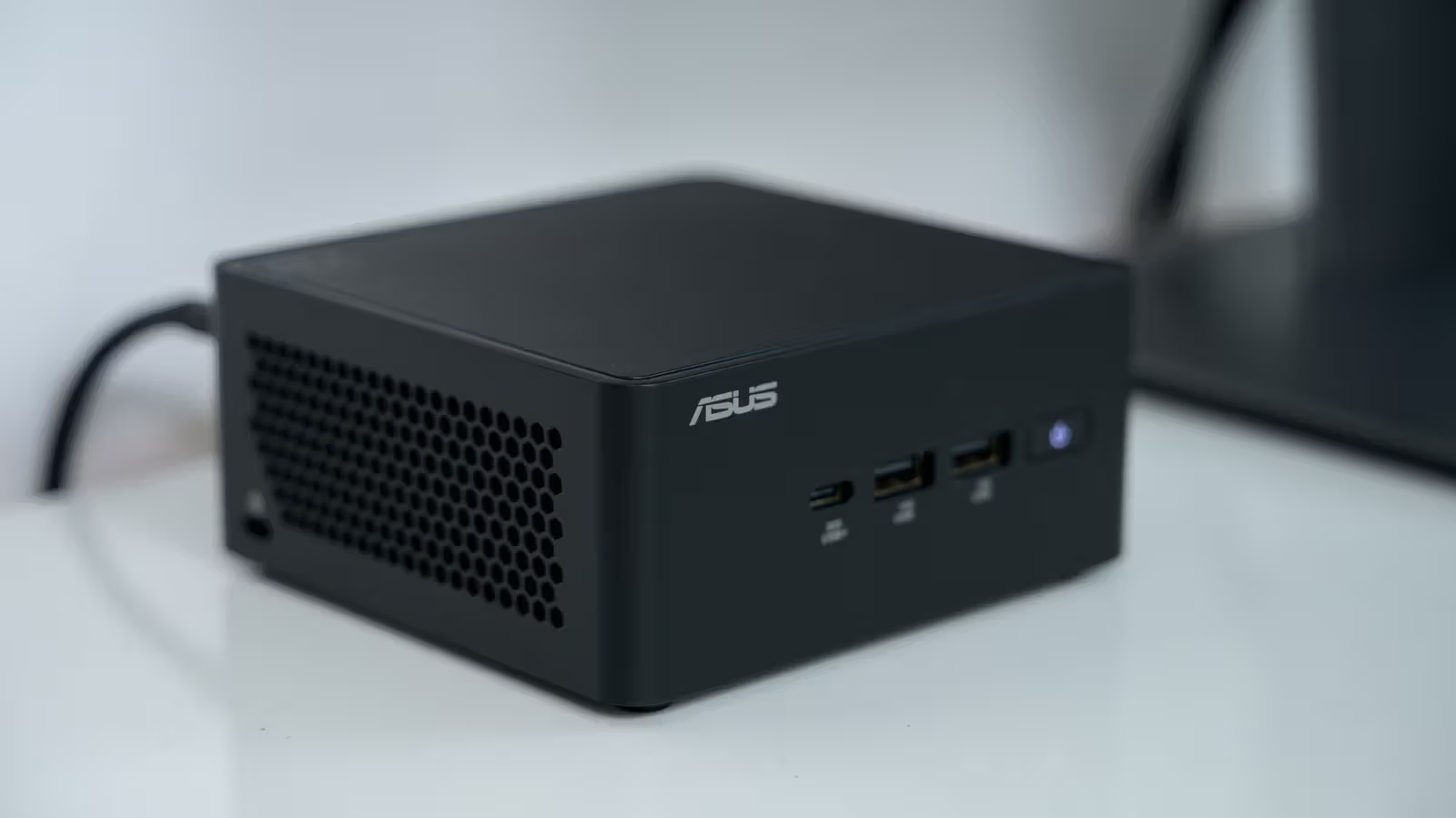
Choosing a mini PC means giving up the air-cooling advantages that come with a larger case. The smaller the chassis, the less room there is for air to flow in and out—even if manufacturers design elaborate cooling structures, there's only so much they can achieve. No one is squeezing RTX 5090-level gaming performance out of a form factor this small.
There are indeed processors like the AMD Ryzen AI Max+ 395 that can go head-to-head with a desktop-class AMD Ryzen 9 9950X, allowing high-end mini PCs to close the CPU performance gap with desktops. But the physical limitations remain: sustained high loads generate more heat, which requires more cooling to manage—and this is exactly where mini PCs fall short compared to desktops. Desktops can push components harder with additional fans or liquid cooling, but mini PCs simply don't have that luxury. Traditional liquid cooling solutions are also difficult to implement due to lack of space. Under prolonged heavy load, the chassis heats up and noise increases—something less noticeable on low-power models, but the trade-off there is that performance shrinks right along with it.
Mini PCs also aren't designed with user repairability in mind. On a desktop, even if the power supply fails, you can simply swap it out and keep using the rest of the machine. A mini PC is more like a laptop—if the CPU or motherboard fails, there are no replacement parts available on the market. Your only options are warranty repair or buying a new unit outright.
The price range for mini PCs is also remarkably wide. The Beelink SER5 is priced at $389, while at the other end, the ASUS ROG NUC 16 costs a whopping $4,999. Both fall under the "mini PC" category, sharing a small form factor, mobile-grade components, and lower power consumption than desktops. But if you've got $5,000 to spend, a traditional desktop will give you far more performance and future upgrade headroom than the NUC 16—especially now that AI demand has driven up memory and SSD prices, making the math increasingly unfavorable for mini PCs.
There are still entry-level mini PCs priced under $600 on the market, well-suited for light tasks like document work and web browsing. Performance isn't the selling point here—price is. If you're buying a mini PC purely for its small size, performance is the bottleneck you need to make peace with first.