Retro Handheld Battery Woes: NiMH Swaps and USB-C Mods to Save Your Old Game Boy
From the original Game Boy to the Game Gear, these retro handhelds are notorious battery hogs. Switching to the right rechargeables, keeping two sets on rotation, or going full USB-C mod are practical ways to keep your old handheld alive longer.
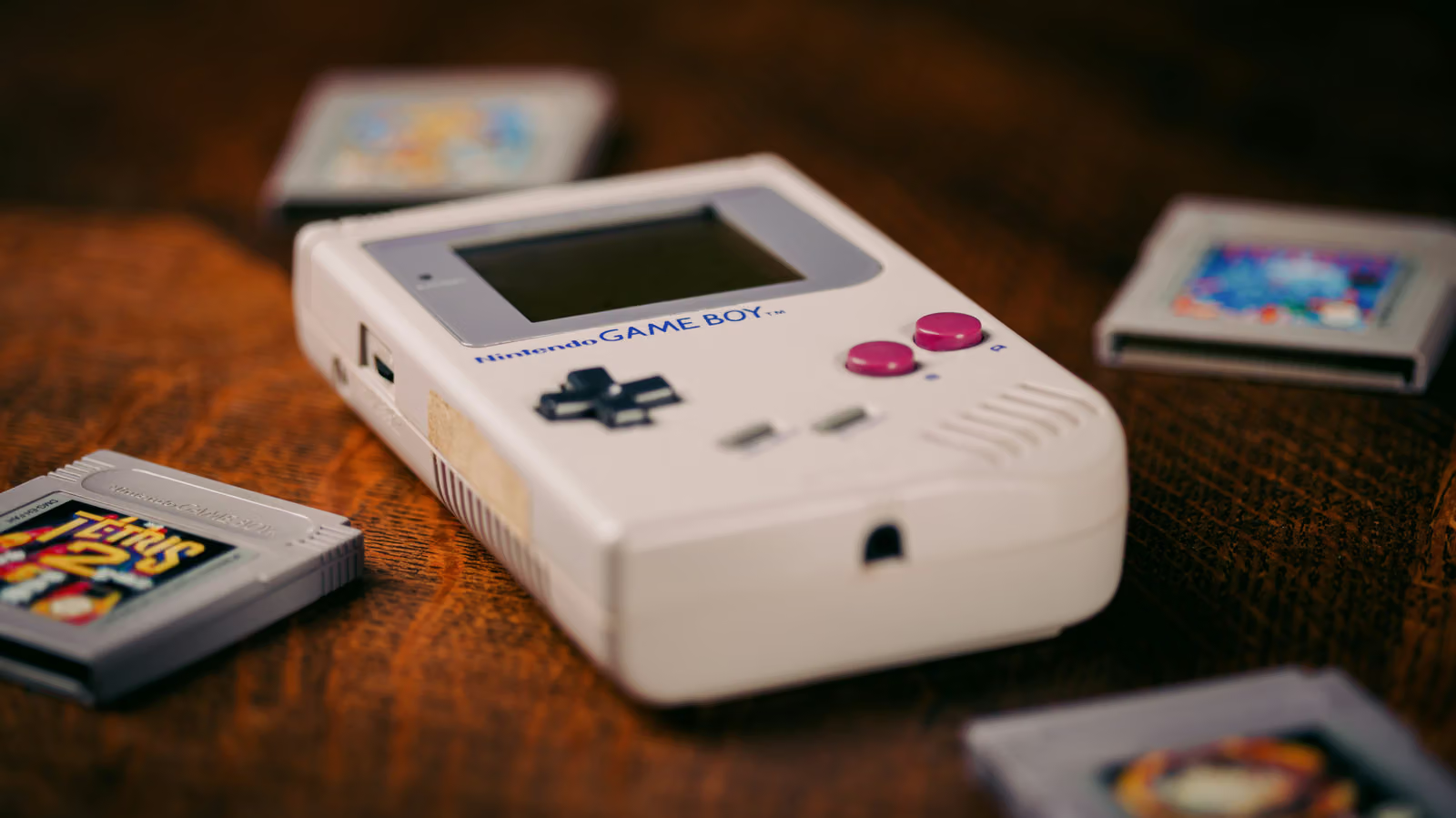
The original Game Boy needs four AA batteries just to power on, and the Game Gear is even worse, demanding six AAs minimum. These handhelds, designed from the late '80s through the early 2000s, were built with zero regard for power efficiency—they followed the disposable alkaline battery mindset: run dry, swap in new ones, repeat until your wallet feels it.
If you've still got an original Game Boy, Game Boy Color, Game Boy Pocket, Game Boy Advance, or a Sega Game Gear or Atari Lynx sitting around, these are exactly the retro handhelds most likely to get abandoned over battery frustrations.
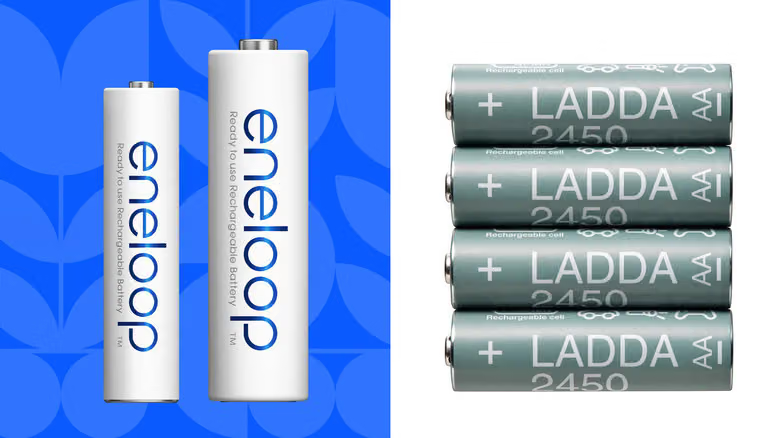
The fix isn't complicated: switch to NiMH rechargeable batteries. Engadget's editorial team specifically calls out Panasonic Eneloop as an office favorite—stable, durable, and capable of holding up through repeated charge cycles. If you're trying to save some cash, IKEA's LADDA line is a commonly cited budget alternative—some suspect it's literally a rebadged Eneloop, though that's never been officially confirmed. Both come in AA and AAA sizes, which covers exactly what these machines need:
The Game Boy takes 4 AA batteries, the Game Boy Color takes 2 AA, the Game Boy Pocket takes 2 AAA, the Game Boy Advance takes 2 AA, and both the Game Gear and Atari Lynx run on 6 AA batteries.
One thing worth flagging: the low-battery indicators on these old machines aren't always reliable when running rechargeables. When that light comes on, it's a good habit to save your progress right away just in case.
The battery quantity advice is straightforward too: keep two full sets on hand—one in the device, one fully charged and ready to swap in—and rotate between them instead of waiting until you're completely dead in the water to scramble for a charge. If your handheld has been modded with a brighter screen, power drain will be faster than stock, so having a third set ready isn't a bad idea. For heavily modded units that are more sensitive to voltage drops and burn through power fast, 1.5V rechargeable lithium batteries might be worth the extra cost over standard NiMH.
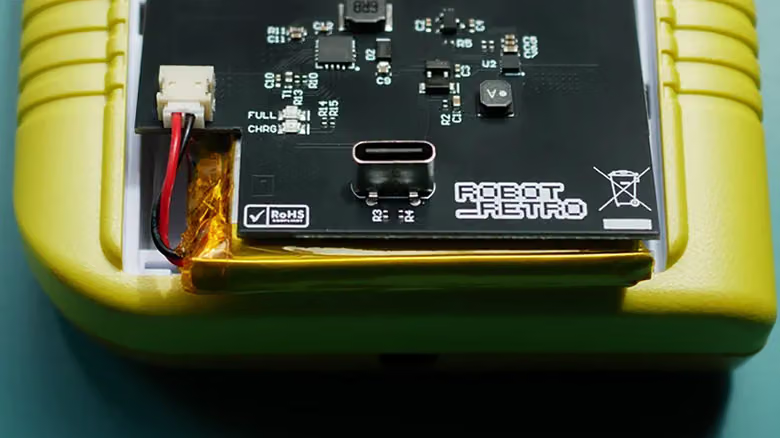
The other route is going straight for a USB-C battery mod kit, which is a popular upgrade path for original Game Boys. Once installed, charging works just like a modern device—plug in a cable and go, no more popping the back cover to swap cells. Some kits are compatible with standard USB-C power banks, though not all of them support charging while you're actively playing.
There's a caveat worth knowing about with these mods, though: some USB-C battery kits don't fully isolate the battery during charging, which can generate extra heat and make playing while charging a riskier proposition. If you're considering this route, dig into other users' real-world experiences first and stick with mod kits that have a solid reputation.