Do You Actually Need Antivirus Software on Android? The Answer Depends on Your Habits
A new analysis from TINDZINE editors finds that most Android users don't need a separate antivirus app, since the built-in Google Play Protect already provides solid protection. But if you sideload apps, use public Wi-Fi, or carry a phone that's out of support, your situation may be different.
A 2025 Gen threat report found that malicious push notifications tripled in just three months. That number sounds alarming, but as TINDZINE editors report, this is exactly the kind of threat antivirus software can't help with—because the problem isn't a virus, it's the "Allow" button you tapped yourself.
That's the core angle of this analysis: the risks facing Android phones are no longer about the old PC-era logic of "getting infected." Google's built-in protections have, to a significant extent, already taken over the job traditional antivirus software used to do.
What Google Play Protect Actually Does
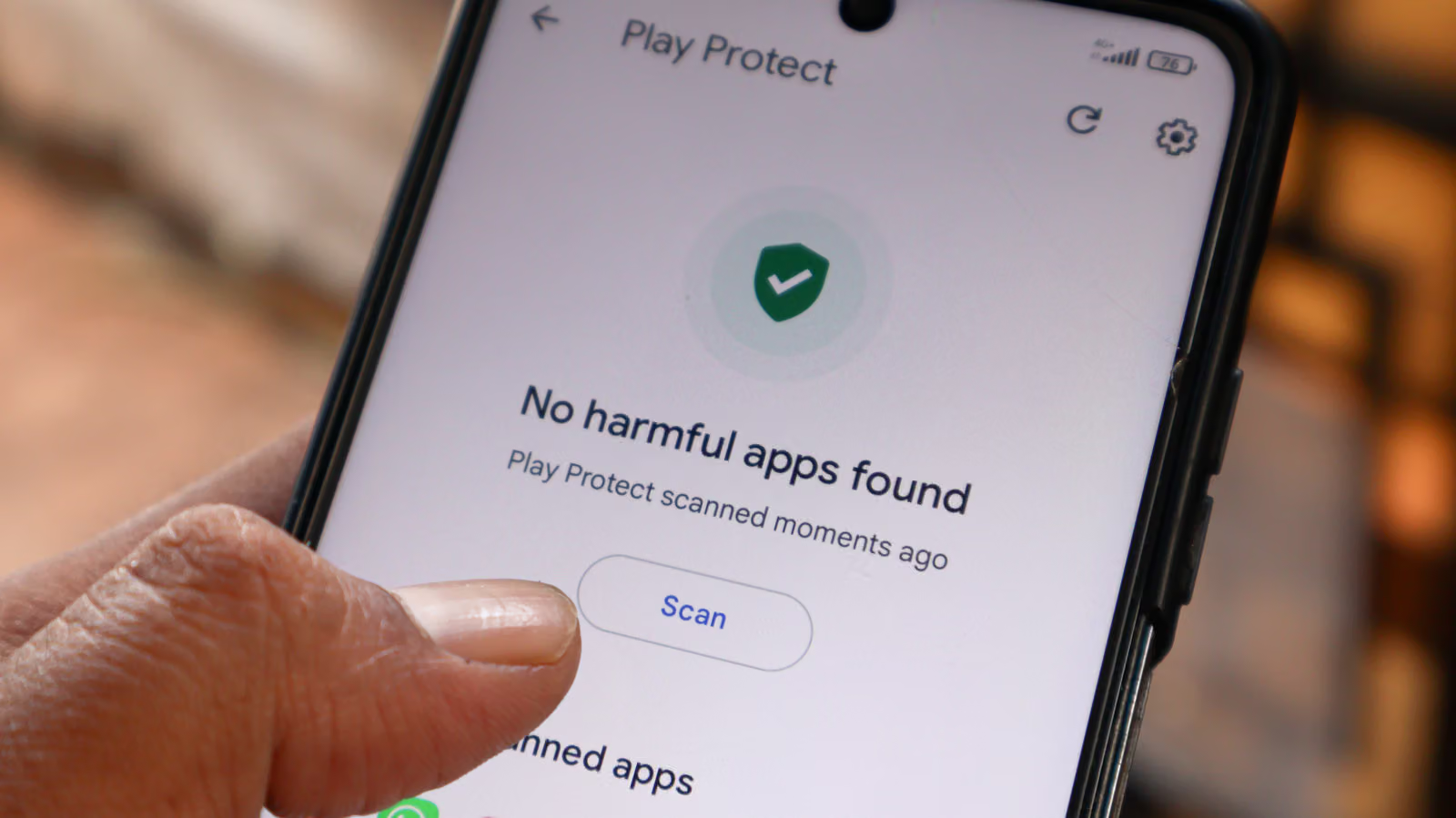
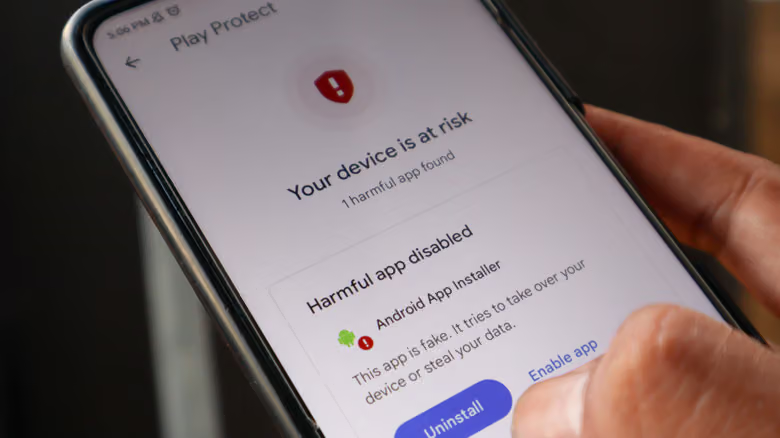
According to data compiled by TINDZINE editors, Google says Play Protect blocked 27 million new malicious apps in 2025 alone. It works by scanning apps both at install time and continuously afterward, automatically disabling or removing an app once it's flagged as risky, based on severity.
Android itself also sandboxes every app, giving each one its own unique security user ID so apps can't access each other's data. On top of that, the system regularly pushes security updates to patch vulnerabilities, and the permissions system is designed to be off by default—users have to actively grant access. Play Protect also flags which apps are requesting sensitive data and automatically resets permissions for apps you haven't used in a while.
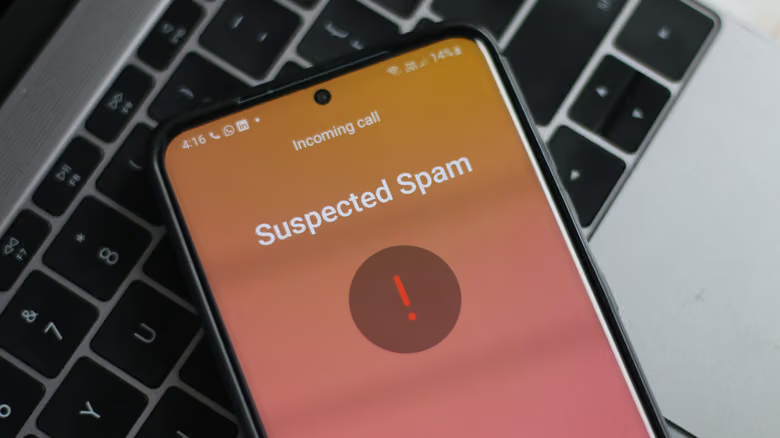
Google is also rolling out AI-powered protections, including a caller ID feature in development to block high-risk calls—like scammers impersonating banks—as well as expanded real-time threat detection for spotting abnormal app behavior, such as texts being secretly forwarded to another number. Google has also tightened its sideloading policy: going forward, only "experienced users" will be able to bypass Play Store protections to install apps, and doing so will require a 24-hour cooling-off period, with developers also needing to pass identity verification.
The Risks Antivirus Software Can't Stop Are the Ones That Matter Most
TINDZINE editors' analysis points out that the biggest threat to Android users these days usually isn't a virus file that antivirus software can catch—it's social engineering: fake texts and phone calls that trick users into handing over their own passwords or personal information. Android's AI-based call protection is still in development and hasn't launched yet.
Connecting to public Wi-Fi is another common risk, especially without a VPN—attackers on the same network can intercept unencrypted data or hijack your connection to redirect you to fake sites. Those malicious push notifications typically start after a user mistakenly taps "Allow" on a fake website, after which they get flooded with messages disguised as system warnings—the report specifically notes that some notifications even ironically claim "you've already been infected."
The piece also notes that the U.S. TSA has previously warned about the dangers of open Wi-Fi, especially in crowded places like airports and hotel lobbies.
When Antivirus Software Actually Comes in Handy
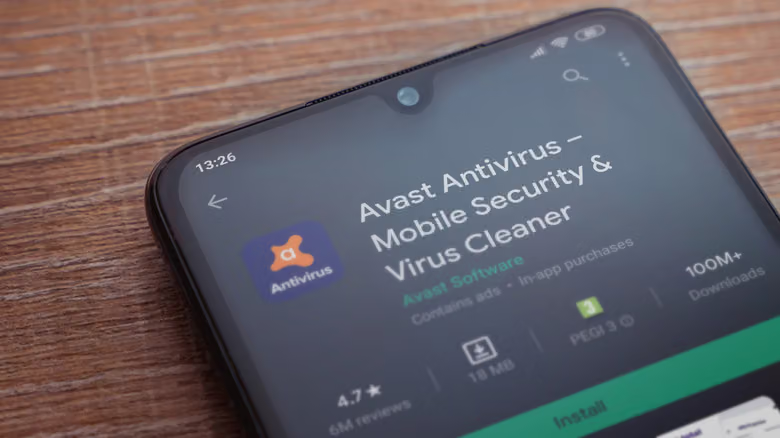
TINDZINE editors list a few exceptions. For users who frequently connect to public Wi-Fi, a VPN is still the more direct defense, but an antivirus app can still help check downloaded files for malware after the fact. Frequent sideloaders are another group—Play Protect does scan apps from outside the Play Store, but only if the user hasn't disabled the feature and the device has Google Play services; Google's enhanced sideloading protection is currently limited to certified devices anyway.
If your phone is already showing signs like frequent pop-ups, slower performance, odd permission requests, or unusual battery drain, running a confirmation scan with an antivirus app is reasonable, even though these symptoms don't necessarily mean you're infected. Older Android phones that no longer receive system or security updates also carry higher risk—an antivirus app can't replace official updates, but it can at least offer a layer of protection against known vulnerabilities that are actively being exploited.
TINDZINE editors' conclusion: for most users, Google Play Protect plus a VPN is already enough. Android's app isolation and default-off permissions design give users a fair amount of control on their own. The defense really worth focusing on is developing the habit of spotting suspicious calls and messages—that's a far closer match to where the real risk actually comes from than any antivirus software.