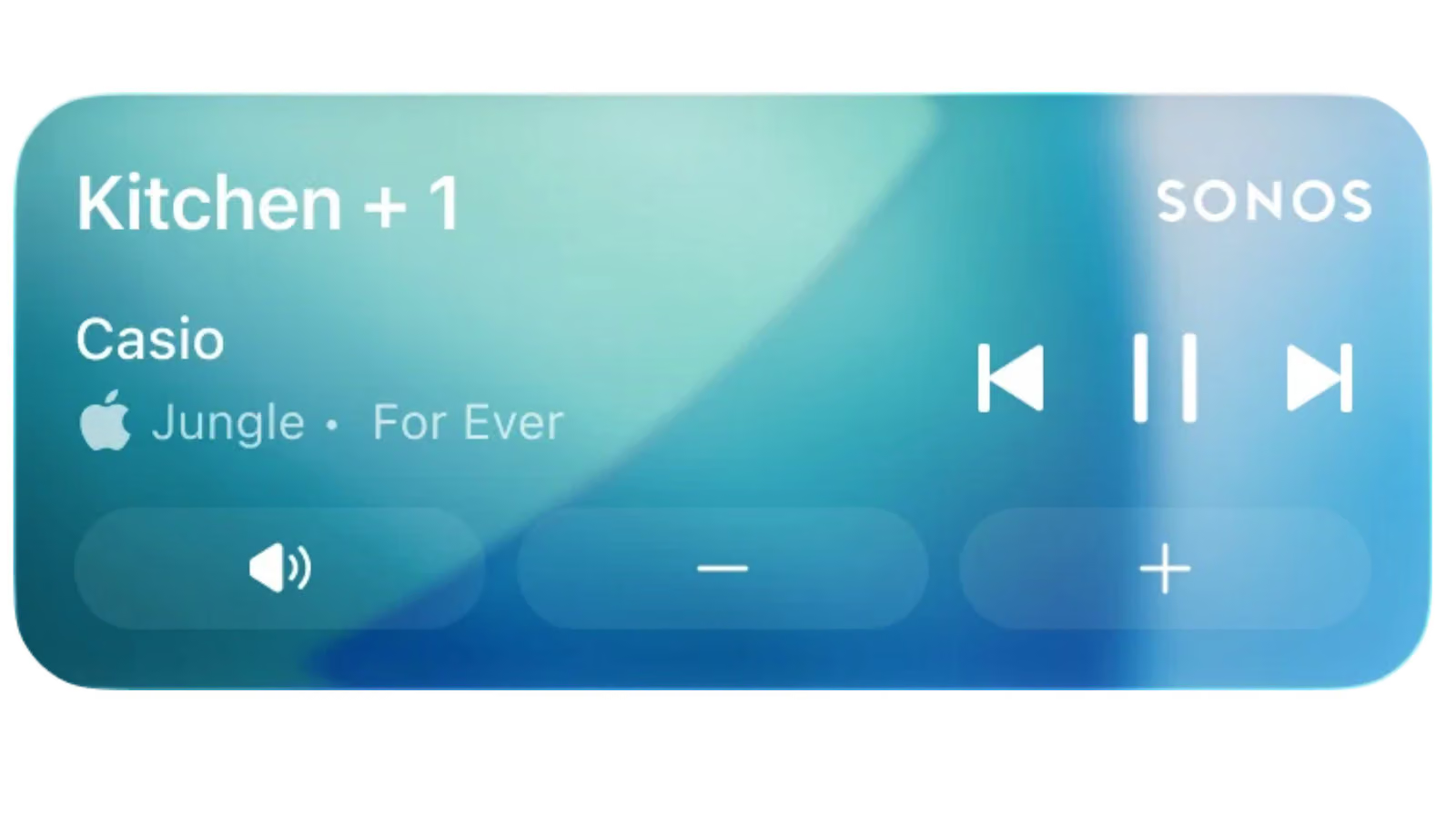
This isn't a new feature — it's a "getting it back" moment. Sonos's latest app update uses Apple's Live Activities notification system to restore speaker playback controls to the iPhone lock screen. The company itself describes it as "a highly requested, long-awaited, and necessary feature," an unusually candid admission given that they used to have this exact thing, then lost it.
Once enabled, the lock screen shows what's currently playing, and users can adjust volume or skip tracks — but only after the phone has been unlocked via Face ID or passcode. Once playback stops, the Live Activity automatically disappears from the lock screen after 15 minutes.
There are two obvious gaps. First, this integration doesn't support showing album art on the lock screen — Sonos says it's "exploring other ways to enhance the experience," but offered no timeline. Second, while the feature does show up on CarPlay and Apple Watch, "playback controls aren't supported there yet," meaning users on those devices can only see what's playing, not actually control it.