That tiny Dolby Vision logo on the title list looks like a free picture-quality upgrade, but it's actually a chain that requires clearing multiple hurdles. According to tech outlet Engadget, the first gate alone already shuts out most subscribers: only the Premium plan at $26.99 a month unlocks the highest picture quality, and no amount of settings-tweaking on lower tiers will get you there.
Dolby Vision, launched by Dolby Laboratories in 2014, has become standard equipment on many TVs, home theater setups, laptops, and game consoles over the past few years. Beyond its existing HDR10 and Dolby Vision support, Netflix also added HDR10+ streaming in March 2025. These technologies give the picture greater depth, better contrast, and richer color—the difference being that Dolby Vision and HDR10+ include dynamic metadata that can adjust HDR effects scene-by-scene or even frame-by-frame. The report specifically points out that this is why Vecna's dark alternate dimension in Stranger Things and Bridgerton's vibrant costumes and sets can each maintain their proper sense of depth, instead of being forced through the same one-size-fits-all HDR treatment.
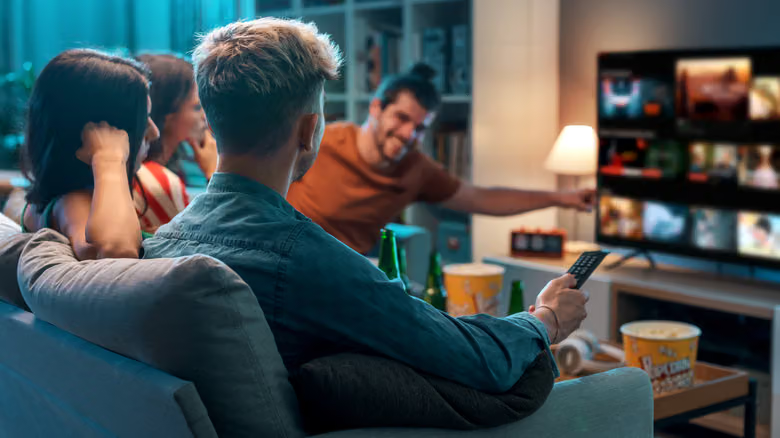
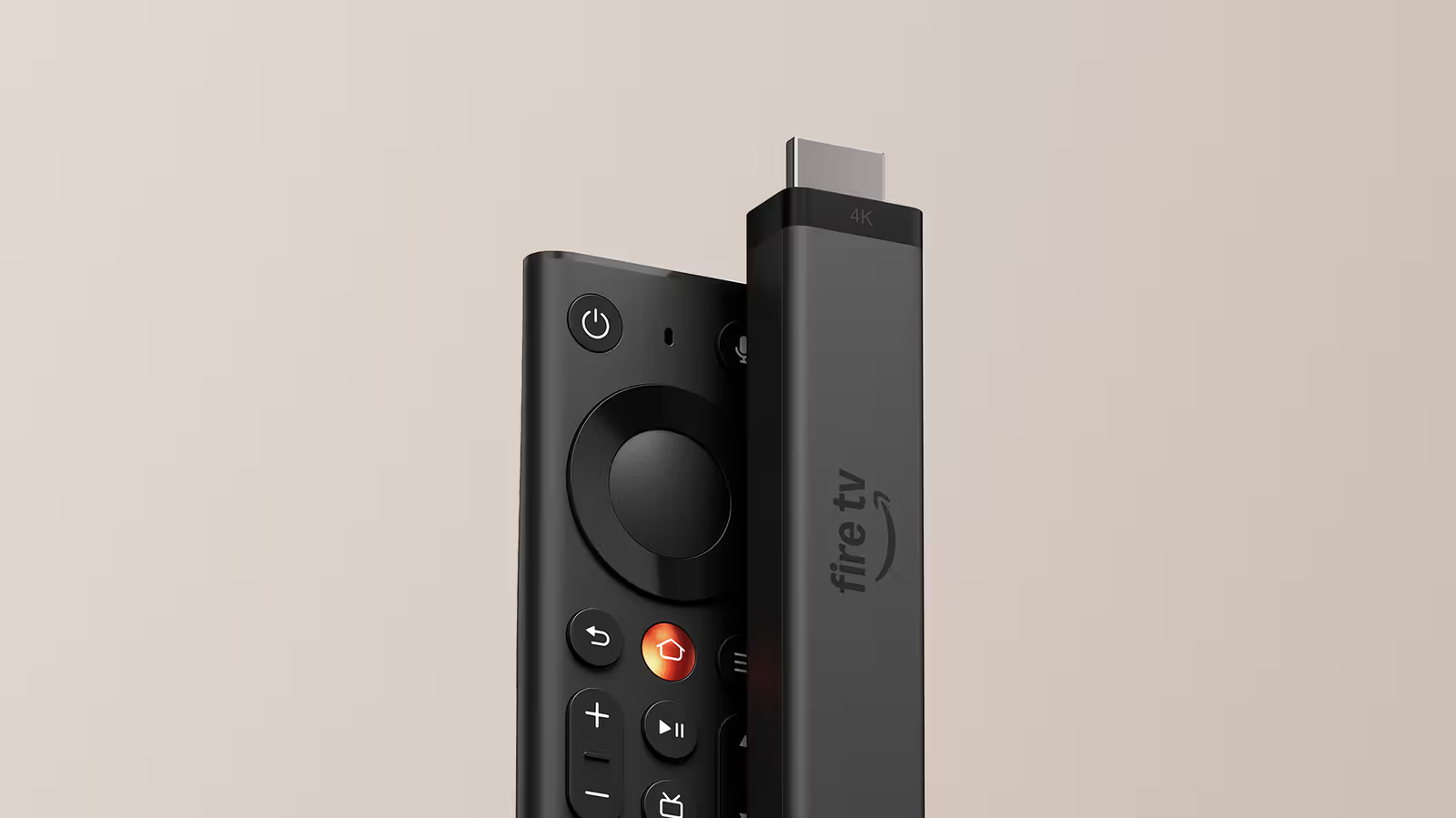
A Premium subscription alone isn't enough. Your screen needs to support Dolby Vision and have the feature turned on—brands like LG, Sony, TCL, and Amazon Fire TV all have relevant models. Without a smart TV, you can still get there with a streaming box, game console, a Windows PC using Chrome or Edge, or a Mac using Safari. Cables have their own requirements too: you need a high-quality HDMI cable that supports the HDCP 2.2 spec. If you're casting from your phone to a bigger screen, Chromecast can technically do it, but the report suggests a wired connection or using the smart TV's built-in app for more stable results. Soundbar fans should also take note—brands like Bose, Sony, Denon, and Hisense offer models with Dolby Vision passthrough support.