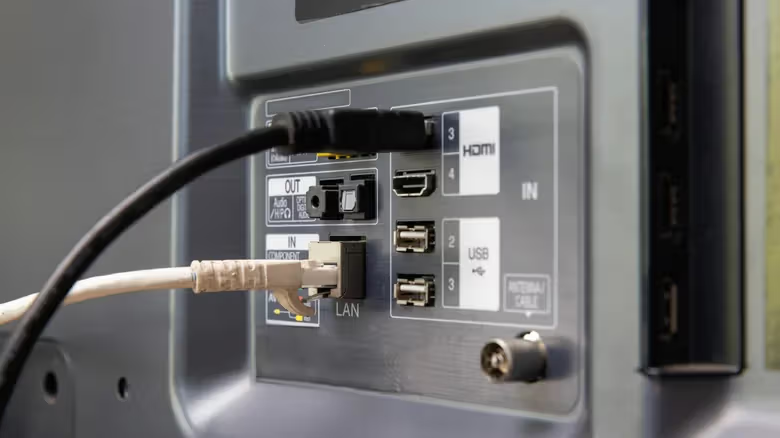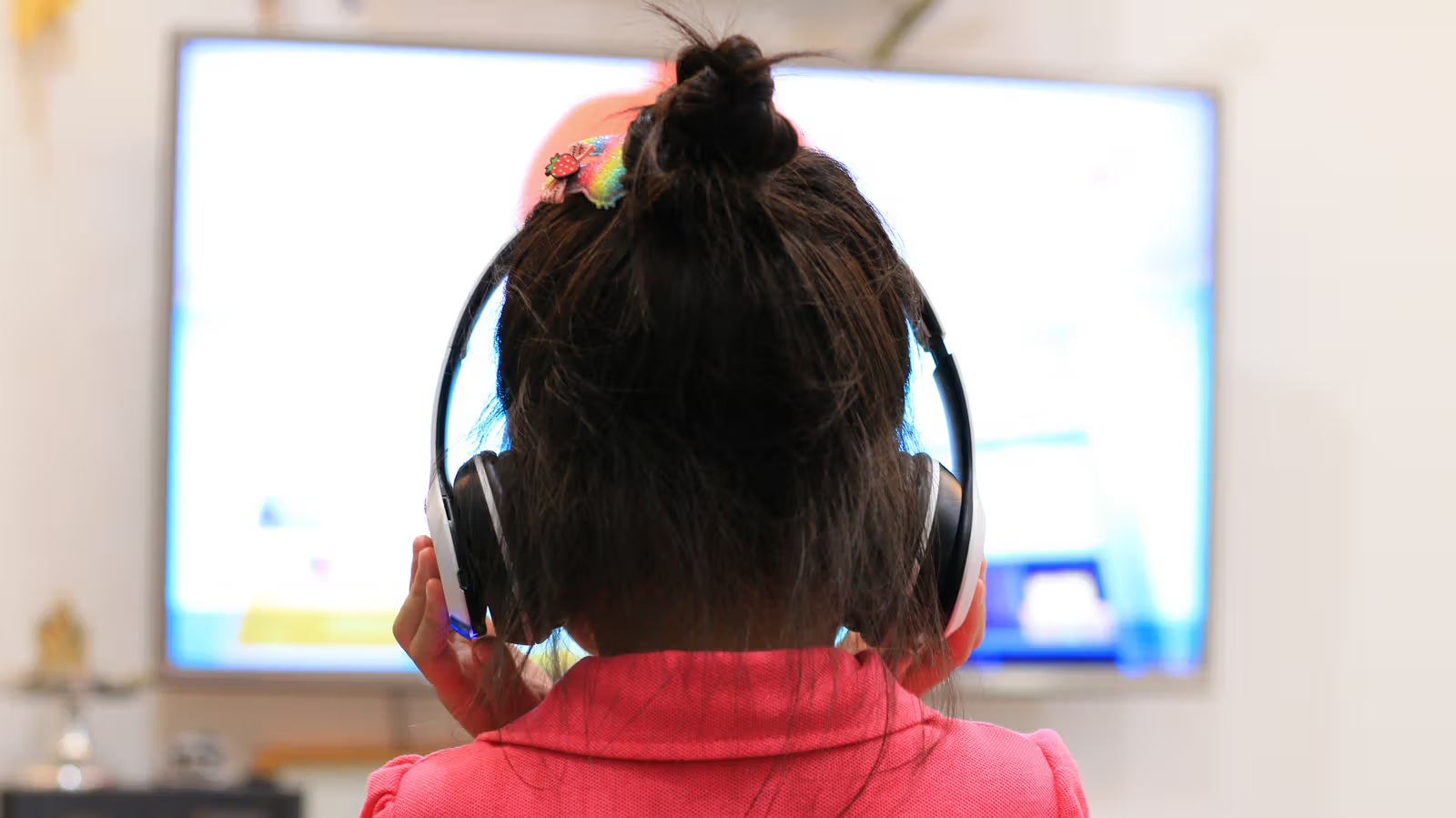
Binge-watching late at night without waking up your family sounds great—until you realize your TV's menu doesn't even have a Bluetooth option. This is a common headache for owners of older TVs. Most TVs made in the past decade come with built-in Bluetooth, usually found under settings like "Connections" or "Wireless Devices." But if your TV really doesn't have it, there are still two ways to get around this.
The first option is to use a streaming device to add Bluetooth functionality. Mainstream streaming sticks like Apple TV, Roku, and Fire TV Stick all come with built-in Bluetooth, letting you directly connect wireless headphones or a Bluetooth keyboard. The Roku Streaming Stick HD, priced at $30, is a relatively affordable choice in this category—besides adding Bluetooth, it also gives your TV a fresh new interface.
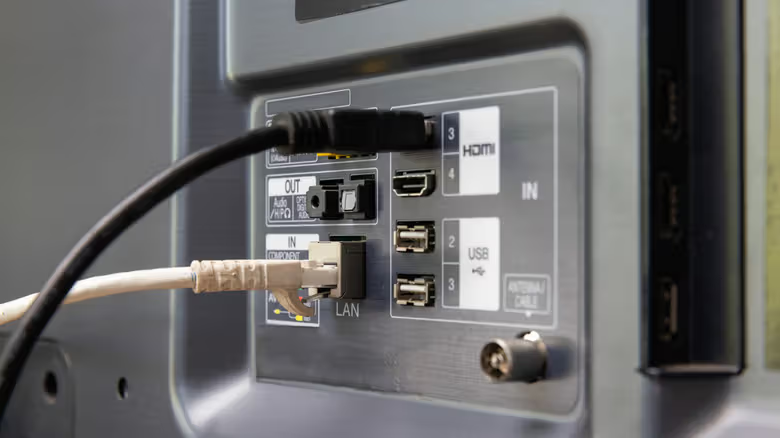
That said, this method has a clear limitation: Bluetooth accessories only work when the TV is switched to that streaming device's input source. Switch to another source, and the audio automatically reverts to the TV's built-in speakers—meaning Bluetooth functionality is tied to a single input.