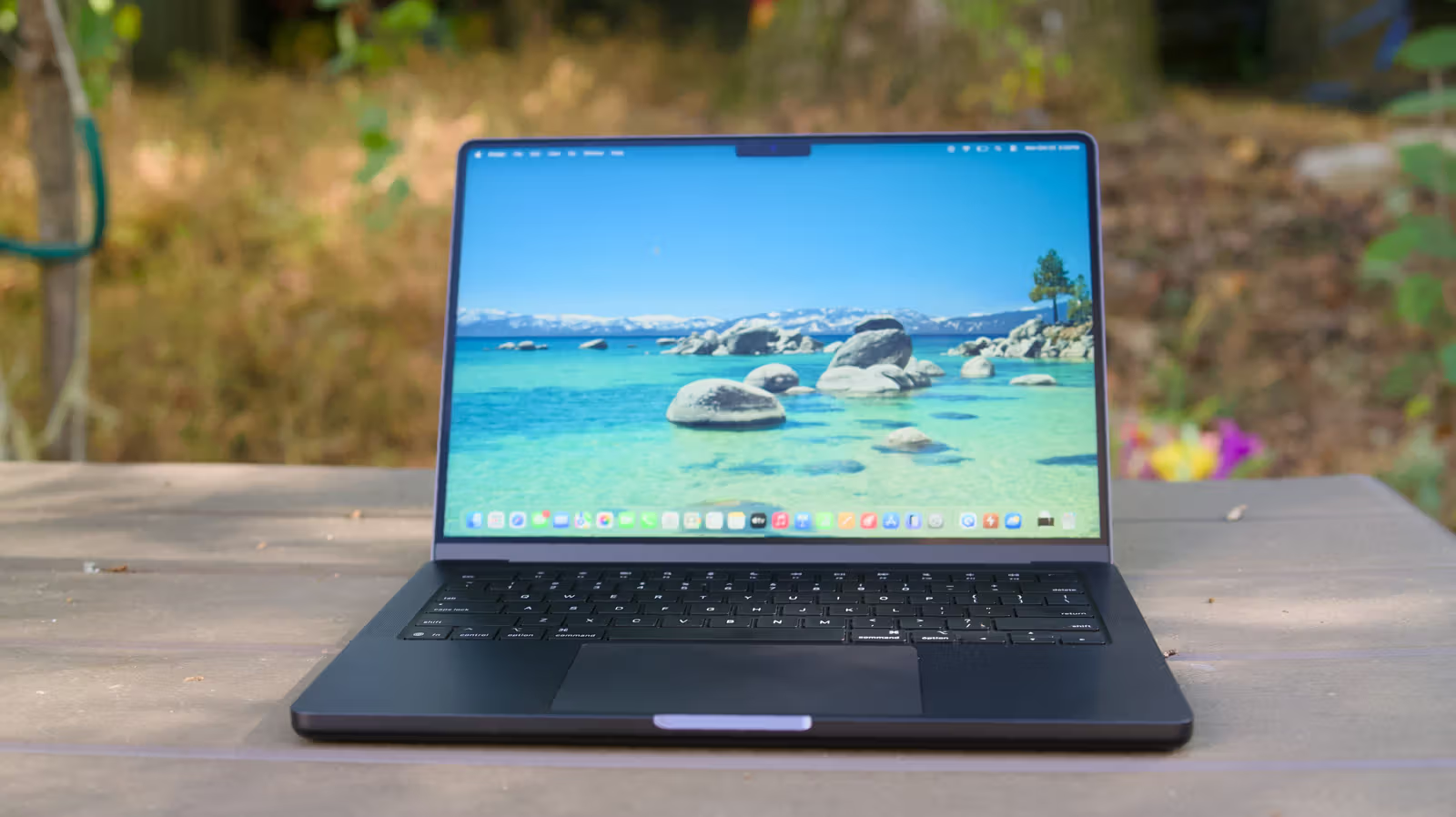
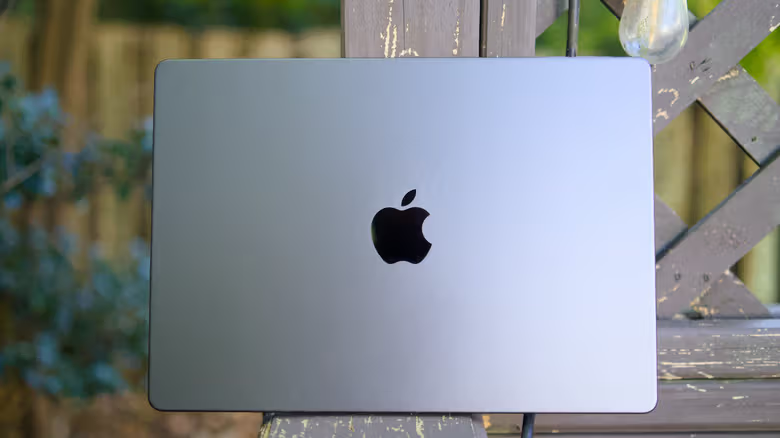
Devindra Hardawar wrote an article in Engadget last year, and the conclusion is straightforward: now is a good time to switch from Windows to Mac. Macs generally perform better than similarly priced Windows laptops, are more durable, and have battery life that lives up to Apple's claims. But this time he went back and filled in the other half of the answers—those areas that no one warned in advance but would get newbies stuck. He stresses that none of them are true dealbreakers, but you should know that before you commit.
The first stuck point is the right click. The Mac trackpad does not have a native right-click, so you have to click with two fingers at the same time, or hold down the Control key to click to bring up the menu. The design harkens back to the days when Apple mice had a single button. Former Apple designer Abraham Farag mentioned in an interview with Cult of Mac in 2014 that Jobs resisted multi-button mice because he believed that insisting on single buttons would force interface designers to make cleaner things: "He felt that users were finally ready to accept interfaces with contextual menus and multiple buttons doing different things. But he would not accept a mouse that looked the same as everyone else." If you connect a traditional two-button mouse, you can still use Windows. But if you are a laptop user, Hardawar suggests that it would be easier to simply learn Apple’s gestures.
The Dock won't tell you which window is open
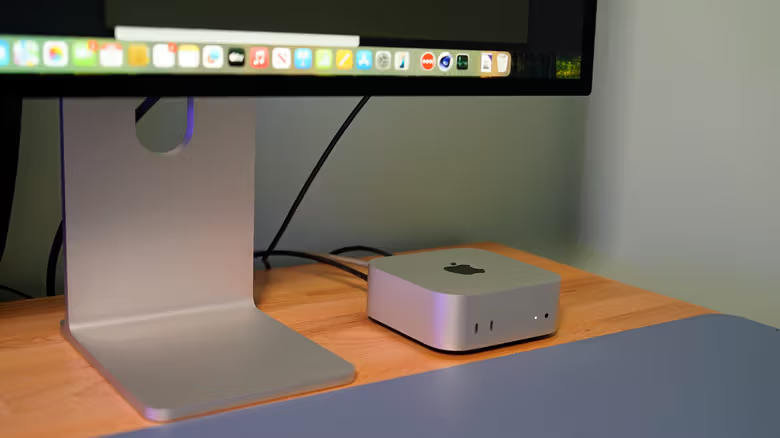
The macOS Dock only displays the apps you are currently opening. It does not list each independent window like the Windows taskbar. You have to click it again to see it. Hardawar's solution is to open the "hot corner" (path: System Settings ” Desktop and Dock ” Hot Corner), drag the mouse to the corner of the screen to bring up all windows, the windows of a single app, or the desktop. He himself described this feature as inseparable from the days when it was still called Expose. Stage Manager can also help, but it is only used when you need to switch between research materials and files at the same time. Another area that easily confuses newbies is installing software: Mac programs outside the App Store often have to manually drag the icon into the Applications folder, instead of running the automatic installation wizard like Windows.