Silent your phone but also silenced your alarm clock? These Android settings should be checked first
Turning the volume on your phone all the way down is very therapeutic, but the cost may be that the alarm clock doesn't go off the next day. There are several volume and power-saving settings hidden in the Android system that are easily overlooked. After adjustment, incoming calls can be silenced and the alarm clock can sound at full volume as usual.
Pressing the volume button on your phone all the way to turn off incoming calls, meeting reminders, and all distractions is a common ritual after get off work. The problem is that on some Android devices, this "silence the world" action will silence the alarm clock the next morning as well, which is the most unromantic way to find that you overslept and missed the meeting.
The Android ecosystem consists of different brands, with different interfaces and menu locations. There is no single standard approach, but several troubleshooting paths are common.
First look at the expandable volume menu, then enter system settings
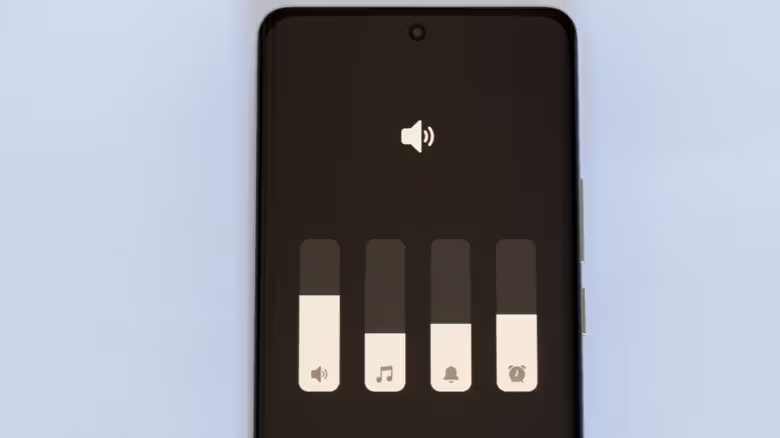
Press any volume button to bring up the volume bar, and click the three dots in the upper right corner to expand the menu, which usually lists volume sliders for media, ringtones, notifications, etc. If there is already an "Alarm Clock" option, just drag it to the desired volume.
If you don’t see the alarm slider in the expanded menu, go to the Settings app, click "Sounds & Vibration" and then "Volume". There will be four independent sliders for media, ringtones, notifications, and alarm clocks. Adjust the alarm clock slider in place. The menu names and steps of different models may be slightly different.
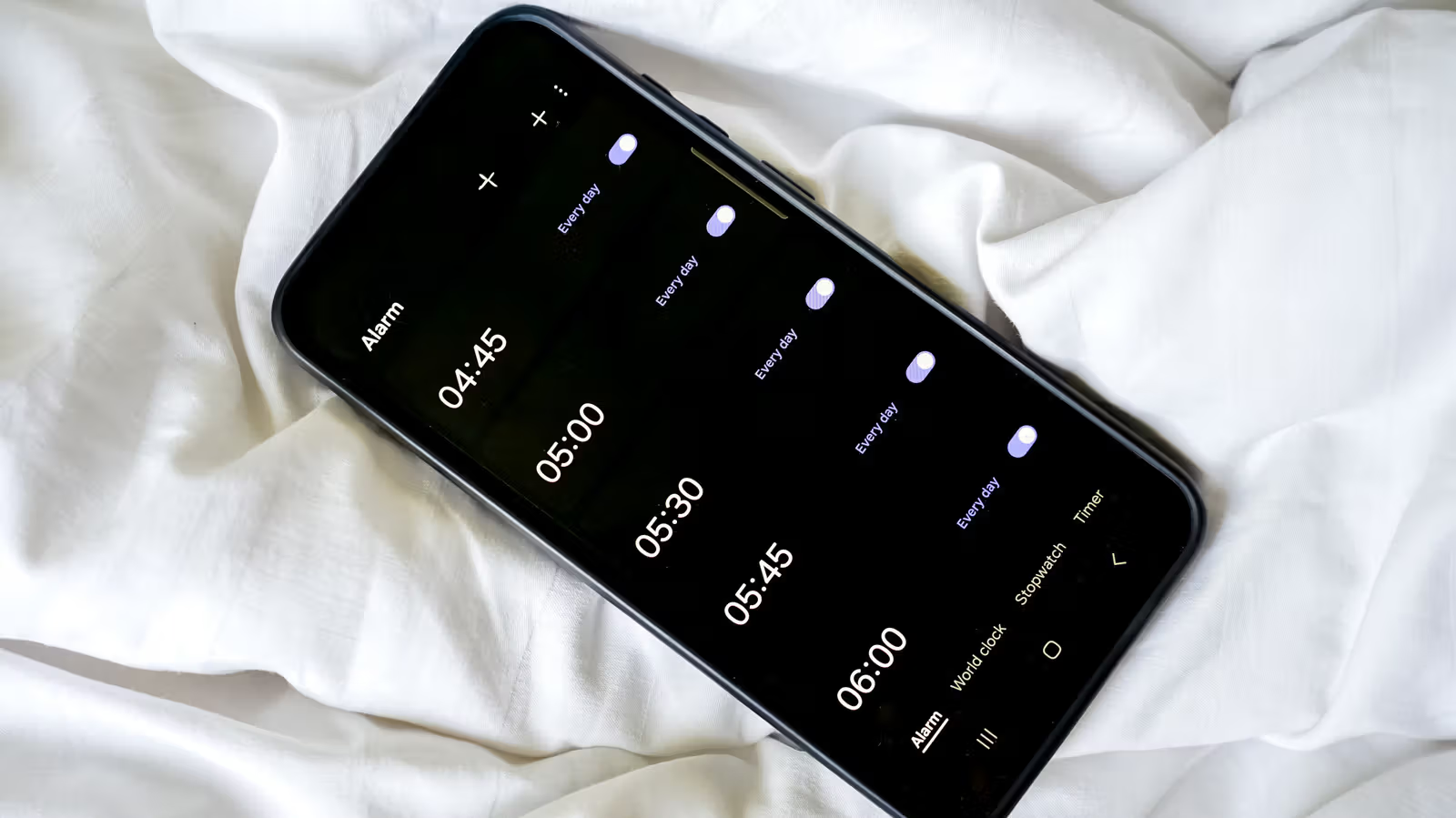
A little tip for people who use Samsung phones: If you don’t want to go to the Alarm Clock App to set it up, you can first set a short timer in the Alarm Clock App. When it sounds, press the volume button to open the expanded menu. At this time, the system will automatically add the alarm clock slider to the menu, and you can adjust it directly from the volume bar at any time.
Finally, don’t miss the “Do Not Disturb” setting. Also find the zero-disturb option in the settings and confirm that "Alarm Clock" is listed as allowed exceptions. Otherwise, even if the volume is adjusted correctly, the alarm clock will still be muted when the zero-disturb mode is turned on.
Even if the volume is adjusted and there is still no sound, the problem may be Bluetooth or the power saving mechanism.
After checking the above volume and zero disturbance, the alarm clock still does not respond. The common hidden reason is Bluetooth audio routing: if the phone is currently connected to a Bluetooth headset or car speaker, the alarm sound may be directed to that device for playback, instead of the phone's speaker.
Another area that is easily overlooked, especially if you use a third-party alarm clock app, is the battery optimization setting. Go to settings to confirm whether the alarm clock or clock app has been classified as "sleep" or restricted background activities by the system. If so, exclude it from the restricted list and change it to unrestricted or optimized background permissions.
If you usually use a third-party alarm clock app, make sure it has been set as the default alarm clock app. Otherwise, the system will still execute the schedule in the built-in clock app, and the previously set alarm clock will be useless and will not sound at all.