Android Auto can’t connect to the car? Troubleshoot the cables first, then talk about reset and cache
Android Auto still won’t pop up on your phone screen before driving? In most cases, it's not that the system is broken, but that the connection is incorrect. From cables and wireless settings to cache clearing, here is a sequence of checks that can actually solve the problem.
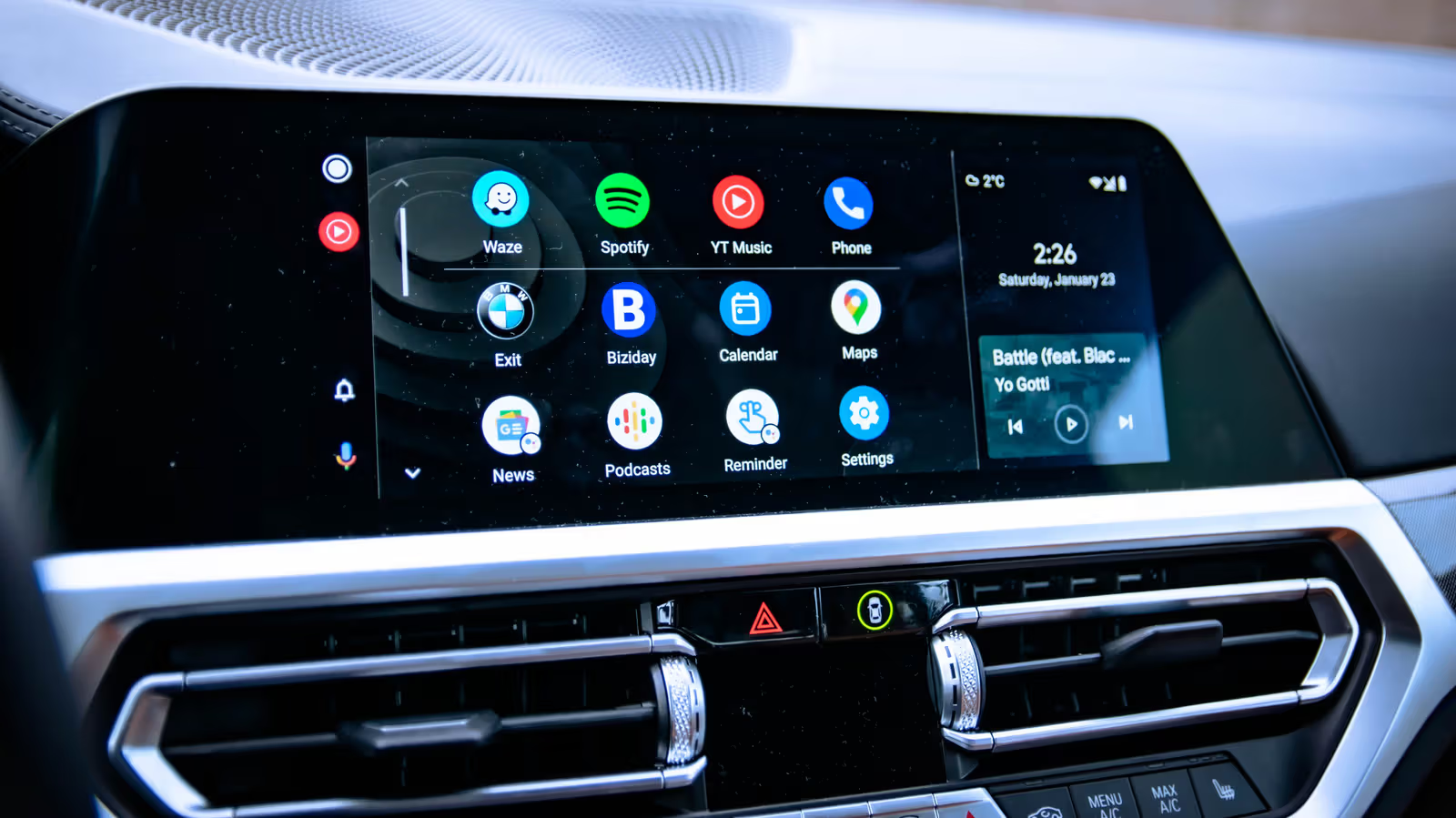
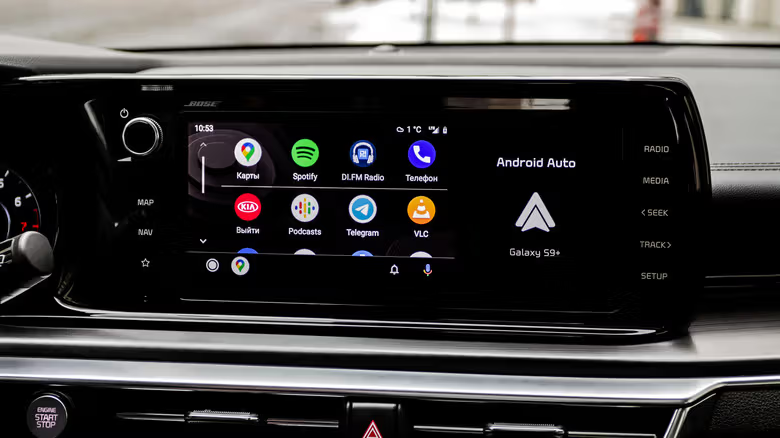
The screen on the dashboard that should display maps and messages only displays the mobile phone manufacturer's logo - this is the most common dilemma encountered by Android Auto users. Most of the time, the problem is not with the system itself, but with the invisible connection between the mobile phone and the car, whether it is the physical transmission line or the handshake process between Bluetooth and Wi-Fi.
The good news is that this kind of problem usually does not require refilling or sending for repair. You can find the crux of the problem by following the order of troubleshooting.
Check the connection first: for wired devices, check the cables; for wireless devices, check the Bluetooth and Wi-Fi
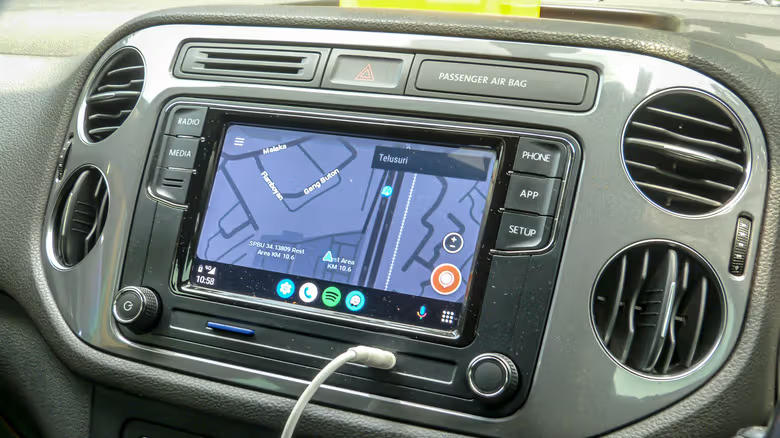
People who use transmission lines to connect should first confirm that there is no trauma to the wire itself and that the plug is inserted all the way. Even if the appearance is intact, the hole or the inside of the cable may be damaged. In this case, it is most straightforward to change the USB port or directly change the cable to test. It should be noted that cheap cables used for charging may not necessarily support data transmission. Android Auto requires a cable that can transmit data. Google's official guidelines recommend that the length of the transmission line be controlled within six feet, and extension cords should be avoided as much as possible.
For those using wireless connections, first make sure that both Bluetooth and Wi-Fi on your phone are turned on. If both are on and appear to be paired, you might as well manually disconnect and force the phone to shake hands with the car again. At the same time, you must also make sure that the car is parked in the correct menu or screen before it can be detected by the mobile phone. If you suspect that the problem is with the car, try using a spare Android phone to rule out whether it is caused by the mobile phone.
Restart, remove, re-pair: Clear old settings in three steps
If the cable and connection settings are confirmed to be OK, you can try restarting the phone, removing the existing connection, and pairing again. Restarting can clear stuck background programs in the phone's memory; then go to "Connected Devices" in the settings, find Android Auto, click on your car model, select "Forget", delete the old pairing record entirely, and then use "Connect Vehicle" to re-establish the connection. Also make sure the car terminal is parked on the correct menu.
While re-pairing, you can also check the settings of Android Auto, such as whether to start automatically and whether to allow connections when the screen is locked. You can adjust this part according to your personal privacy habits.
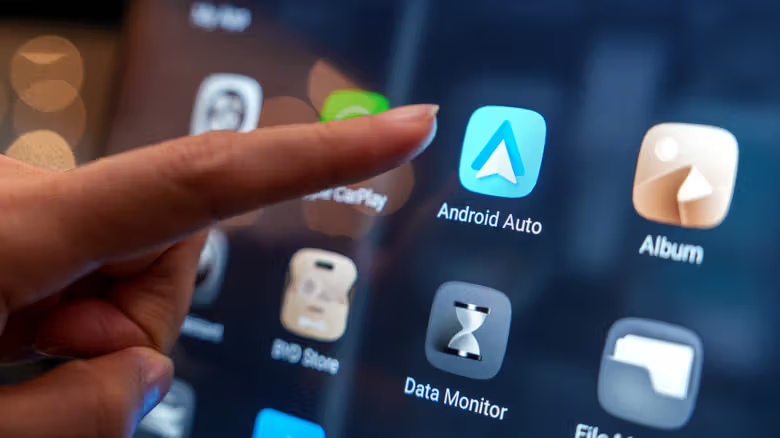
If the problem persists, it’s time to clear the Android Auto App cache. The path is usually "Applications" in settings. After finding Android Auto, click Force Stop, then go to "Storage Space" to clear the cache. If you want to start over completely, you can also clear the data and then reset the connection.
Still not working? Check for updates and switch connection methods, VPN may also be the killer
If the problem is still not resolved after clearing the cache, first make sure that the mobile phone system and Google Play services are updated to the latest version. Then you can deliberately switch the connection method to test, originally using wireless to wired, and vice versa. If the other method can operate normally, it means that the problem lies in one of the connections itself, not the overall failure of Android Auto. Some car models only support wired connections. In this case, there are also third-party wireless adapters on the market that can bypass the restrictions.
The permission settings are also worth checking back. For example, you need to read contacts to make calls or send messages. These permissions are opened in the permission menu of the application. In addition, if a VPN is turned on on the phone, it may also interfere with the connection between the phone and the car. If a VPN is necessary, you can set a split channel in the VPN App to allow Android Auto traffic to bypass the VPN. The power-saving mode of the mobile phone is also a variable that is often ignored, and it is recommended to exclude it altogether. Finally, if all methods have been tried and still don't work, testing with another mobile phone can help you confirm whether the problem is with the mobile phone or the car. Don't forget to go back and confirm that your car model supports Android Auto.