That old Android in the drawer can actually fix your home’s Wi-Fi dead spots
There is no need to spend money on extenders. A fully charged old Android phone can use the built-in hotspot function to send more signals to the corner of the room that can never be connected.
That old Android that's been shoved into a drawer, with a few scratches on the screen, usually has only two endings: take it for recycling, or continue to collect dust. However, Engadget reported that this type of mobile phone, which is "too old to be used as a main phone and too useful to throw away," can actually be used to solve the problem of dead spots in Wi-Fi signals at home, without having to install any apps or meet any technical requirements.
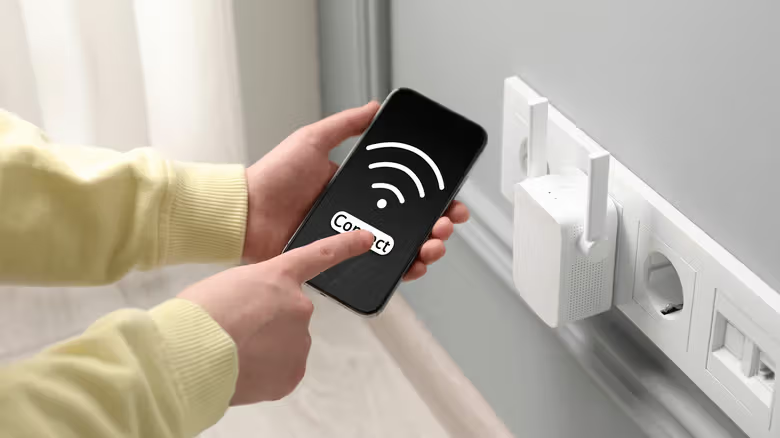
The method is simple: connect your old phone to the existing Wi-Fi at home, and then rely on the built-in hotspot function to relay the signal, turning it into an independent small network. Other devices can connect to the hotspot of this phone to access the Internet. The report described this process as signal relay - the mobile phone receives Wi-Fi from the router and then passes it intact to nearby laptops, tablets or smart TVs that need the signal. This is not a mesh system, and the effect is not as good as mesh, but it is sufficient as a free emergency solution in weak signal areas.
In comparison, the price of commercially available Wi-Fi extenders is around $50 depending on the model, and upgrading the mesh system or getting a new router is even more expensive. Putting an old mobile phone on it is equivalent to squeezing out a little more residual value from the device that was originally going to be thrown away.
Setting steps: from connecting to the network to setting the position
The entire process only takes a few minutes. First make sure that the old phone is fully charged and the system is updated to the latest version, then follow the following sequence:
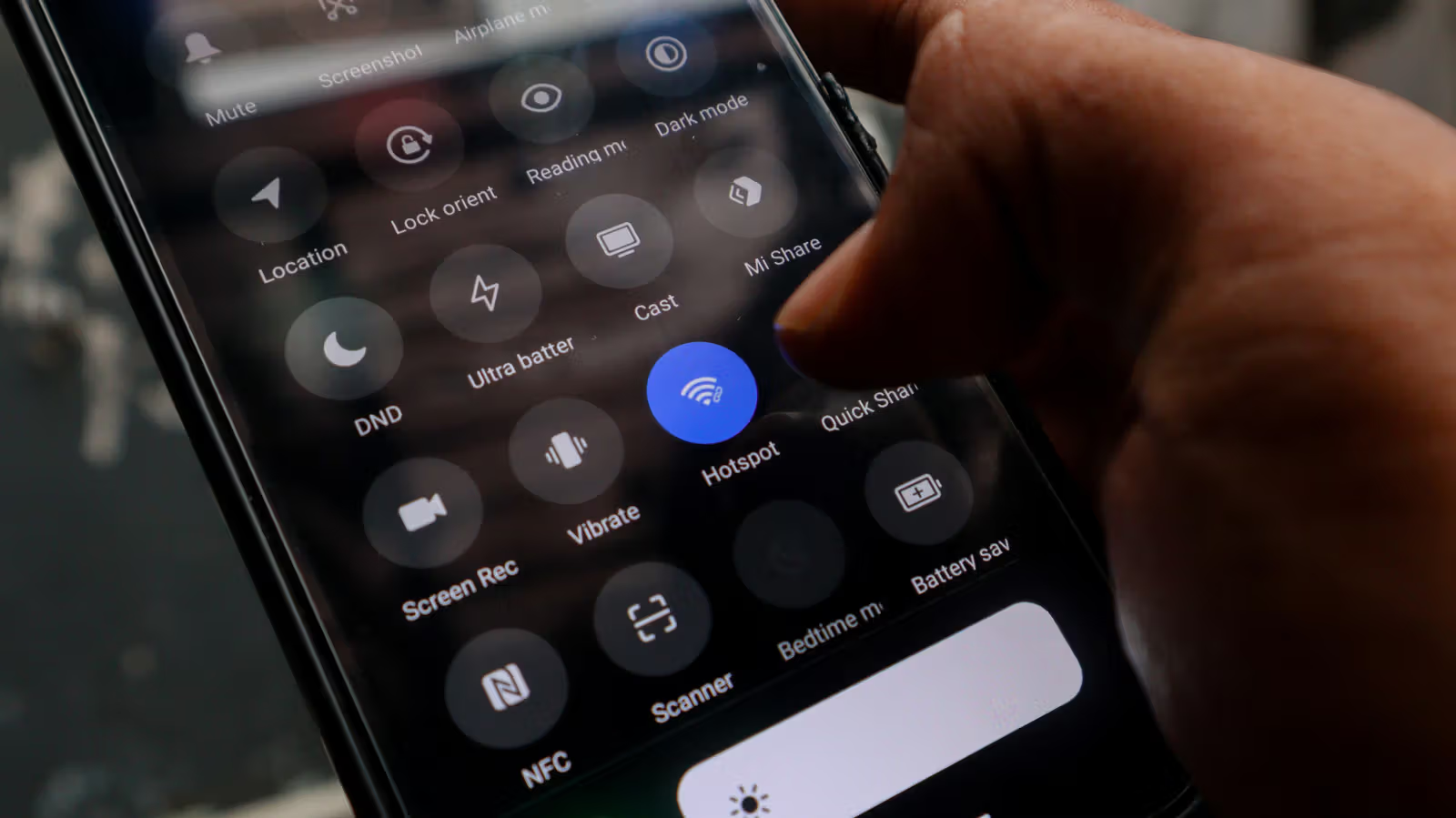
Open Settings, go to "Network & Internet" ” "Internet", select your home Wi-Fi network and enter the password to connect. Then go to "Settings" ” "Hotspot and Network Sharing" to turn on the Wi-Fi hotspot function, or you can quickly switch directly from the hotspot icon in the drop-down menu. Click on the hotspot settings and change the network name and password to a combination that is easy to remember and strong enough. If your phone supports it, you can select 5GHz in the frequency band option. The signal quality will be better for nearby devices, but the coverage will be shorter than 2.4GHz.
It is recommended to place it at the midpoint between the router and the dead spot of the signal, and close to the socket - the battery performance of old mobile phones is inherently unreliable. Continuously turning on the hotspot will cause the battery to drain quickly, so it is safer to use it plugged in.
it doesn't solve anything
This approach has a clear ceiling. Mobile phones extend the existing Wi-Fi signal range and will not make the network speed faster; if the network at home is already slow, turning on a hotspot will not save it. Any commercially available extender or mesh node will outperform this solution.
Another thing to keep in mind is the compatibility of smart home devices. Dedicated extenders usually support smart home ecosystems and seamless roaming, but mobile hotspots will establish an independent network, and some smart devices may not be able to connect stably, and you have to manually switch connections when moving around the home, without automatic roaming.
Whether you should use it or not depends on whether you are willing to spend money to invest in a home network. If you just want to solve the signal dead zone in a single room and you happen to have an old idle mobile phone on hand, this is a stop-gap solution that costs nothing and can be used in a few minutes. But if you want more stable range and performance, you still have to go back and consider regular extenders, mesh nodes, or get a new router.