Here's a detail that's easy to miss: Claude's voice mode operates on a "turn-based" system—you finish your sentence, then it starts thinking about how to respond. That's completely different from OpenAI's recent overhaul of ChatGPT's voice, which moved to a "duplex" architecture. The GPT-Live lineup can listen while simultaneously generating a response, letting it interrupt or talk over you just like a real conversation. Claude doesn't do that. It waits patiently for you to pause, then reacts. Anthropic itself acknowledges this limitation, advising users to ask multiple questions one at a time rather than cramming three questions into a single breath, since the system tends to misread a pause for breath as the end of a sentence.
This architectural difference shapes how you should actually use Claude's voice mode to get the most out of it.
How to Turn It On and Pick a Model
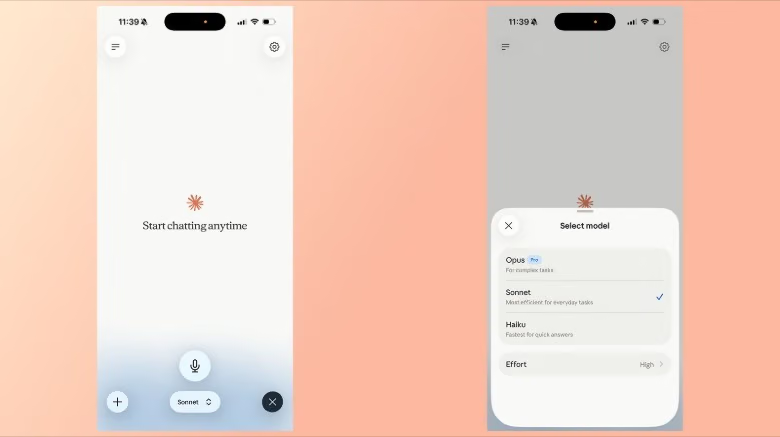
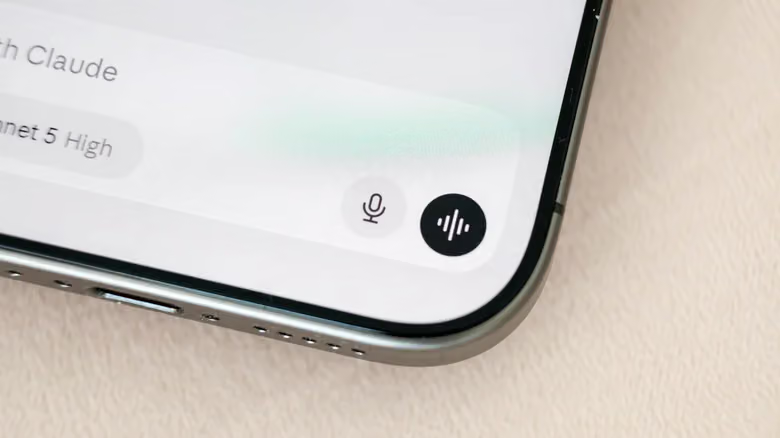
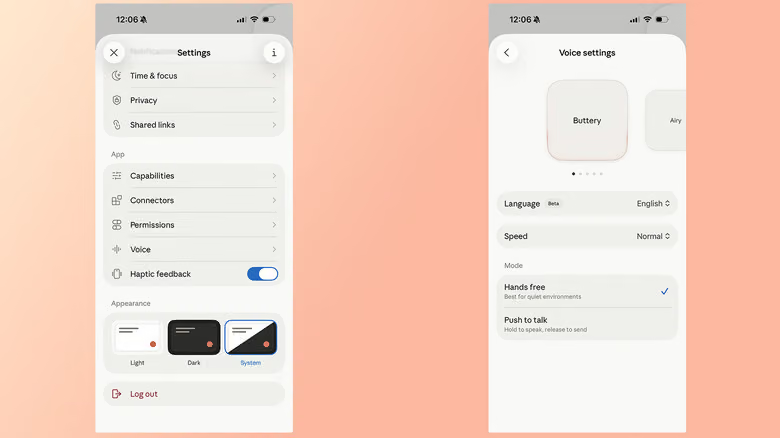
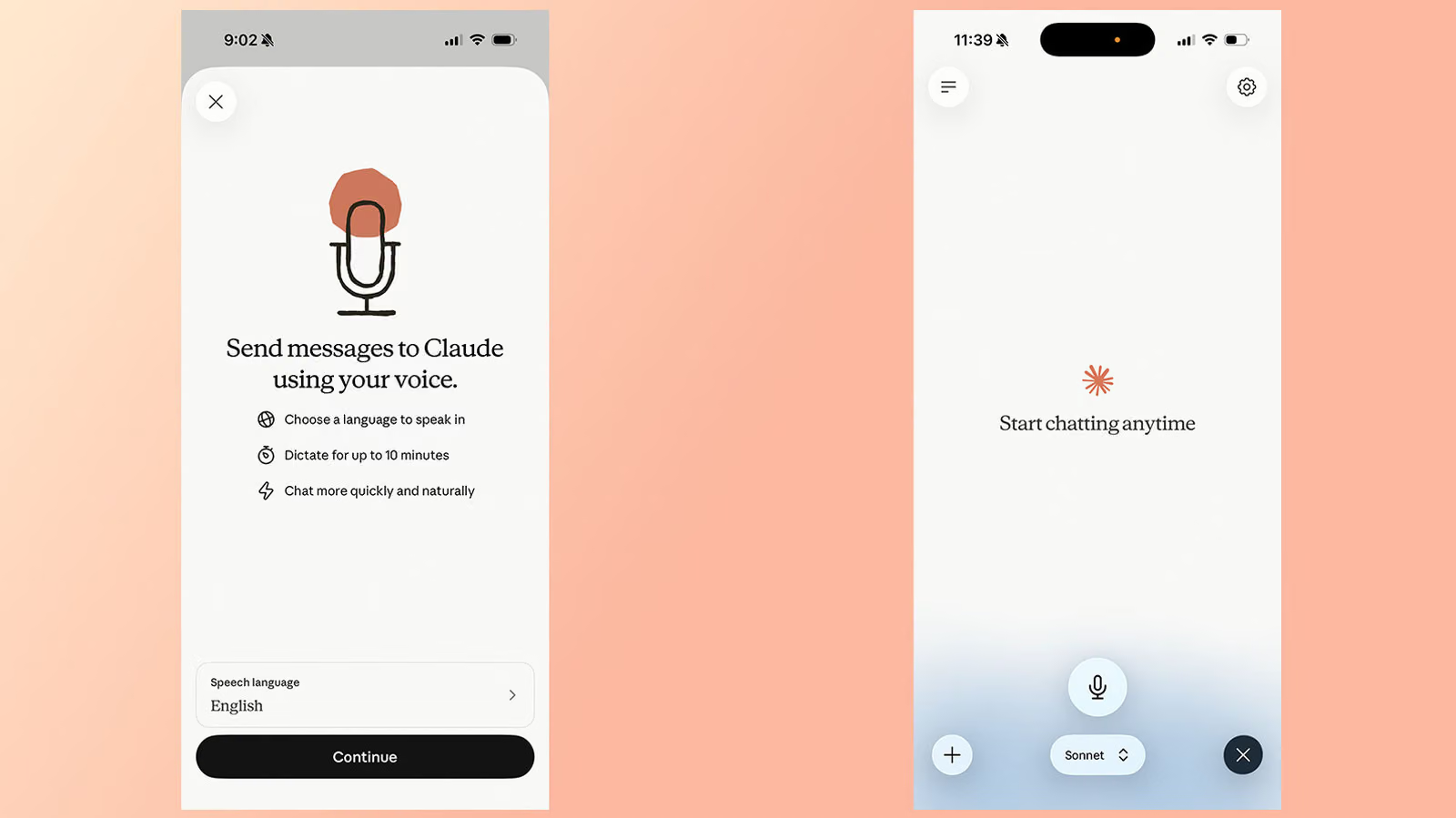
Voice mode has been around since 2025, but Anthropic pushed a real upgrade in July 2025: previously, voice could only run on Haiku—the fastest but least capable model—to keep latency low. Now the more powerful Sonnet and Opus models can handle voice conversations too, and they can pull context directly from apps you've already connected. To use it: on the mobile app (both iOS and Android work, though Anthropic says the mobile experience is best), tap the black waveform icon in the bottom right—not the microphone icon next to it—grant mic permission, and start talking. Claude auto-generates a response once you stop, and tapping Stop again exits voice mode. You can switch models using the selector at the bottom of the interface: Haiku for speed, Sonnet as the go-to for everyday tasks, and Opus reserved for complex work—available to paid accounts only.