The ECG App Hiding Under Your Heart Rate Number: Most Apple Watch Users Have Never Opened It
Unlike the heart rate number you see every day, the ECG App on Apple Watch can trace the full electrical waveform of your heartbeat. Available on most models since Series 4, it's a feature few people know how to use or how to read.
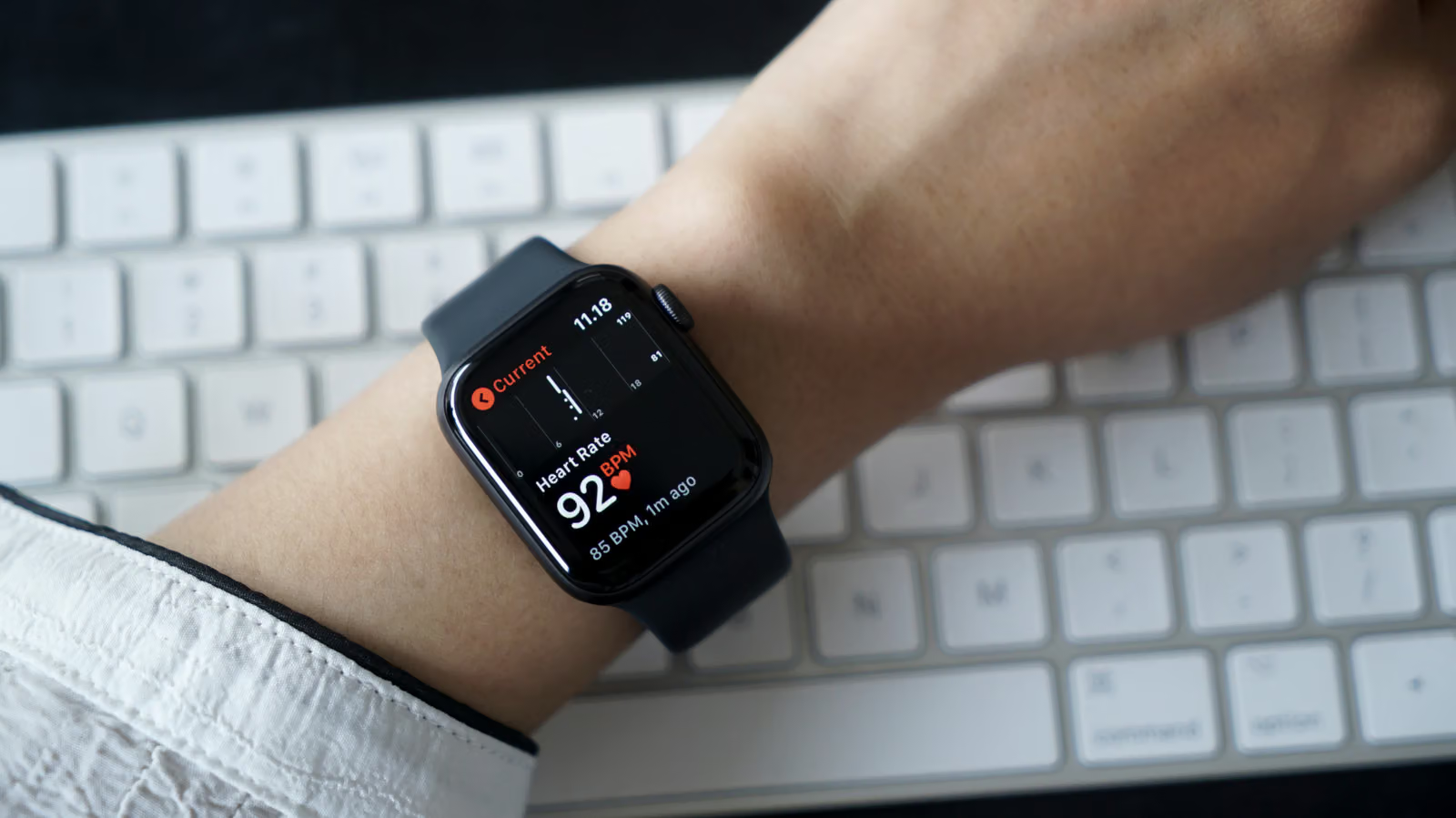
Open the Heart Rate app on Apple Watch and all you see is a bouncing number: too fast, too slow, or just right. But tucked inside the same watch is a far more detailed tool — the ECG (electrocardiogram) App. Instead of a single figure, it records the complete waveform of your heart's electrical signal as it moves through each beat.
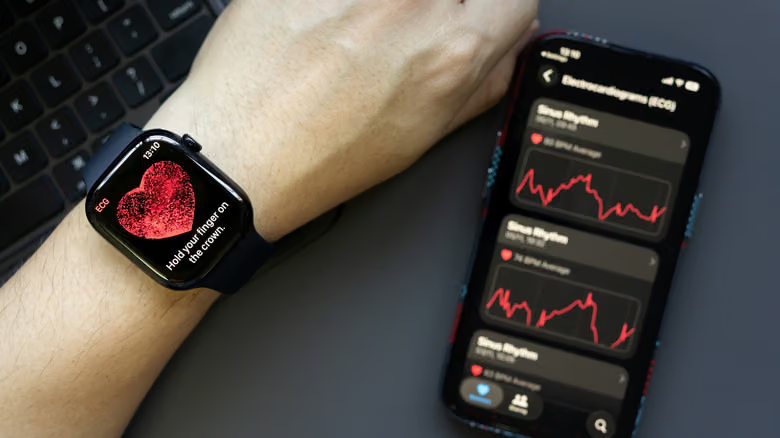
The difference comes down to depth. Standard heart rate monitoring runs continuously during workouts and checks in periodically at other times, though Apple hasn't specified an exact interval. ECG, on the other hand, is an active measurement: open the app, rest your finger on the Digital Crown — no pressing needed — stay still for 30 seconds, and you get a reading that tracks your heart's electrical activity. Apple is clear that this isn't meant to detect a heart attack in progress, nor does it replace an actual medical diagnosis.
The hardware bar is low. Every model from Series 4 onward (excluding SE) and the entire Ultra lineup comes with the ECG App built in, though you'll need the latest watchOS and iOS to use it. The feature is currently unavailable in parts of Eastern Europe, Africa, Latin America, and the Middle East — check Apple's official list for country-by-country availability.
Setup happens in the Health app on iPhone: search "ECG," tap "Set Up ECG App," and follow the prompts to download it. When taking a reading, make sure the band is snug and your arm is relaxed, with your finger resting lightly on the crown rather than pressing down.
Five Results, Five Meanings
There are two generations of the ECG App, with differences shaped by regional regulations — you can check which version you have under Settings > Heart > Electrocardiograms on the watch, or in the "About" section of the Health app. Once a reading finishes, you'll land on one of the following results:
Sinus rhythm: This means the heart is being steadily driven by the sinoatrial node — the body's natural pacemaker — with a heart rate between 50 and 100 BPM at the time of measurement. It's a snapshot of that moment, not a guarantee your heart behaves this way at all times.
AFib (Atrial Fibrillation): The heartbeat shows an irregular rhythm, the most common type of arrhythmia. If you haven't been previously diagnosed and get this result, it's worth talking to a doctor.
Low or High Heart Rate: The first-generation app flags readings below 50 or above 120 BPM, while the second-generation app widens that range to below 50 or above 150 BPM — outside these bounds, the system can't determine whether AFib is present. Medication, stress, and dehydration can all be contributing factors, so it's worth trying again at a different time.
Inconclusive: This can happen if you're wearing a pacemaker, if the app detects a condition it can't classify, or due to what Apple calls "certain physiological conditions" that prevent a clean signal. The first-generation app can also return this result when your heart rate sits between 100–120 BPM without AFib present, when the band is too loose, or if there's too much movement during the reading.
Poor Recording: Exclusive to the second-generation app, this usually happens when the wrist or watch is too wet, the band is too loose, or there's movement during the measurement. Adjust and try again.
Whatever the result, Apple's guidance stays the same: any abnormal or repeatedly inconclusive reading should be brought to a doctor for evaluation. The watch records — it doesn't diagnose.