Don't Wear Bluetooth Headphones for Gaming? 200ms Delay Could Double Your Reaction Time
Standard Bluetooth audio latency runs around 200 milliseconds, edging close to or even exceeding human auditory reaction time, and turning on your mic only makes the audio quality worse. 2.4GHz wireless and wired headsets should be the go-to picks for competitive players.
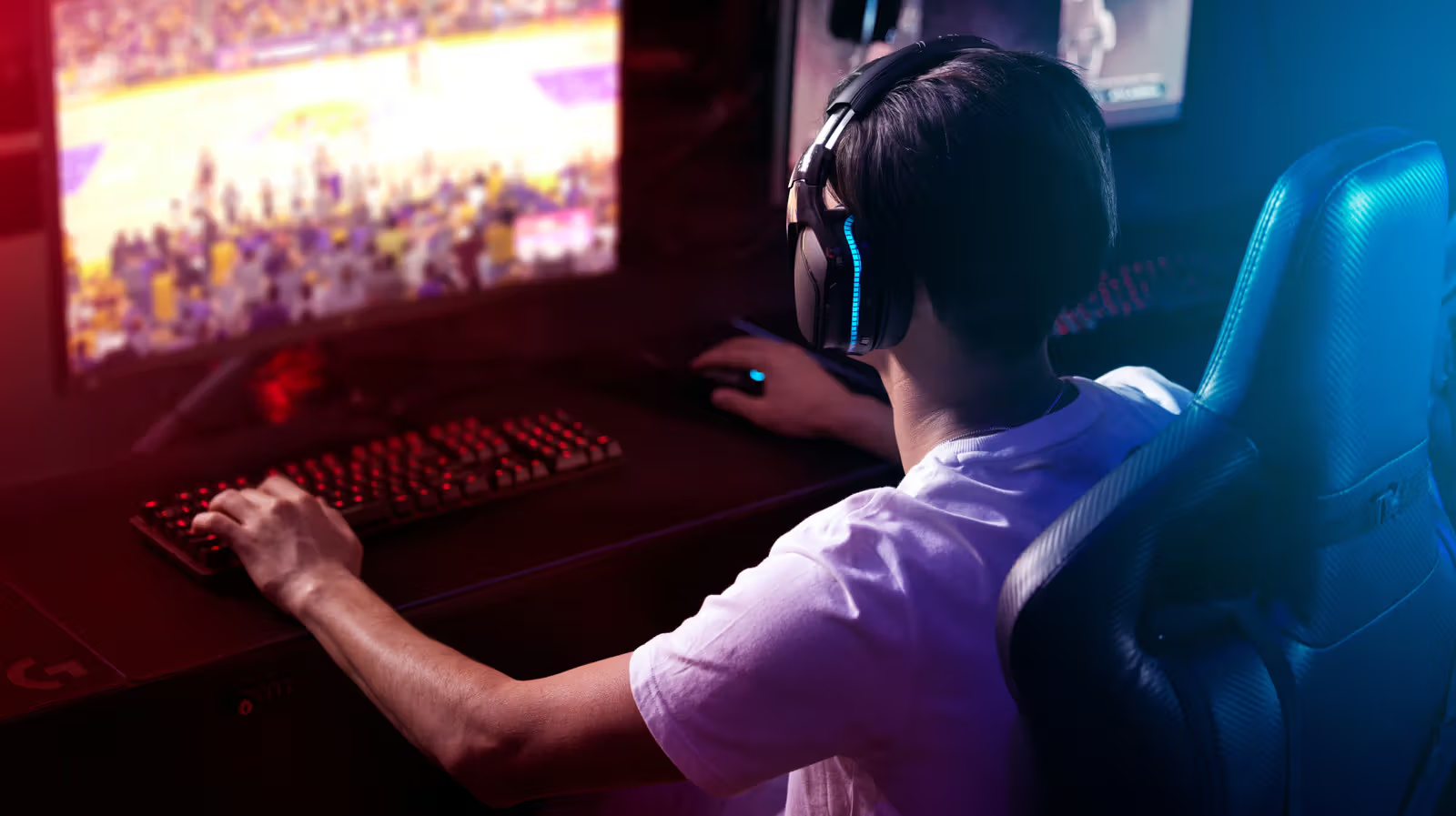
Gunshots arriving a beat late, footsteps landing in your ears at exactly the wrong moment—if you're playing shooters with Bluetooth headphones, that sense of disconnect isn't in your head. In real-world use, standard Bluetooth introduces roughly 200 milliseconds of audio latency. The exact number varies depending on codec, device, and implementation, and some low-latency Bluetooth codecs can significantly narrow this gap, but support isn't consistent across the board.
That number only looks worse when you put it next to human reaction times. The average person's visual reaction time falls somewhere between 220 and 280 milliseconds, while auditory reaction is usually faster, landing between 170 and 220 milliseconds. In other words, even at the low end, Bluetooth latency alone is enough to double your reaction time to audio cues. Anyone who's tried playing a mobile rhythm game with Bluetooth headphones knows that frustrating feeling of your taps always landing a beat behind.
Bluetooth's other limitation shows up during voice chat. The moment you turn on the mic, Bluetooth is forced to switch to a low-bandwidth protocol, and game audio quality takes a noticeable hit. The PlayStation 5 doesn't even support native Bluetooth audio—you need extra workarounds just to connect a Bluetooth headset.
2.4GHz Wireless Closes the Gap with Wired
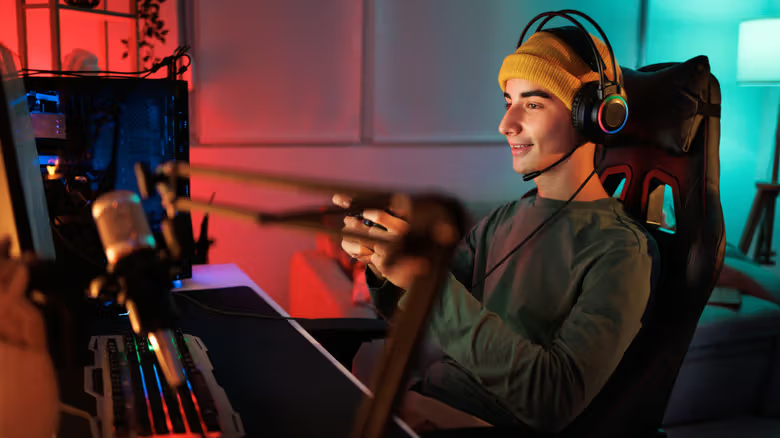
If you're set on going wireless, a 2.4GHz gaming headset is a far more practical choice than Bluetooth. These headsets establish a dedicated wireless connection through a USB receiver, with most gaming-grade models keeping latency under 20 milliseconds—low enough that the vast majority of players can't tell the difference from a wired connection. Available bandwidth is also much more generous than Bluetooth, which theoretically allows for higher-quality audio transmission, though actual performance still depends on the headset's own design. Plenty of gaming headsets on the market use 2.4GHz as the primary connection while keeping Bluetooth as a backup for streaming music or taking calls on your phone. The trade-off is that these headsets typically cost noticeably more than basic wired models, and you'll need to confirm compatibility with your specific console before buying—otherwise it might not work at all.
Wired Remains the Safest Bet
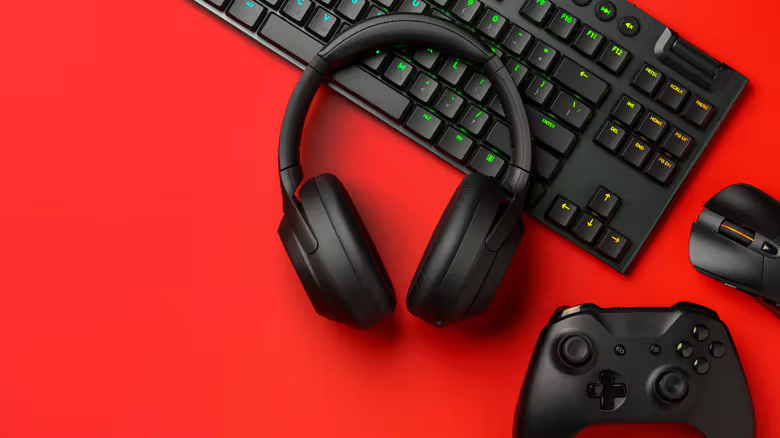
Whether you're on a tight budget or especially sensitive to latency, wired headphones remain a solidly reliable choice. Since you're already sitting at a desk while gaming anyway, being tethered by a cable isn't much of a sacrifice—just remember to unplug before you get up. Whether it's 3.5mm or USB, wired headphones have virtually no latency to speak of, no charging required, and no risk of dropped connections—just plug in and go. At the same price point, wired headphones also tend to deliver noticeably better sound quality than their wireless counterparts, which is exactly why wired models still dominate most gaming headset recommendation lists.
Console Compatibility Worth Noting
When shopping for a gaming headset, the specs that actually matter are latency performance and audio stability. Go wired if response speed is your priority, go 2.4GHz if you want wireless, and treat Bluetooth as a bonus feature for music and phone calls—not your main gear for ranked matches.