Boox Go 6 Gen II Review: The E-Reader That Runs Google Play, but the Battery Only Lasts Eight Days
The $200 Boox Go 6 (Gen II) runs Android, letting you install any reading app and use a stylus, but its battery life falls well short of Kindle and Kobo—and it's still stuck on Android 11, which has already lost security updates.
The most tempting thing about an e-reader isn't always how bright the screen is—it's whether you can cram in all the apps you already use. The Boox Go 6 (Gen II) pulls that off: it runs Android, so anything from Google Play for buying, borrowing, listening to, or annotating books can be installed—something Kindle and Kobo simply can't do.
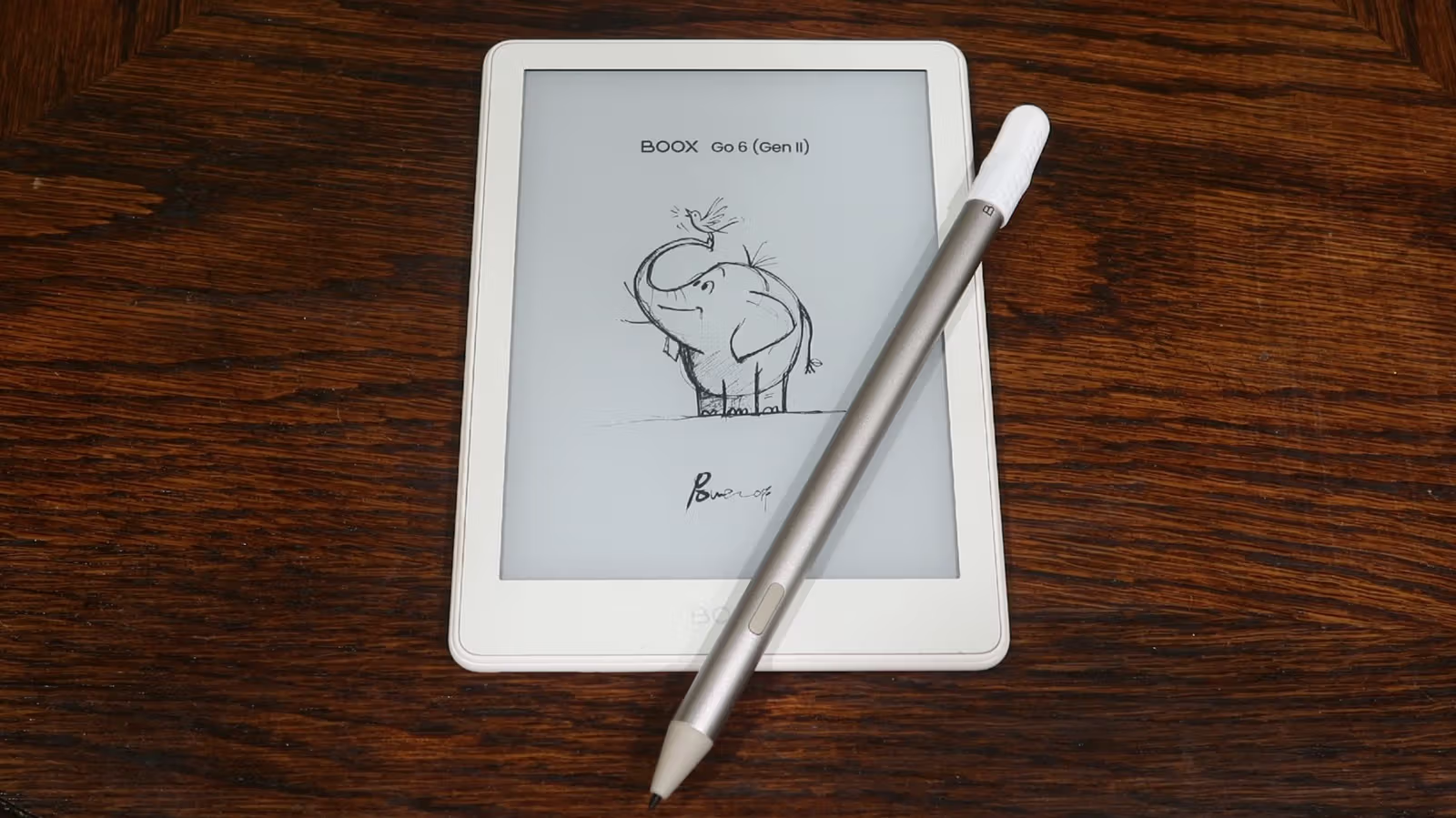
Launched this summer at $200, the device goes for a "suitcase" aesthetic, with a finely textured striped back panel that feels premium in hand. It comes in four colors: creamy Shell, pale yellow Custard, deep purple Plum, and light gray Stone. Compared to the first generation, the biggest change in Gen II is stylus support, paired with Boox's own InkSense Plus touch pen—though it's not compatible with styluses from other Boox lines. The pen costs $46 on its own, or you can save about $13 by bundling it with the device.
On the hardware side, Gen II bumps RAM from 2GB to 3GB, but otherwise almost nothing has changed—including the fact that it's still running Android 11, a version Google stopped issuing security updates for two years ago. This is a concern Engadget's reviewer calls out directly in the piece: "That's the kind of choice that makes me raise an eyebrow in 2026," though she adds that app downloads and compatibility likely won't be a major issue in the near term. The device comes with 32GB of built-in storage and retains a microSD slot for expansion.
A 6-Inch Screen That Fits in Your Pocket—But Don't Expect It to Survive Water
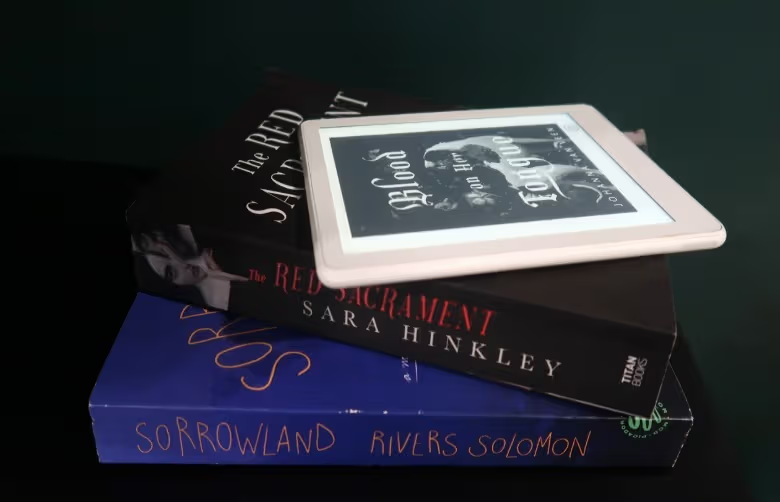
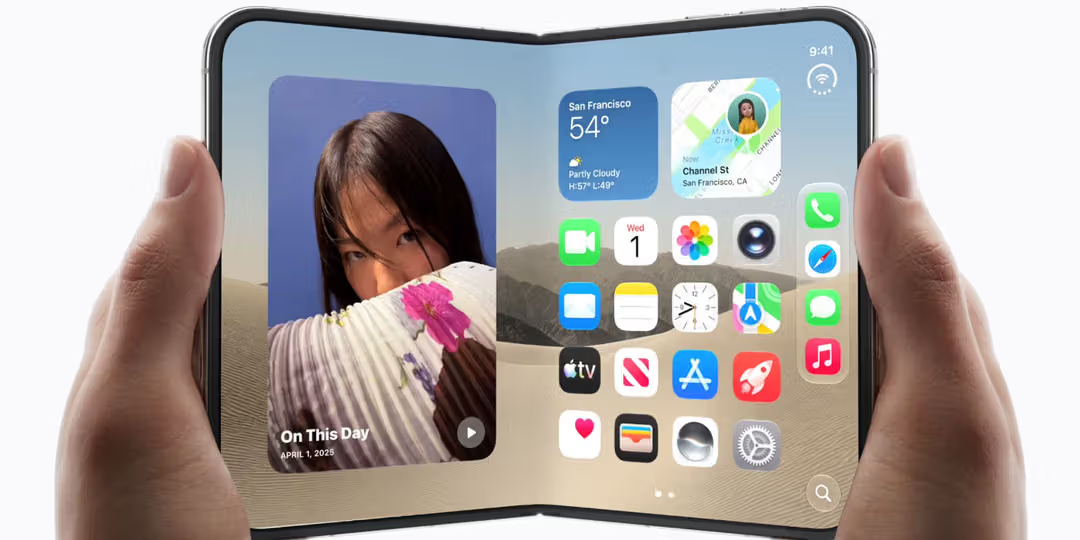
The Go 6 (Gen II)'s 6-inch screen sits between the entry-level Kindle and the Kobo Clara BW in size—small enough to fit in the tiniest bag, and it'll slide into most jeans' back pockets too. At about 160 grams, it's lighter than the reviewer's own Galaxy Z Flip 6, which she's used to holding, making it comfortable to read lying down. The 300 PPI E Ink screen is nice and sharp, and the adjustable front light lets you tweak brightness and warm/cool tones for reading before bed.
That said, it lacks any IP rating for water or dust resistance. The reviewer says she wouldn't bring it to the beach, camping, or poolside without a protective case—an area where the Kobo lineup still has the edge.
Some ghosting shows up when switching between apps and menus. Boox offers multiple refresh rate and color mode settings to help mitigate this; the reviewer ultimately set "Full Refresh Frequency" to refresh every 30 taps, and ghosting wasn't much of an issue during actual reading. A quick gesture pulls up the EinkWise interface, letting you fine-tune refresh rate, color mode, contrast, and anti-flicker level on a per-app basis.
The battery is 1,500mAh, which can last several days with a few hours of daily reading and moderate app use. The reviewer notes a concrete figure: eight days after her last charge, she still had 24% left—though she stresses this is still nowhere close to the "weeks" of battery life Kindle and Kobo devices offer, which is the tradeoff you make for going with Android. Power-saving tips include turning off Wi-Fi and Bluetooth, freezing unused apps, and dimming or disabling the front light as much as possible.
Underlining Text Directly With the Stylus
There are several ways to get books onto the device: BooxDrop for wireless transfers, syncing with cloud storage like Dropbox and Google Drive, or connecting via USB-C cable. The built-in Boox bookstore has very limited selection, mostly just public domain titles—for buying or borrowing books, you'll need to rely on other apps. The reviewer mentions using Bookshop.org, which only supports iOS and Android, to buy books, then switching to The StoryGraph to log her thoughts without needing to pick up her phone. Moon+ Reader also works, though it requires some manual tweaking to avoid heavy ghosting on the E Ink screen.
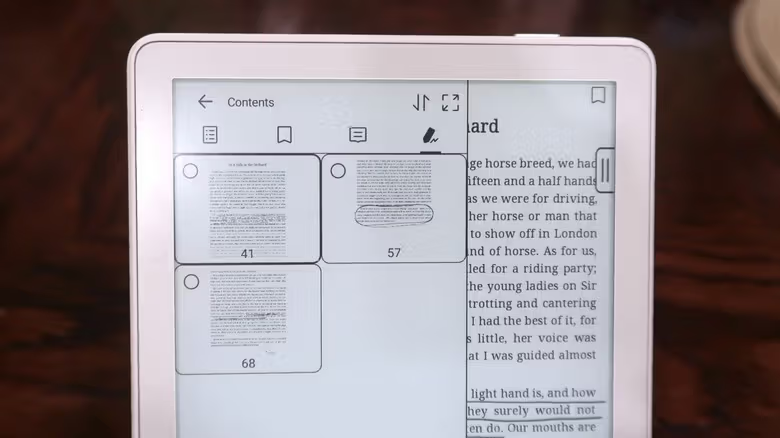
As for the stylus, the reviewer feels the device's size isn't ideal for heavy note-taking, but it works well for highlighting and annotating—especially more comfortable than using a finger to underline. In Boox's own Neo Reader, a side tab brings up pen type and line width options, along with the Smart Scribe tool. Two features within it—"Underline to Highlight" and "Scribble to Erase"—are described as feeling "pretty intuitive." All annotated pages get organized under the Contents tab, making them easy to find later.
Writing in third-party apps relies on Boox's FreeMark tool instead. Notes don't stay on the original page—they're saved as screenshots sorted by app in the device's gallery, and the notes themselves disappear once saved. It's not as smooth an experience as the native Reader, but it's workable. Writing itself feels responsive with no noticeable lag, though the reviewer admits the writing feel doesn't match devices actually designed for note-taking, like her own Supernote Nomad, which handles writing better. At the end of the day, the Go 6 (Gen II) is fundamentally an e-reader, not a digital notebook.
If you already own the first-gen Go 6 and are happy with it, Engadget's take is there's no rush to upgrade—the two generations are too similar under the hood. But if you're shopping for a new e-reader, have no interest in the Amazon ecosystem, and feel Kobo's third-party app selection is too limited, the Boox Go 6 (Gen II) is a solid, no-frills option—just be prepared to put in more effort than with other e-readers to get all your apps installed and the display looking just the way you like.