Is it worth it to build your own retro arcade machine? First think about what game you want to play, and then ask which generation of Raspberry Pi
When building a DIY retro arcade machine, the first question you should ask is not which Raspberry Pi to choose, but what games to play. From control panel configurations to electronic components, this article summarizes the actual choices and costs you will encounter.
When many people start planning their arcade project, their first thought is "Which generation of Raspberry Pi should they buy?" The order is reversed. What you really need to decide first is what you want to play with this machine - if you want to play early arcade games such as Pac-Man and Galaga, the control panel can be very simple; but if the goal is Street Fighter, a four-player action game, or Golden Tee, the situation is completely different. Some fighting games require six action buttons per player, and some consoles require special controllers such as trackballs or joystick knobs. The number of players will also affect the design. An originally clean two-player panel can easily expand into a four-player panel during the planning process.
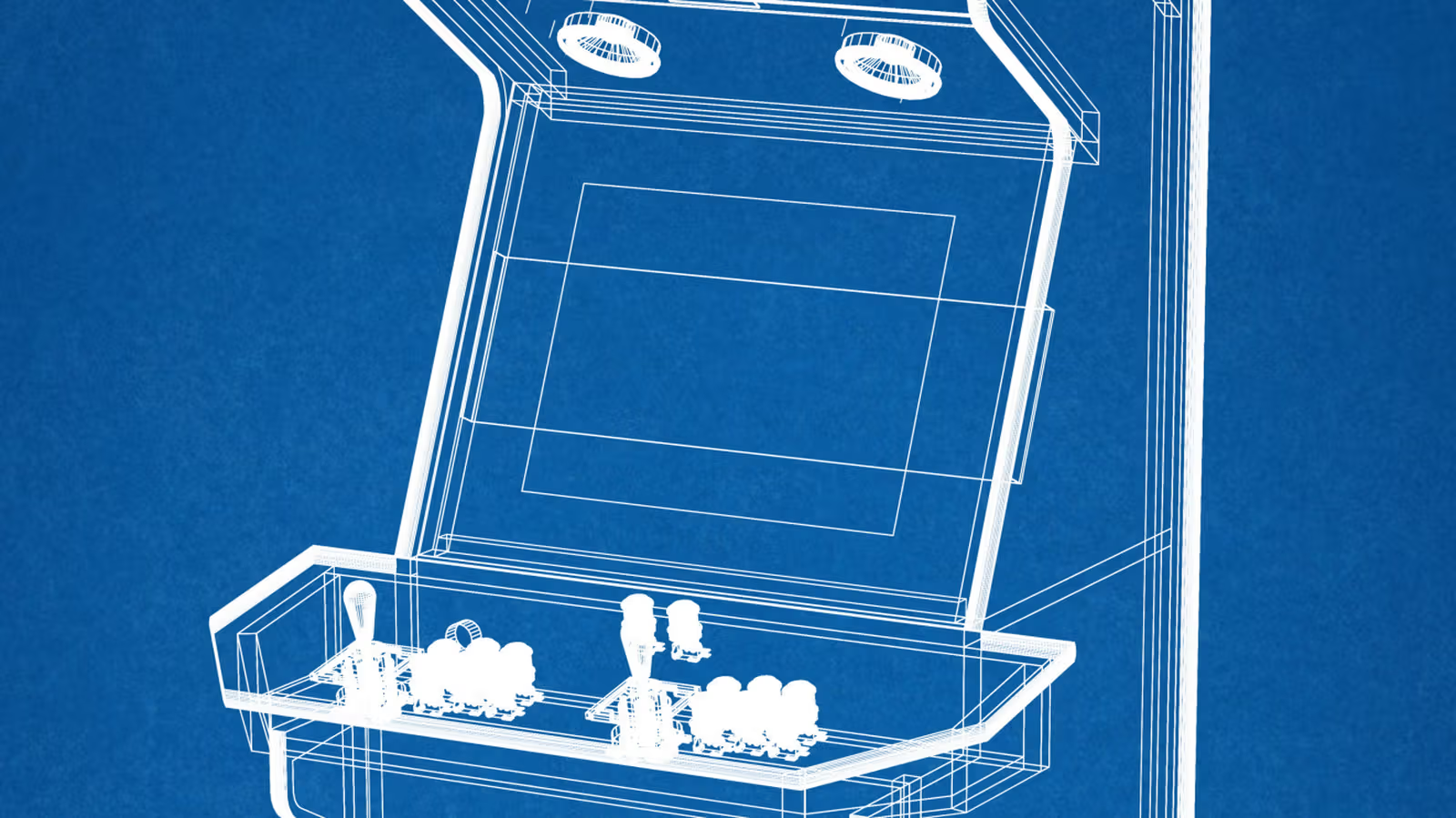
A popular Raspberry Pi arcade project was shared on Maker Forums. The method was to simulate the control panel configuration with cardboard first, and then cut the actual wood with a knife after confirming that the arrangement was OK. This step is extremely cost-effective but avoids making mistakes with expensive materials. There are three ways to make the case itself: make your own from plywood or MDF board, buy a ready-made flat-pack case, or directly modify an old machine. Electronic parts are usually not large, and it’s often the furniture parts that encase them that really make the project swell.
Electronic lists are not complicated, but software terms are easily confused
The list of basic electronic parts is actually not intimidating: screen, joysticks and buttons, USB encoder, host, storage device, speakers and power supply. The USB encoder is responsible for connecting the arcade controller and the host, converting button and joystick movements into signals that the machine can understand.
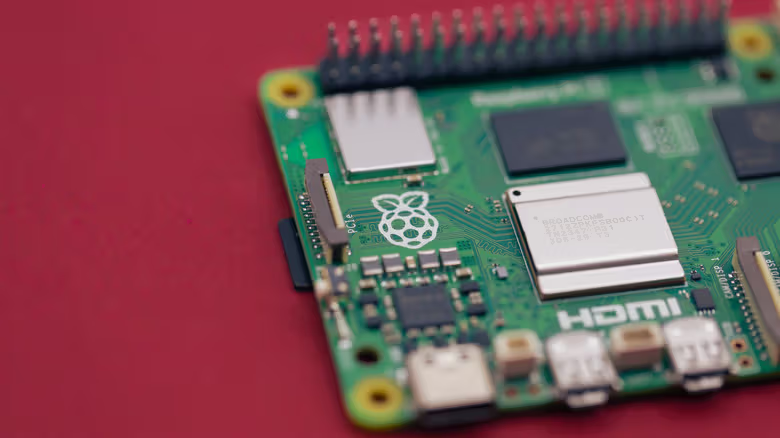
For most classic arcade games, the Raspberry Pi is still a suitable choice. The 2GB version of Raspberry Pi 5 is currently priced at $65. The official emulator system Recalbox 10.0.8 stated that the performance of this version will be as good as the 4GB version - if it is eventually installed in the case, the extra RAM will be of limited help in actual use and will only make the receipt longer. Another option is to find an old desktop or mini computer that's sitting around, especially if you want to emulate newer, more resource-hungry gaming systems. Batocera is compatible with x86-based PCs. The official statement is that modern Intel internal graphics can already provide good simulation performance. However, as the consoles and arcade systems to be simulated become more advanced, the hardware threshold will also increase.
The name of the software is often confusing, but the concept is not as complicated as imagined. EmulationStation is not a replacement for a Raspberry Pi or PC, but a front-end interface - a menu for browsing and launching games. Recalbox and Batocera package such interfaces along with simulators and other tools. RetroPie is still a common choice, but it currently does not list a Raspberry Pi 5 version in its weekly image catalog. Heat dissipation and audio are also areas that Pi 5 users should pay attention to: Raspberry Pi officials stated that heat dissipation is optional under normal use, but it can avoid frequency reduction during sustained high loads; in addition, Pi 5 has removed the 3.5mm headphone jack that was present in previous generations.
It’s not necessarily cheaper to do it yourself
What seems like a simple shopping list can easily grow bigger and bigger. In addition to the case, screen, and host itself, you may also need a screen mount, a microSD card or SSD, an amplifier and speakers, a power extension cable, various connecting cables, a cooling fan, and a design that facilitates opening and repairing the case in the future without having to disassemble it into pieces. As for art stickers, luminous signboards, T-shaped edge strips and coin-operated doors, they are decoration items that can only be obtained after the main unit is assembled.
Game Room Solutions' product pricing is a good indication of how the costs of small projects add up. The basic bartop case is on sale for $129.99, a set of two joysticks, buttons, cables and USB encoder is $44.99, and a speaker and amplifier set is an additional $29.99. Including a $65 2GB Raspberry Pi 5, the total price has come to about $270 - and that doesn't include the screen, storage, Pi's power supply, cables or any decorative parts.
If you can reuse the old parts you have on hand, the situation will be completely different: an old screen and an old PC can save two big expenses, and making your own case may be cheaper than a CNC-cut kit. But if all the parts are purchased new from scratch, a full-size custom case can easily exceed $1,000 without being too extravagant.
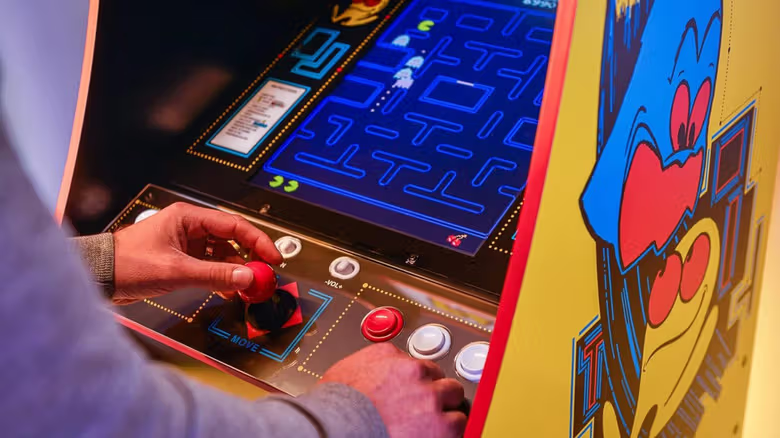
Is it more cost-effective to make your own arcade machine than to buy a ready-made one? Sometimes it is. The most economical way is to try to use reusable hardware at hand, or make the case yourself; no matter how much it costs, the most practical benefit is always being able to decide on your own screen, game lineup, control method and internal hardware. There are also rules to pay attention to when obtaining ROMs. MAME officially guides users to obtain authorized software, ROM collections released for free for non-commercial use, or to read data from the arcade circuit boards they own. For comparison, Arcade1Up currently sells the Pac-Man Deluxe machine for $499.99.