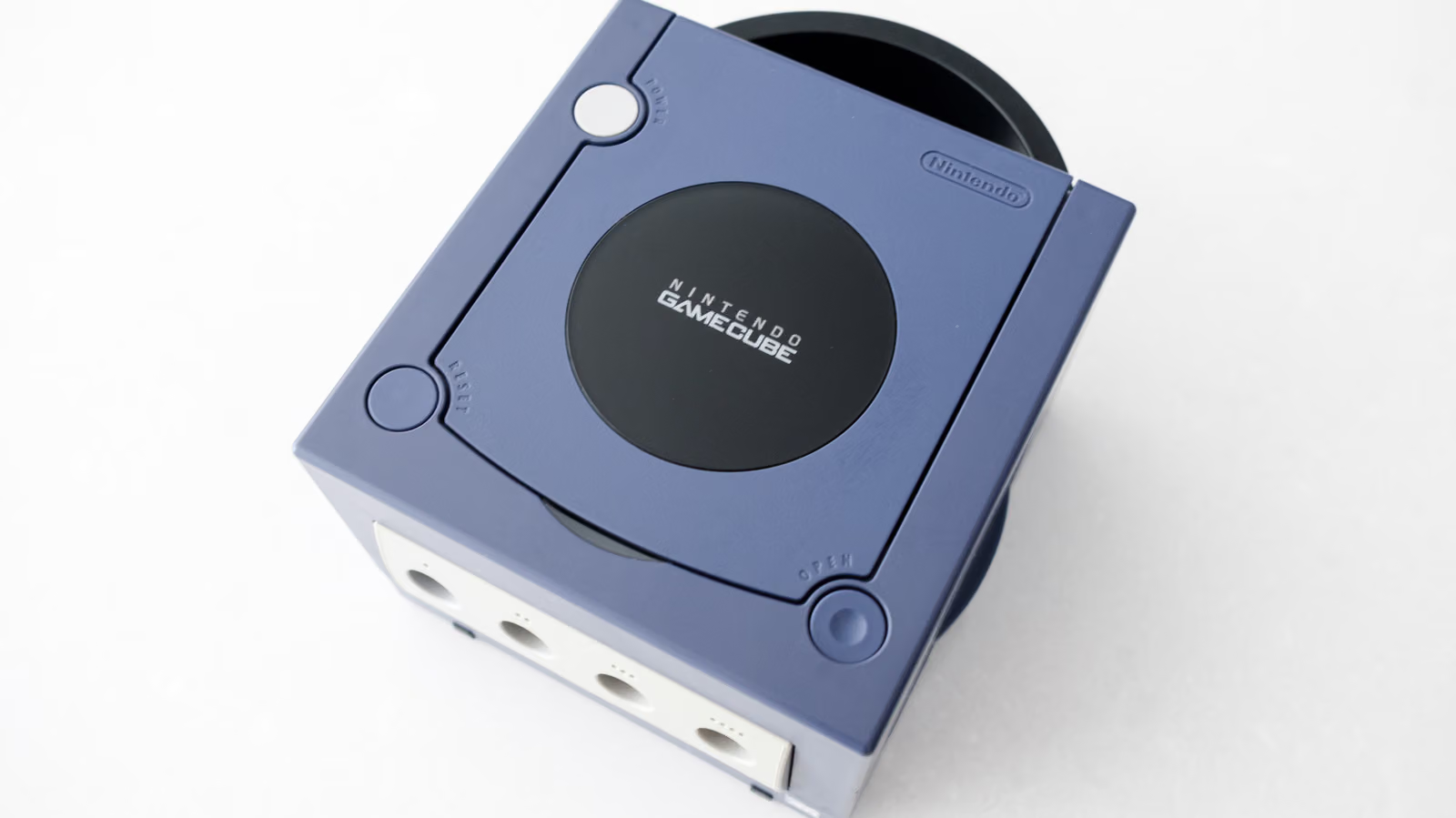
GameCube turns 25 this year, and games like "The Wind Waker" and "Metroid Prime" still hold up remarkably well — the GameCube version of "Resident Evil 4" is arguably even better than the PS2 release. The issue isn't the games, it's the hardware: this console was built for analog CRT TVs, and by 2026, LCD and OLED sets have long since stopped setting aside analog ports for it. The good news is that GameCube is new enough that hooking it up to a modern TV doesn't have to be a huge ordeal — as long as the unit you own is the right one.
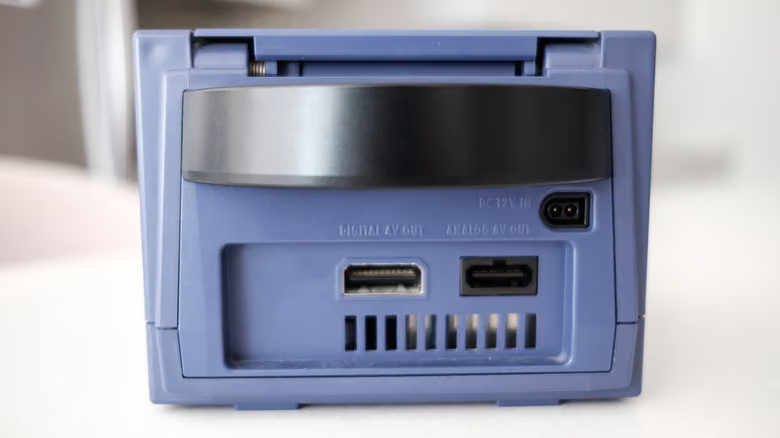
Nintendo launched the GameCube in Japan on September 14, 2001, and before production ended in early 2007, it went through a hardware revision aimed at cutting costs. That revision cut a crucial corner: it removed the Digital AV Out port. That port originally let the GameCube output 480p video through a separately sold component cable, and it's now the same connection point used by most GameCube HDMI adapters on the market. The model with that port is the DOL-001; the one without it is the DOL-101. Hooking each one up to a TV is a completely different level of effort.
First, Check If You Have a DOL-001
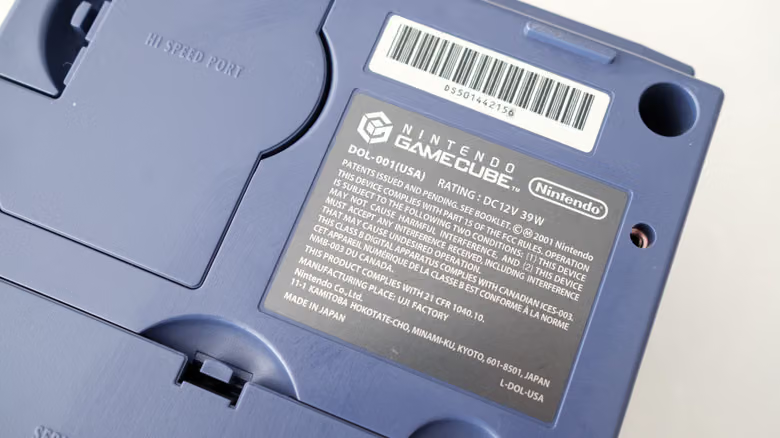
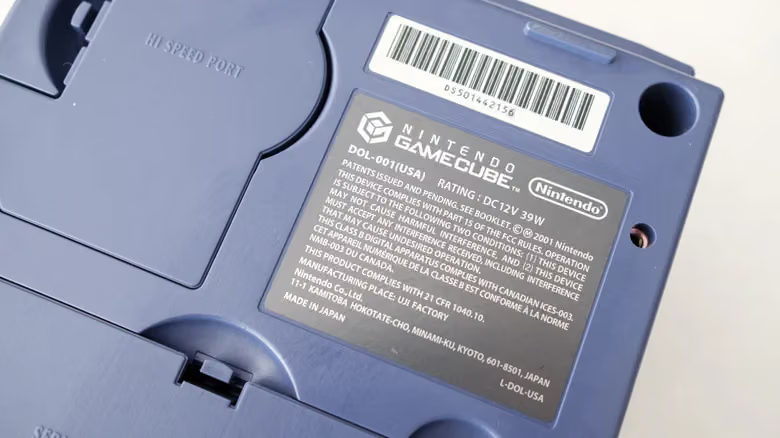
Here's the easy way to tell: if the back of your console has two sets of AV terminals and one of them is labeled "Digital AV Out," you've got a DOL-001. Or just flip the console over and check the label on the bottom — if it starts with DOL-001, you're set.
Once you've confirmed it's a DOL-001, all you need is an adapter and an HDMI cable. There are plenty of cheap options out there, but the Retro-Bit Prism HD Adapter is worth the recommendation. Like most GameCube HDMI adapters, it runs on the open-source software GC Video, but the Prism sets itself apart with a built-in USB-C port, so you can update the firmware without opening up the device. Two other solid picks are Insurrection Industries' Carby, or Bitfunx's option if you want to save some money. All three come with a remote that lets you pull up GC Video's on-screen menu to adjust the resolution, though depending on the adapter, you may need to supply your own HDMI cable.