TIDEZINE.

Buying a Used GameCube? The Model Number on the Bottom Determines What You Can Actually Play

Nearly two decades after being discontinued, GameCube prices keep climbing—but region locking and the Digital AV Out port that was dropped after 2004 are two details Engadget says buyers must check before pulling the trigger.

Buying a Used GameCube? The Model Number on the Bottom Determines What You Can Actually Play

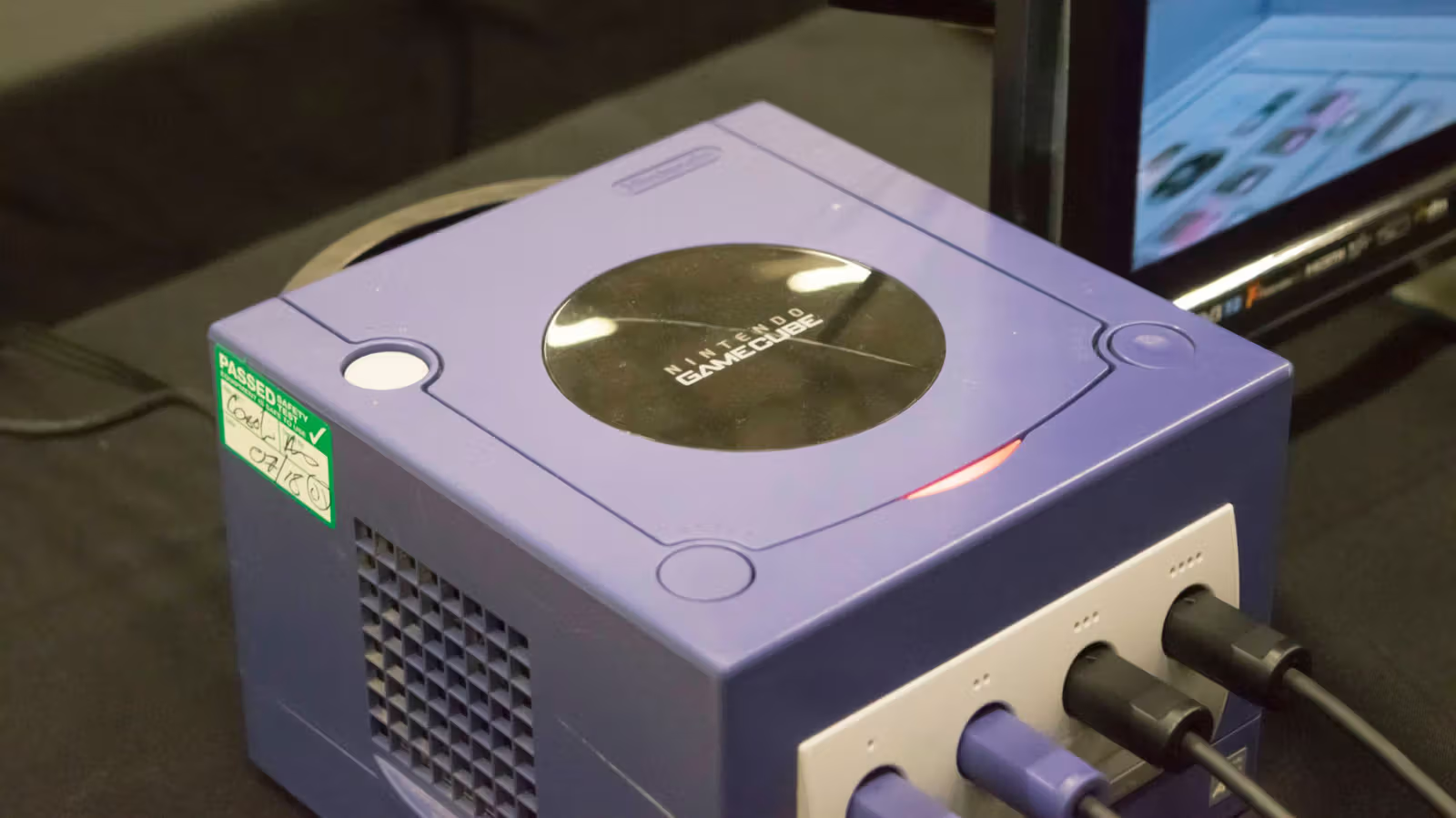
Flip a GameCube over, and that string of letters next to the model number on the bottom determines whether the console will actually work for what you want. Picking up a used GameCube to relive your childhood sounds as simple as plugging it in and hitting play, but Engadget points out that getting the wrong model could turn your entire game collection into shelf decoration.
二手GameCube選購陷阱:主機底部型號決定你能玩什麼

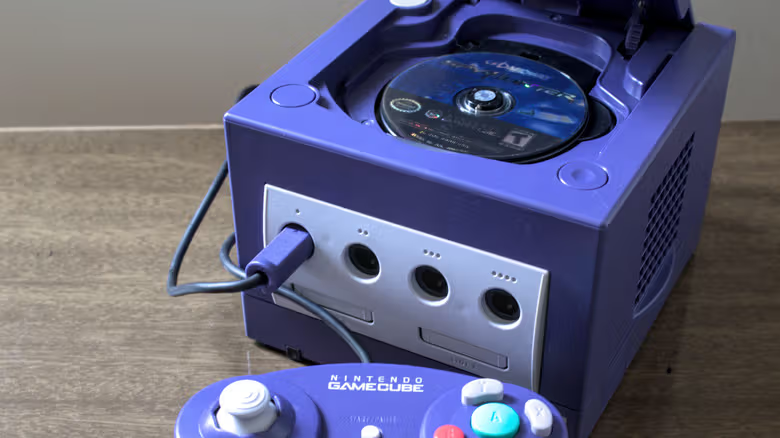
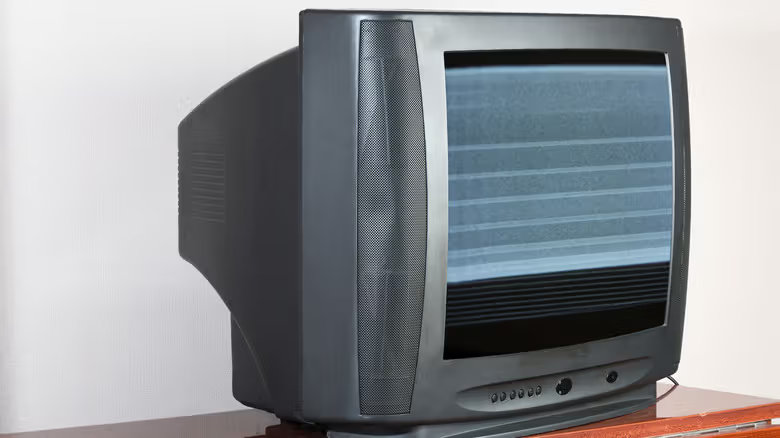
The GameCube is region-locked, split into three main markets: North America (NTSC-U), Japan (NTSC-J), and Europe/Oceania (PAL). A US console can't read Japanese discs, and a Japanese console won't recognize US discs either. This rule dates back to the analog TV era, when different regions used different signal standards—European games ran at 50 or 25 FPS, while North American versions ran at 60 or 30 FPS. Nintendo followed the same approach back in the NES and SNES days, and PlayStation and Dreamcast weren't exempt either. It's just that as newer console generations moved toward region-free designs, this bit of history has gradually faded from players' memory.

To tell game versions apart, US games carry the familiar ESRB rating logo, while Japan-exclusive titles have a solid "Only For" label in the upper left corner. PAL game cases are often marked with "PAL," and their "Only For" label has rounded corners with a green triangle beneath the side label, plus the GameCube logo printed at the top. Japanese game cases are also physically smaller and wrapped in Japanese text, making them fairly easy to spot. As for the console itself, the method is even more direct: Japanese units are marked "(JPN)" next to the model number with Japanese text, US units show "(USA)," and European units show "(EUR)." When buying online, always zoom in and carefully check the seller's photos of the console's underside.
二手GameCube選購陷阱:主機底部型號決定你能玩什麼

Post-2004 Consoles Are Missing an Output Port

The GameCube never got a "Slim" redesign like other consoles did, but Nintendo quietly tweaked the design in early 2004, removing the Digital AV Out port from the back of the original model. At the time, the move was meant to cut production costs since barely any players used the port—but its significance today is completely different.

二手GameCube選購陷阱:主機底部型號決定你能玩什麼

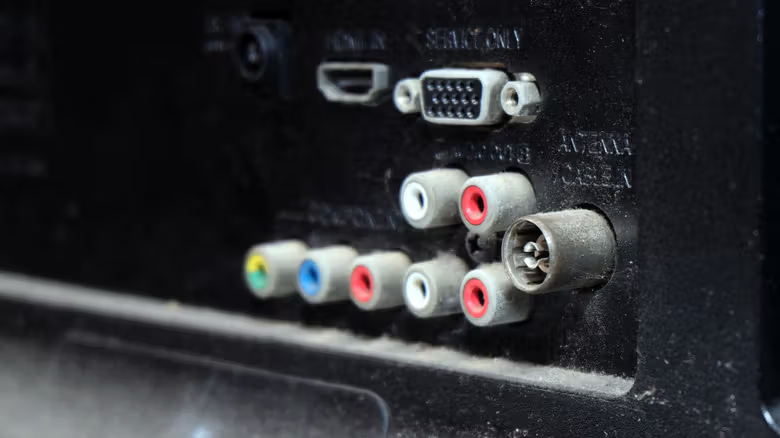
That port was originally meant for outputting 480p video via component cables, delivering noticeably sharper image quality than standard 480i. Nowadays, third-party manufacturers are using that same port to build adapters that let the GameCube output HDMI signal directly. For the best possible picture quality, buyers should look for the DOL-001 model, which still has the Digital AV Out port on the back. And since most modern TVs no longer have component inputs, you'll also need a separate component-to-HDMI adapter, or just use a GameCube-specific HDMI cable.

If you'd rather skip the hassle of hunting down physical hardware, Engadget also notes that titles like Super Mario Sunshine are already playable directly through the Switch 2's Nintendo Classics service.

Related

Don't Wear Bluetooth Headphones for Gaming? 200ms Delay Could Double Your Reaction Time
Tech

Don't Wear Bluetooth Headphones for Gaming? 200ms Delay Could Double Your Reaction Time

Standard Bluetooth audio latency runs around 200 milliseconds, edging close to or even exceeding human auditory reaction time, and turning on your mic only makes the audio quality worse. 2.4GHz wireless and wired headsets should be the go-to picks for competitive players.

Can You Watch Netflix in 4K on Chrome? Here's the Full Hardware and System Checklist
Tech

Can You Watch Netflix in 4K on Chrome? Here's the Full Hardware and System Checklist

Chrome has finally joined the list of browsers supporting Netflix 4K, but Mac users still need to switch back to Safari. From GPU models to HDCP 2.2, this checklist is pickier than you'd expect.

"Shot with IMAX" and "Filmed for IMAX" Aren't the Same Thing—Know the Difference Before You Buy Tickets
Tech

"Shot with IMAX" and "Filmed for IMAX" Aren't the Same Thing—Know the Difference Before You Buy Tickets

These two IMAX labels are often treated as interchangeable, but one refers to the camera used on set, while the other refers to an entire production pipeline. Using "The Odyssey" and "Dune" as examples, here's a breakdown of the difference—and what to check before buying your ticket.

AirPlay Guide: How to Cast Your iPhone or MacBook Screen to a TV
Tech

AirPlay Guide: How to Cast Your iPhone or MacBook Screen to a TV

From casting Prime Video off an iPhone to mirroring an entire MacBook desktop, the AirPlay process actually varies from app to app. Here's a rundown of the steps and edge cases that trip people up most.

Why an Empty Driver's Seat Is Still Only Level 4: The Gap Between Waymo and Level 5
Tech

Why an Empty Driver's Seat Is Still Only Level 4: The Gap Between Waymo and Level 5

Under the SAE's autonomous driving classification standard, Waymo's self-driving system remains Level 4, not Level 5. The key isn't how independently the vehicle performs, but how broad its designed operational range can get.

RayNeo Bets on Two Extremes at Once: One Pair Hides the Display, the Other Blows It Up Into a Movie Theater
Tech

RayNeo Bets on Two Extremes at Once: One Pair Hides the Display, the Other Blows It Up Into a Movie Theater

RayNeo just launched two very different AR glasses at once: the 33-gram iO Smart Glasses want you to forget you're even wearing them, while the GT and GT Max go the opposite route, trading subtlety for a 307-inch virtual screen and full immersion.