Your Google Storage Isn't Full — You're Just Backing Up the Same Files Twice
WhatsApp backs itself up to Drive, then Google Photos saves the same photos all over again. The author digs into the most overlooked duplicate and junk backups buried in Android's backup settings, showing how to free up space without paying for a storage upgrade.
The author discovered this problem in a slightly embarrassing way: he'd been using WhatsApp's built-in backup to save his chat history to Google Drive, while also using Google Photos to back up every folder on his phone. The catch is that Google Photos' "back up all folders" option ends up including the exact folder where WhatsApp stores its photos and videos. That means the same batch of media files gets saved once in Drive and once again in Photos — both eating into the same 5TB Google One plan.
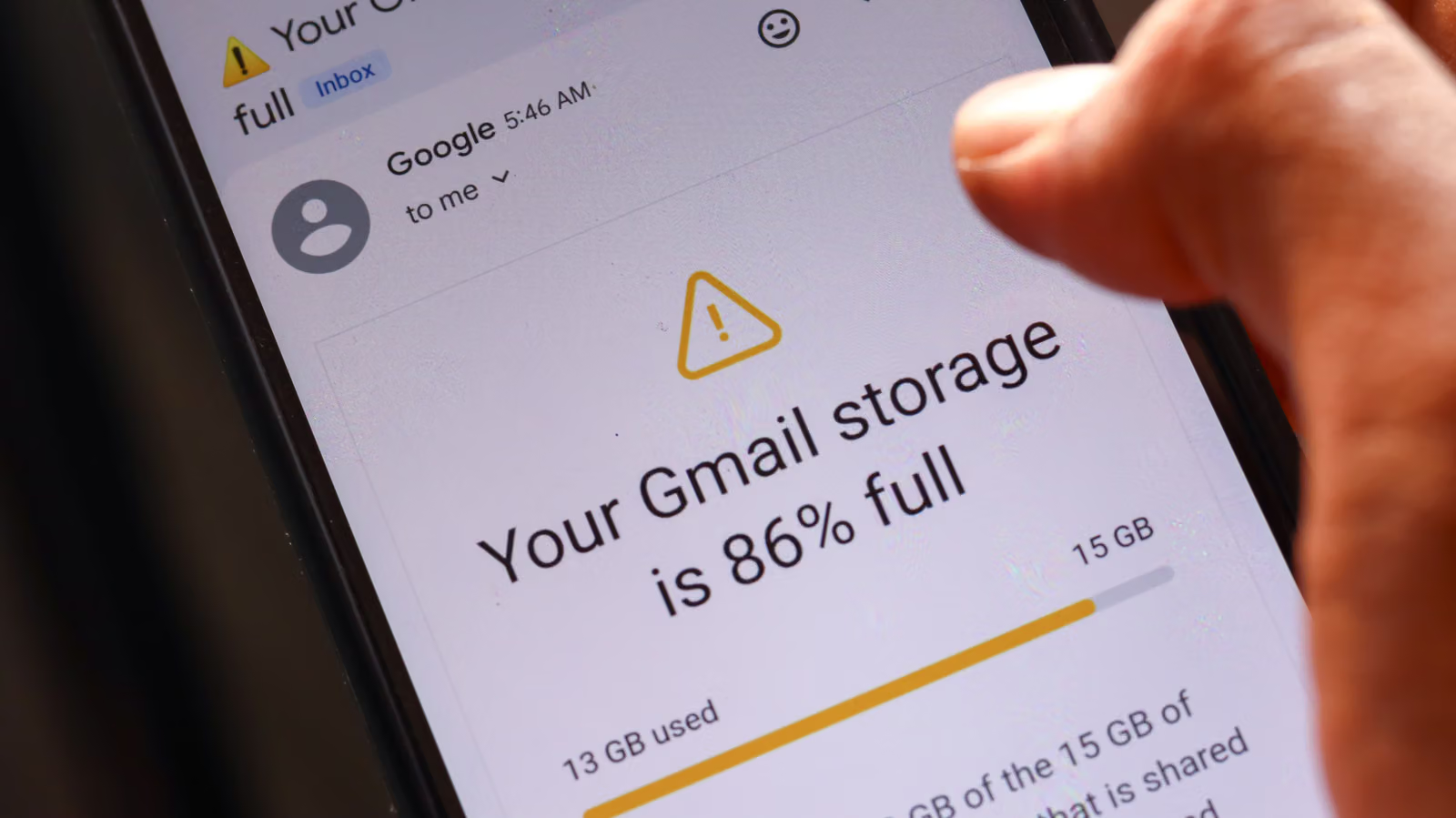
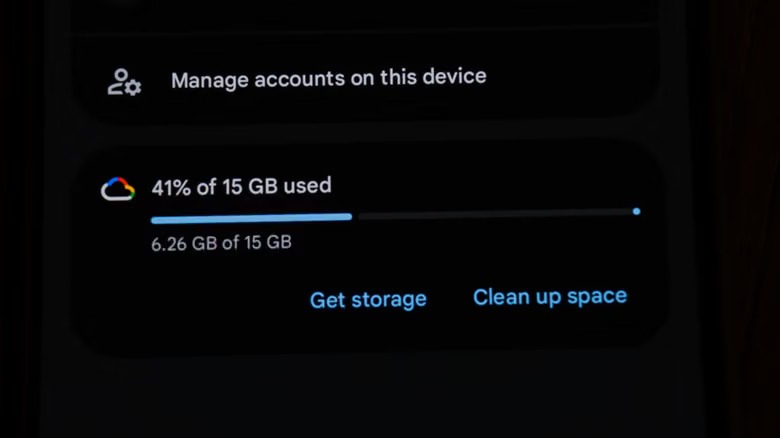
This isn't an isolated case. Google lumps Gmail, Drive, and Photos storage into a single account quota, and free users only get 15GB by default. It doesn't take much to get nudged into upgrading to the next tier. Any app that stores media locally on your phone while you also separately back it up to the cloud can fall into the same trap — Signal, Telegram, and Discord all included.
Clear Out the Junk Before You Even Think About Backups
The author's advice is simple: most of what's clogging up your messaging apps can just be deleted. Who actually needs to keep a decade-old meme GIF that's been recycled through group chats since it first showed up on Twitter? Cute baby photos from relatives are nice, but you don't need to hoard every single one taking up space. Doing a cleanup on your device before backing anything up saves you storage on both your phone and the cloud — basically a two-for-one deal.
After clearing things out, don't forget to go back and delete the corresponding old files sitting in Google Photos too — turning off folder backup won't automatically wipe photos that are already in the cloud. And in a way, Google is happy to let them sit there: it's more data to feed into training Gemini AI, and the faster your storage fills up, the sooner you're likely to upgrade to a paid plan.
Your App Data Backups Are Hiding Stuff You'll Never Actually Use
After sorting out the duplicate media backups, the author went on to check the App Data backup list — found in the Google section of Android settings, or in the Google One app, under "Other device data," scroll down to "App data" and tap "Show more." When the list opened up, even he was surprised: CPU-Z, a tool that just displays real-time performance stats, a guitar tuner app, VLC player, and a Google TV debugging tool he uses to sideload apps onto a streaming box — all of them were quietly backing up data, even though nobody really knows what that data even is.
Then there's another category: apps that already back themselves up elsewhere. His note-taking app Joplin is already set to back up to Dropbox, and his Sony WH-1000XM5 headphone settings live on Sony's own servers — he switched both of these off directly in Google's backup settings. As for apps like Bluesky and Reddit, where logging back into your account restores everything anyway, there's really no need for extra backup at all. Android Auto got turned off too, for a very practical reason — he drives a 2015 Subaru Crosstrek, and the car's system doesn't even support it. Even an icon pack was quietly backing itself up, which even the author found ridiculous.
Even for apps that only back up a few MB of settings or login tokens, the author's approach is to just turn them all off. When switching to a new phone, he'd rather just log back in and reconfigure things from scratch — his reasoning being that carrying over old backups from a previous device tends to create a bunch of unpredictable little glitches on the new one.