When bass sounds thin and weak, most people's instinct is to blame the headphones and go shopping for a new pair. But this Engadget roundup offers a different take: the problem usually isn't the drivers themselves, but rather fit and the messy overlap of software settings.
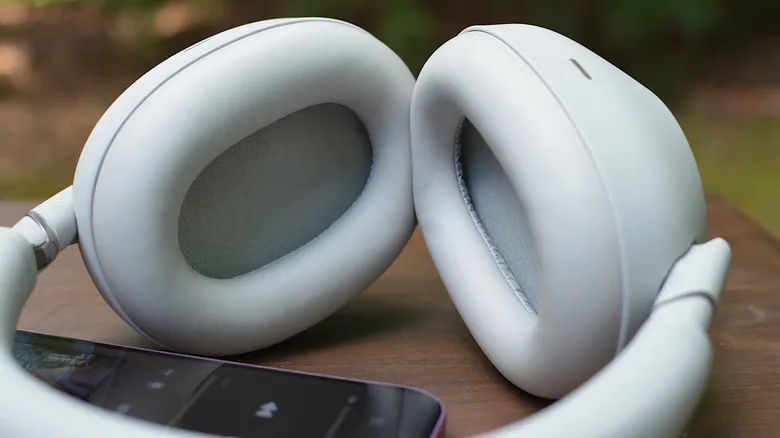
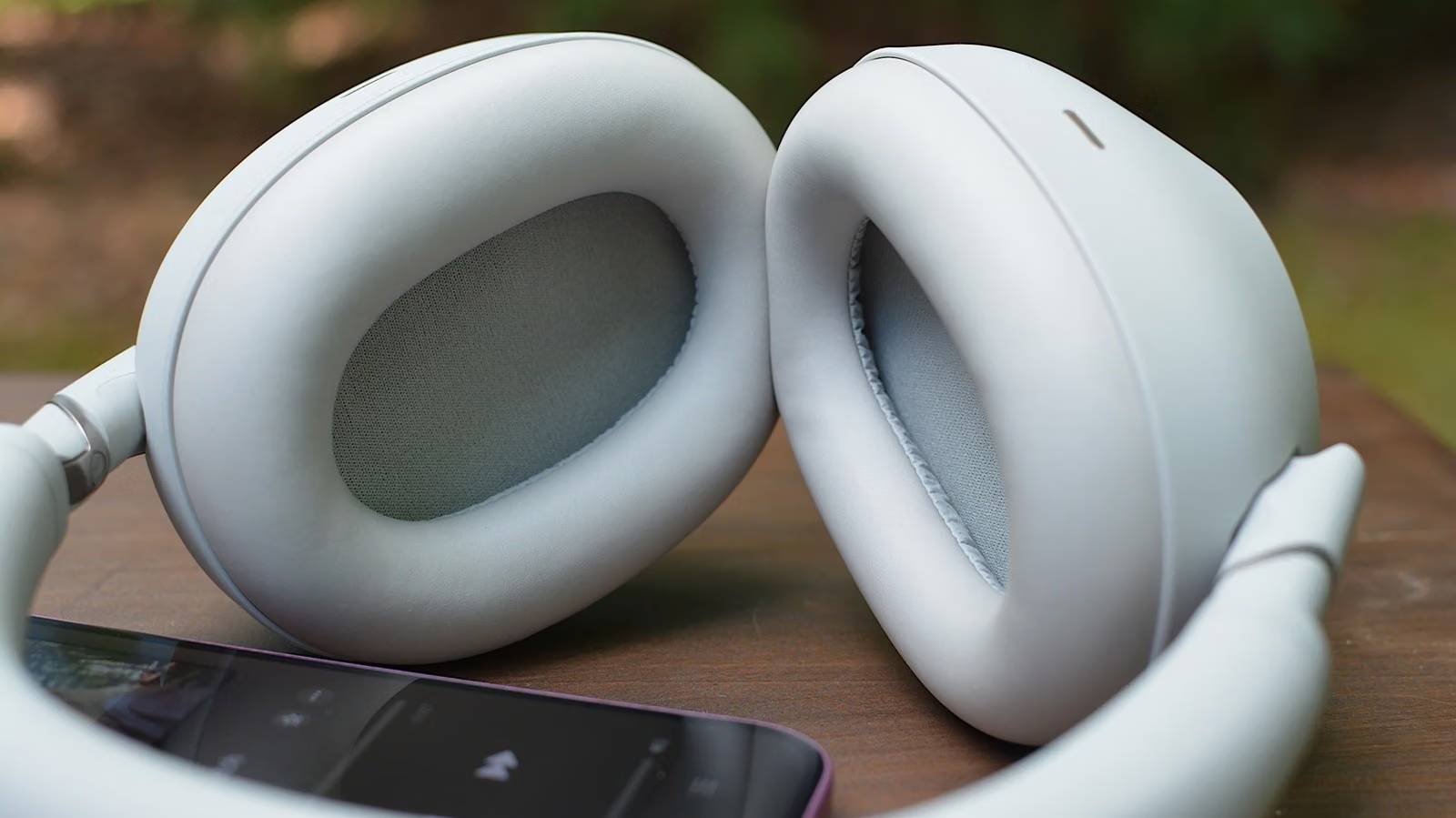
Let's start with the most overlooked factor: seal. Sealed over-ear headphones and well-fitted earbuds tend to deliver the most consistent bass performance, while open-back headphones, however natural they sound, aren't built for stacking low end. Even open-fit earbuds like the AirPods 4, or open-ear designs like the Shokz OpenFit Pro, have improved their bass noticeably over previous generations—but they're still not the starting point if you're chasing thumping low frequencies. If your earbuds come with swappable tips, it's worth trying several sizes, since tips that are too big or too small will thin out the bass. Foam tips also tend to create a tighter seal than silicone ones. Apple's fit test software for AirPods Pro can also help you check how well they're sealing. If you're wearing over-ear headphones, watch out for glasses, hair, or worn-out ear cushions—all of which can quietly sap your bass.
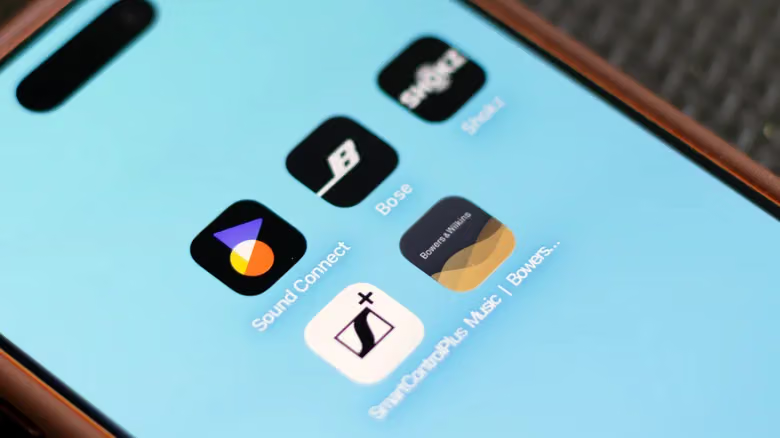
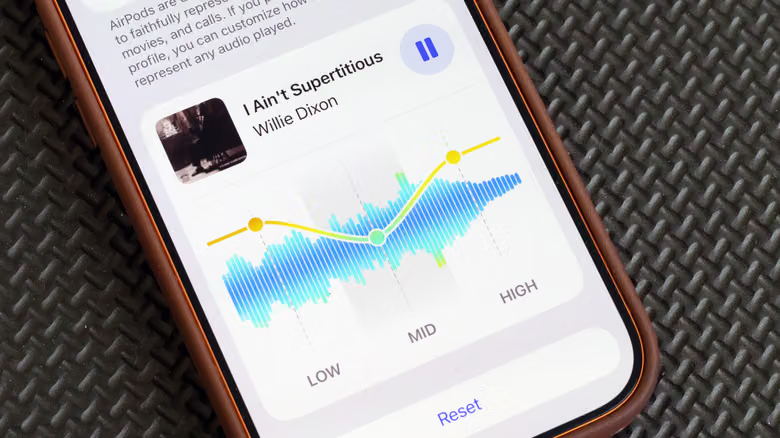
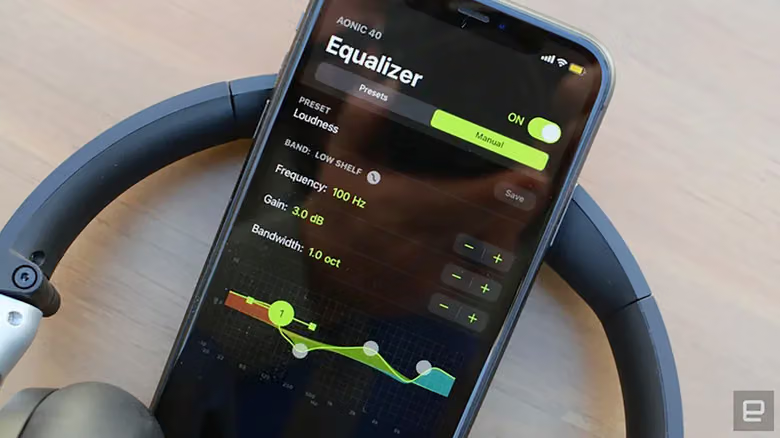
Once you've confirmed fit isn't the issue, it's time to look at EQ. The article flags a common mistake: cranking up the bass in both Spotify and your headphone brand's app (say, Sony's Sound Connect) at the same time. Stack those adjustments and you'll likely end up with muddy, distorted sound. The safer approach is to reset all your EQ settings to zero first, then start fine-tuning from your headphone app's curve. Only switch to your music app's built-in EQ if your headphones don't have a dedicated EQ, or if you want the adjustment to apply to just that one app. Spotify's EQ lives under Settings and Privacy > Playback > Equalizer (on Android, this might redirect you straight to your phone's system sound settings). Apple Music's is under Settings > Apps > Music > EQ, though it's labeled by genre rather than showing an actual curve. YouTube Music on Android still relies on your phone's system-level EQ, and the iOS version still has no in-app option at all. Tidal, meanwhile, offers no EQ on either platform.