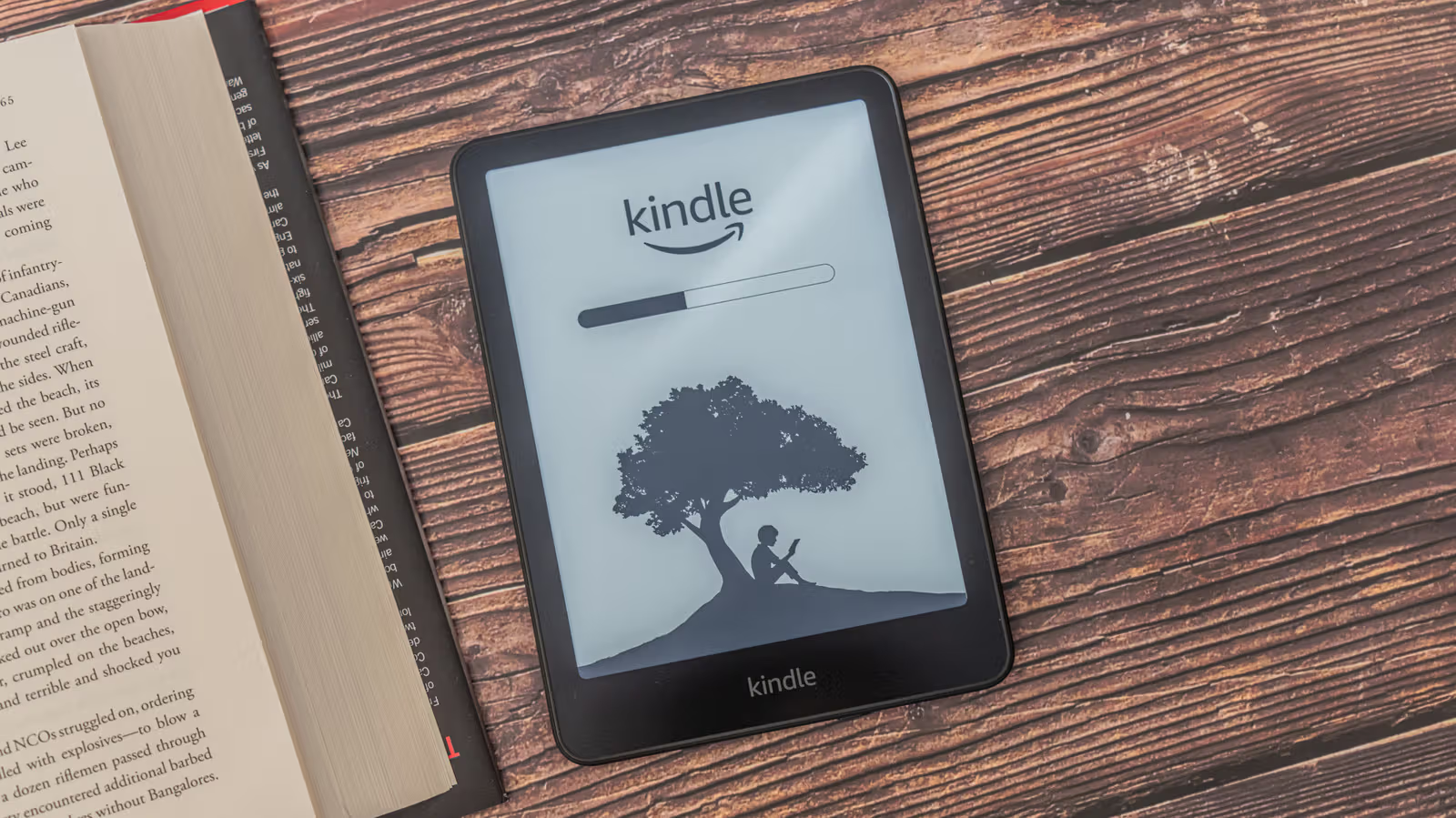
The Kindle has no speakers and no headphone jack, which is the basic setting for Amazon’s new generation of e-book machines. If you want to listen to audio books, or want a machine to read text out, the only way is Bluetooth. This also explains a question that is often ignored: Why does a device specifically used for reading books need Bluetooth?
Kindle models launched after 2016 all have this built-in connection function, which is mainly used for pairing wireless headphones or speakers. The operation process is not complicated: click Library from the main screen, enter the Downloaded category, select the audiobook you want to play, press Play, and the system will prompt you to pair the Bluetooth device; then switch the headset or speaker to pairing mode, click the device name on the Kindle to start playing. During playback, you can jump chapters and adjust the speed on the Audible interface, and the volume can be adjusted through the Quick Actions panel opened by sliding down from the top of the screen. If pairing fails, restarting or updating to the latest firmware are common troubleshooting methods.