Is Liquid Cooling Worth It? Engadget Editor Answers with 9800X3D and Kraken 360
Engadget editor Dave Meikleham breaks down the structural differences between liquid and air coolers, using his own rig running an AMD Ryzen 7 9800X3D and NZXT Kraken 360 as a real-world example to explain when dropping an extra $200 actually pays off.
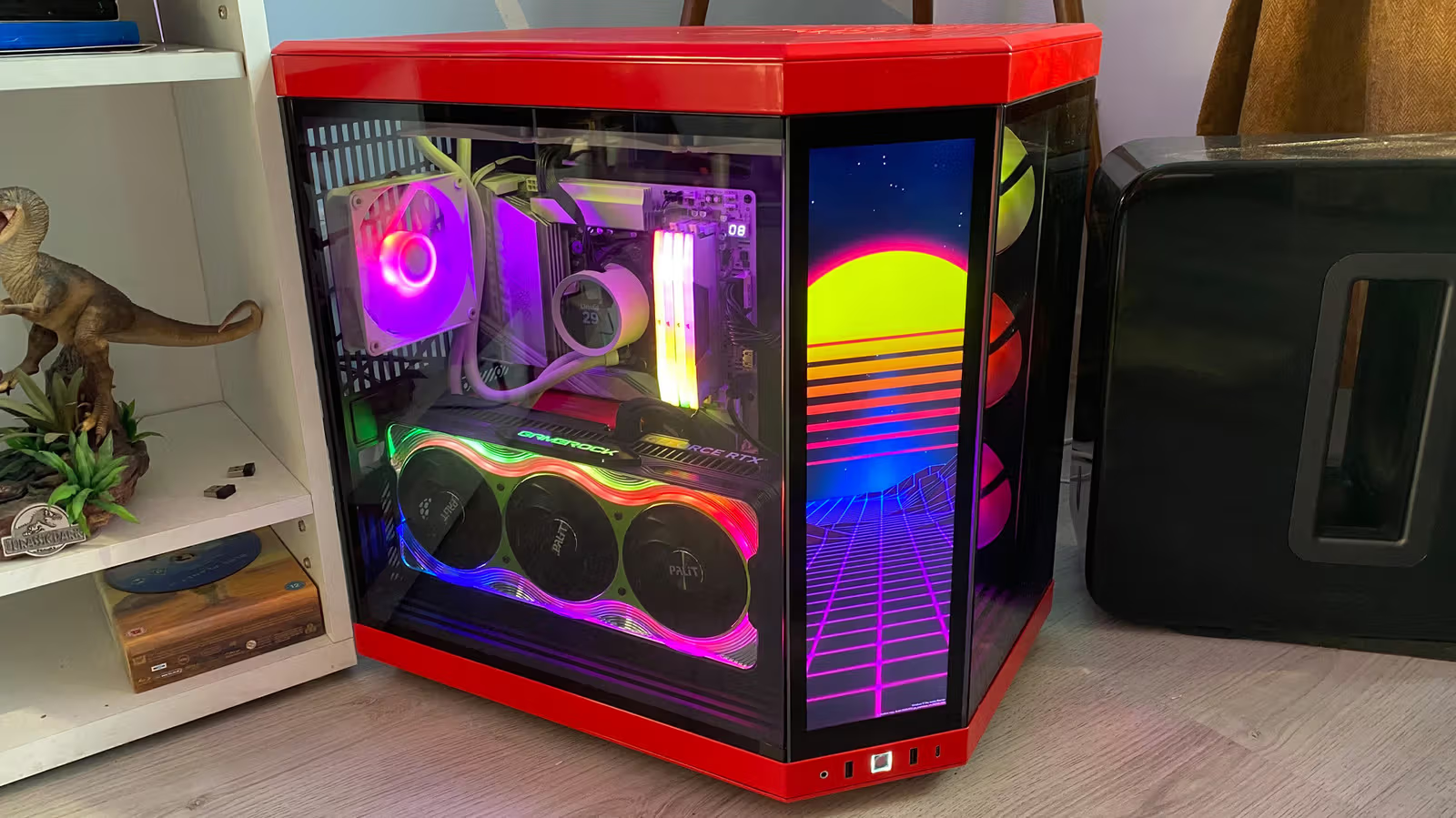
A $200 cooler sounds like spending money on something you can see but can't really touch. But Engadget editor Dave Meikleham pushes back on that with his own setup: his AMD Ryzen 7 9800X3D paired with an NZXT Kraken 360, a 360mm all-in-one (AIO) liquid cooler, has been running for "a few years" now, letting him hold 120FPS at 4K without worrying about thermal throttling. This isn't marketing talk — it's his actual experience running the most demanding AAA games.
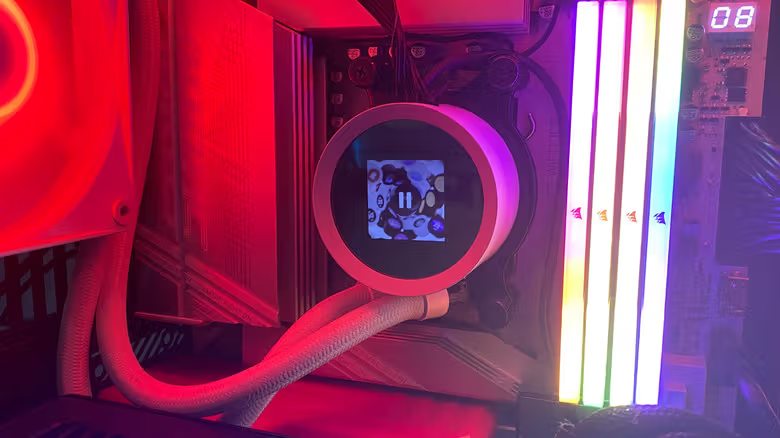
Liquid and air cooling do the same job — carrying heat away from the CPU — the difference is in how they transfer it. Air coolers are relatively simple, with just a cold plate, heat pipes, fins, and a fan. Liquid coolers add a pump, tubing, coolant, and a separate radiator, making them more complex — and more expensive.
How Heat Travels From the Chip to the Radiator
The thermal paste applied during CPU installation first absorbs heat from the chip, transferring it to the copper base of the water block, where the heat enters the coolant. The pump then pushes the liquid toward the radiator (usually mounted at the top of the case), where fans blow the heat away. The cooled liquid flows back to the water block, and this cycle repeats continuously while the system is running.
With a custom loop, users can pick their own water block, radiator, tubing, fans, and reservoir — the reservoir stores coolant and feeds it to the pump. For those who want to go further, a GPU water block can also be added to bring the graphics card into the same loop.
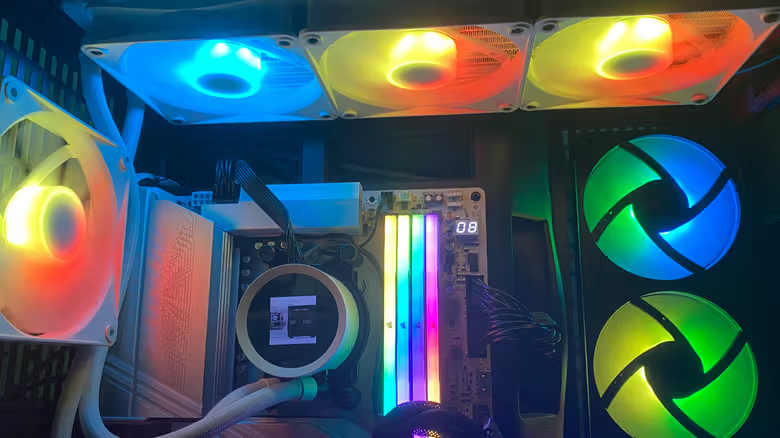
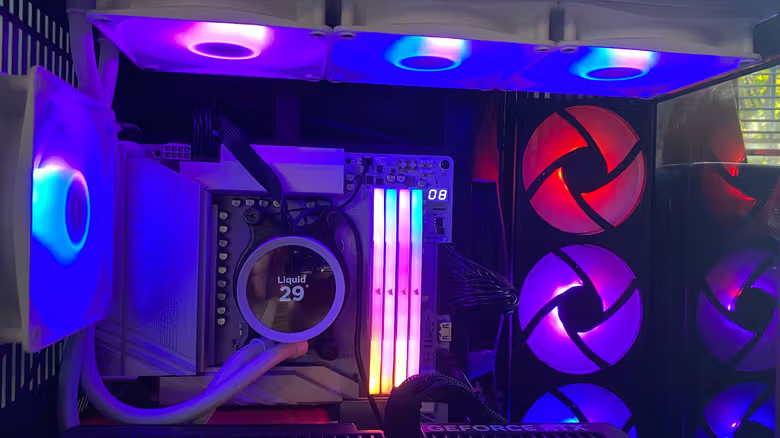
Meikleham specifically noted that the Kraken 360 lets you set precise performance targets through the NZXT CAM app, while also offering plenty of RGB lighting options — one reason high-end AIOs often become the "main event" inside a case. He describes top-tier liquid cooling products as "practically silent," with a much cleaner look than fan coolers. That said, he also warns that cheaper liquid cooling models can actually be noisier.
280mm and 360mm radiators can dissipate noticeably more heat than air coolers, which is why they're the go-to choice for high-end builds. But the trade-off is just as direct: premium liquid coolers can cost $200 or more, significantly pricier than most air coolers. Installation is also more involved — beyond mounting the pump, you have to properly fit the radiator inside the case. Over the long run, the pump wears down over time and needs maintenance; and while the risk of leaks is low, if it happens, it can damage other components inside the case.
Air coolers, by comparison, are easy to install, require almost no ongoing maintenance, and typically last longer than AIOs. Meikleham's advice is straightforward: if your build is running something like an Intel Core i9-14900K paired with an Nvidia GeForce RTX 5090, liquid cooling is pretty much a necessity. But for the average Steam gamer running a mid-range CPU, air cooling is more than enough — you'll just have to live with a big heatsink showing through the case's tempered glass side panel.