Let's get straight to the point: if you're on a Mac, watching Netflix in 4K on Chrome simply isn't happening. Netflix currently only supports 4K playback on Chrome for PC — Mac users still need to switch back to Safari. In the past, PC users could only hit the highest quality tier through Microsoft Edge or the built-in Windows Netflix App; Chrome only got added to the list later.
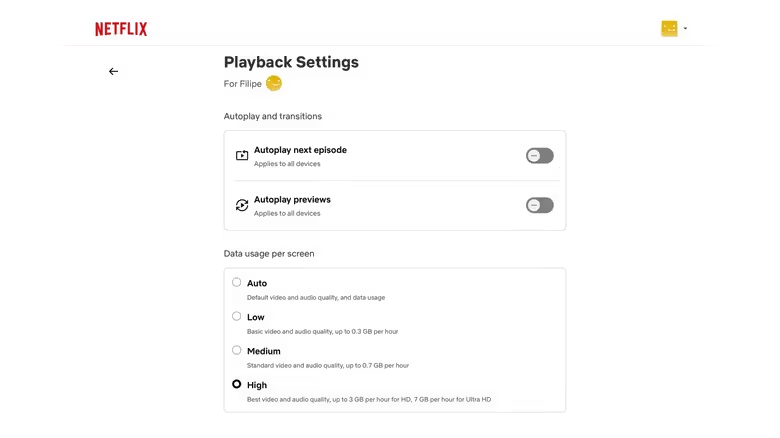
But even with the right browser, whether you actually see 4K depends on your subscription plan. Netflix's Standard and ad-supported plans don't offer 4K — only the Premium plan qualifies. And signing up for Premium is just the entry ticket; from there, you still have to clear a whole series of hardware and system hurdles.
The first hurdle is HDCP 2.2, a digital rights management protocol designed to prevent unauthorized copying of 4K content. It's not just the display that needs support — the graphics card's output port connecting your computer to an external 4K monitor or TV must also support HDCP 2.2. If either end falls short, the quality gets automatically downgraded.
The second hurdle is the encoding format. Your operating system needs to support the HEVC codec — macOS has this built in natively, but Windows users may need to head to the Microsoft Store to purchase and install the HEVC Video Extensions package separately. Worth noting: Netflix is currently in the process of shifting from HEVC to the more efficient AV1 codec, but for now, HEVC support remains one of the requirements for 4K playback.