Stick Drift Just Won't Quit? Even the $200 DualSense Edge Needs a $30 Stick Module Upgrade
Neither the PS5 DualSense nor Xbox controllers use Hall Effect sticks, leaving drift fixable only through cleaning, resets, and firmware updates — and even the $200 DualSense Edge requires an extra $30 for replacement stick parts.
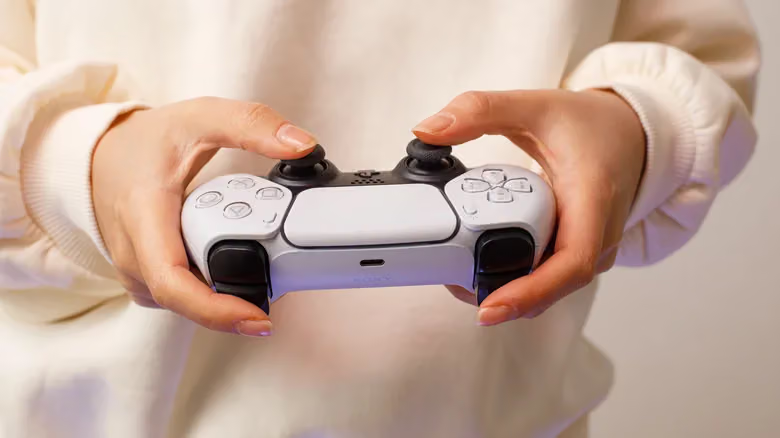
The $200 DualSense Edge is supposed to be Sony's flagship controller — yet when its sticks start drifting, you still have to shell out $30 for a brand new DualSense Edge Stick Module. That fact alone says a lot: Hall Effect stick technology already exists and can massively reduce drift, but neither the PS5's DualSense nor the Xbox Wireless Controller has adopted it.
Spotting drift is simple: your hands aren't touching the stick at all, yet the in-game camera keeps panning on its own, or your character/vehicle starts drifting slowly without input. This means the potentiometer responsible for tracking stick position inside the controller has worn out. Long-term use is the most common cause, but buildup of sweat, dust, and moisture can also mess with the sensors — and some controllers even ship with calibration flaws right out of the box, which is a manufacturing issue.
Don't rush to crack open the shell just yet. If your controller is still under warranty, going through Sony or Microsoft for a repair or replacement is a much better deal than DIY-ing it.
Cleaning should always be your first move. Try a few short bursts of canned compressed air right at the base of the stick, or gently wipe it with a cotton swab dipped in a small amount of isopropyl alcohol — don't overdo it with the alcohol, and remember to power off the controller before you start.
The DualSense has an extra reset option: power it off, flip it over, find the tiny reset hole on the back, and hold it down with a paperclip for at least five seconds, then re-pair it with your PS5 via USB cable. If cleaning and resetting don't do the trick, the issue might be firmware-related — head to Settings > Accessories > Controllers (General) > DualSense Wireless Controller Device Software.
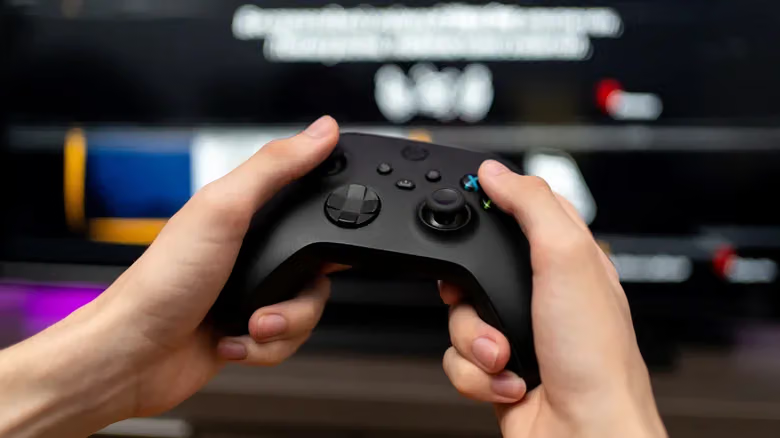
The process is the same for Xbox controllers: clean first — a cotton swab plus alcohol is the combo that's proven most effective in practice — then check the firmware. Press the Xbox button, go to Profile & System > Settings > Devices & Connections > Accessories, select your controller, and check for available firmware updates. It's also worth installing the Xbox Accessories App, which includes calibration tools that let you directly adjust or test your stick's dead zone.
Back to the DualSense Edge: if cleaning and resetting can't save it, officially opening up the shell to swap the module is a sanctioned repair method. Push the release latch on the back to the left, then remove the panel around the sticks. Each stick has its own metal release latch next to it — flip it upward to pop out the faulty stick, slot in the new module, snap the latch back, and reattach the panel to finish the job. Still, it's a bit ironic that a $200 controller doesn't even come with a spare module in the box.