Smart TV storage space only 8GB? Samsung system files consume 20% of the capacity
The built-in storage of new smart TVs is generally only 8GB. The operating system and pre-installed apps take up most of the space. Samsung TV system files even eat up 20% of the capacity. The Engadget report sorted out countermeasures such as clearing cache, removing apps and external streaming devices.
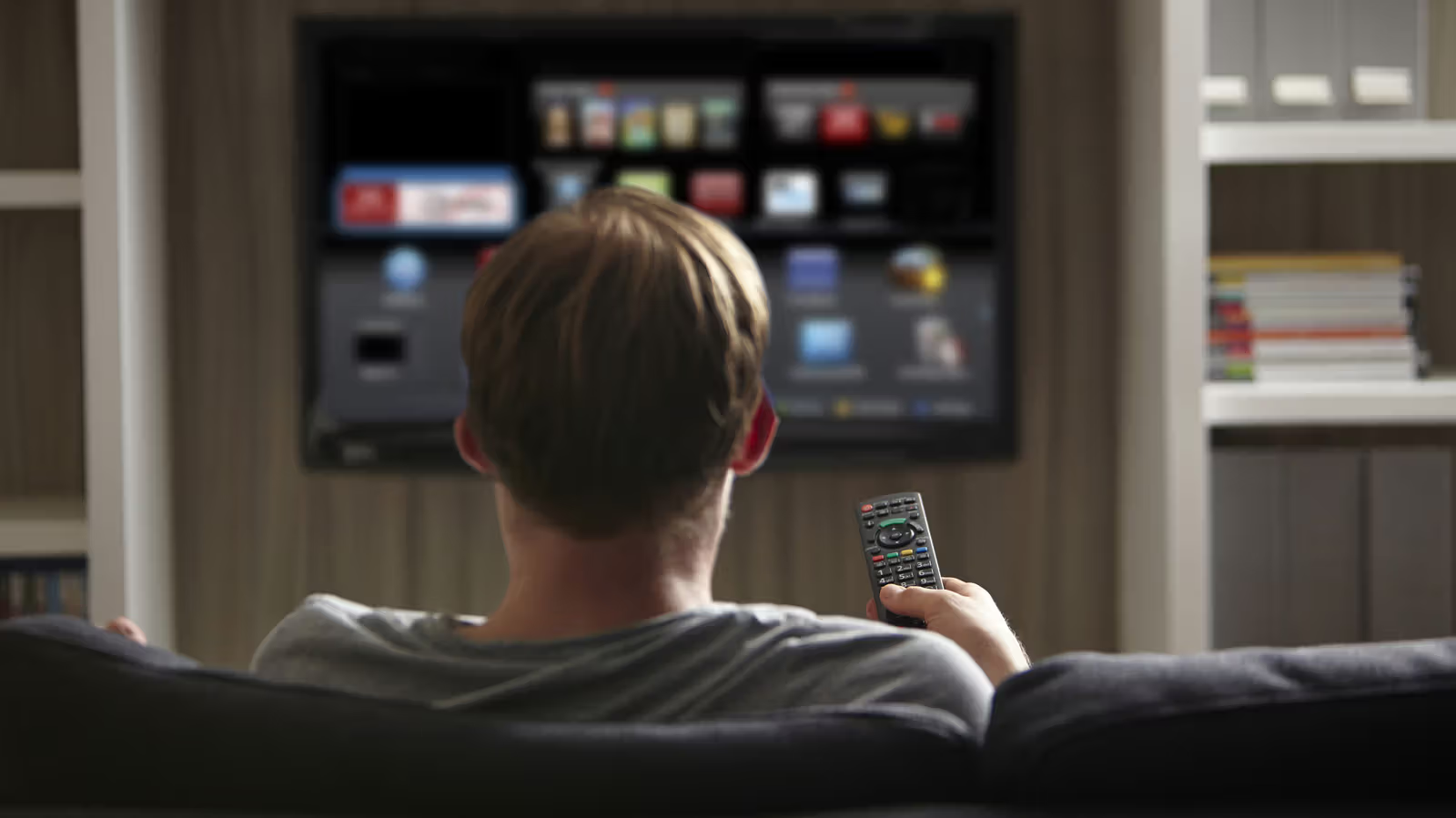
A smart TV that costs RMB 20,000 to RMB 30,000 may have less built-in storage space than an entry-level mobile phone from ten years ago. Engadget reports that new smart TVs are usually equipped with only about 8GB of storage space when shipped from the factory, and the operating system itself takes up a large part of it - taking Samsung TVs as an example, system files can eat up 20% of the overall capacity.
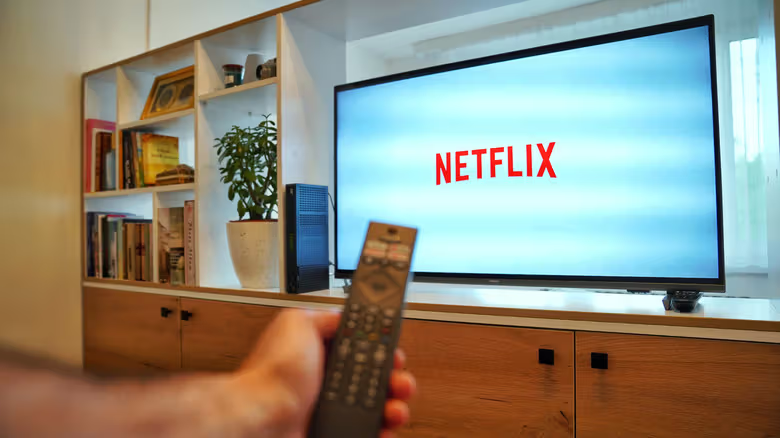
It's not just the OS that will eat up those 8GB. Most smart TVs come pre-installed with a batch of apps, commonly known as bloatware, including mainstream streaming services such as YouTube, Netflix, and Prime Video. Apps that users install later are an additional burden superimposed on these pre-installed software.
Another space killer that is easily overlooked is cache and temporary data. In order to speed up reading, apps will leave usage records on the device. For example, Netflix will store thumbnails of recently viewed programs, so that you don’t have to re-download the images when you return to the playlist. This type of cache will continue to accumulate over time. The more types of apps you use, the more space it takes up.
The treatment provided by the report is not complicated. The first step is to clear the App cache and temporary data in settings. This action will not delete the App itself. The disadvantage is that the data will gradually re-accumulate with future use, so it is not a one-and-done operation. A more direct approach is to uninstall it - the report suggests checking the app list, and any apps that have not been opened for more than three months can probably be removed. As for pre-installed bloatware, whether it can be uninstalled depends on the TV brand and model. Some manufacturers do not allow users to remove it.
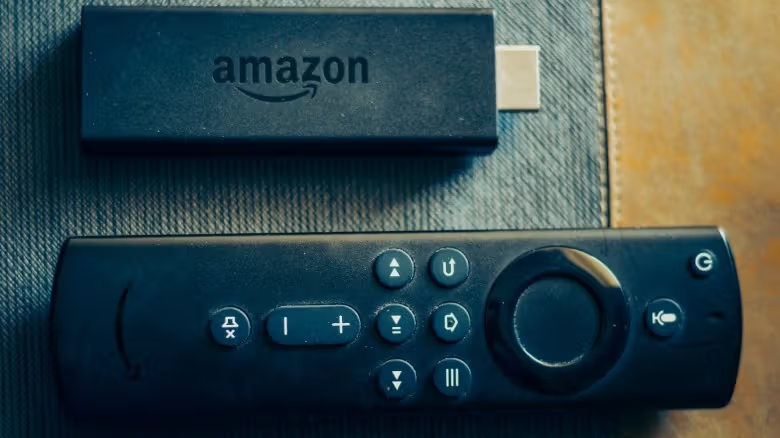
If you don’t want to fiddle around in the system menu, another route mentioned in the report is to simply bypass the smart TV’s own system: connect an external streaming device such as Fire TV Stick, Roku, or Google TV Streamer. These devices come with their own storage space, operating system, and app ecosystem. You can plug in the power, complete settings, and download frequently used apps to start watching TV shows. This is equivalent to using the smart TV as a screen.