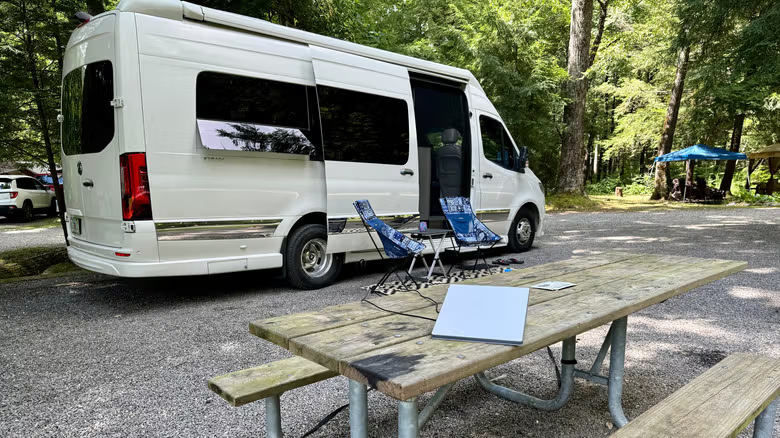
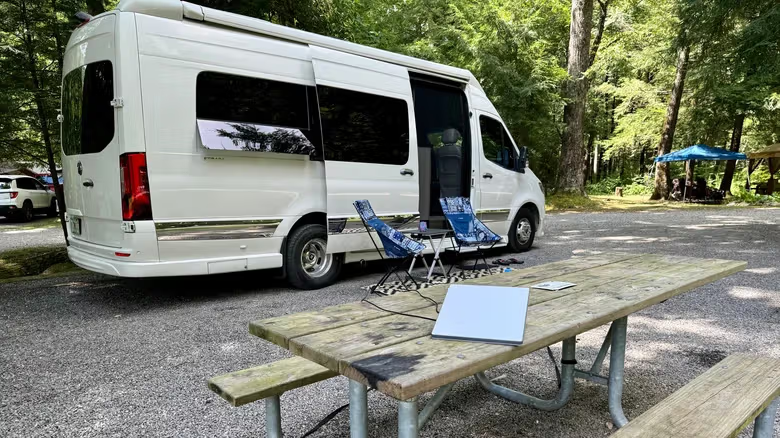
Park the camper in the shade of a tree. If you want to maintain the Starlink connection, you have to insert a small antenna into the only gap between the tree canopies and point it at the sky. The antenna is in the right position, but the car body and surrounding obstacles block the Wi-Fi signal. This is the reason why the Starlink Mini
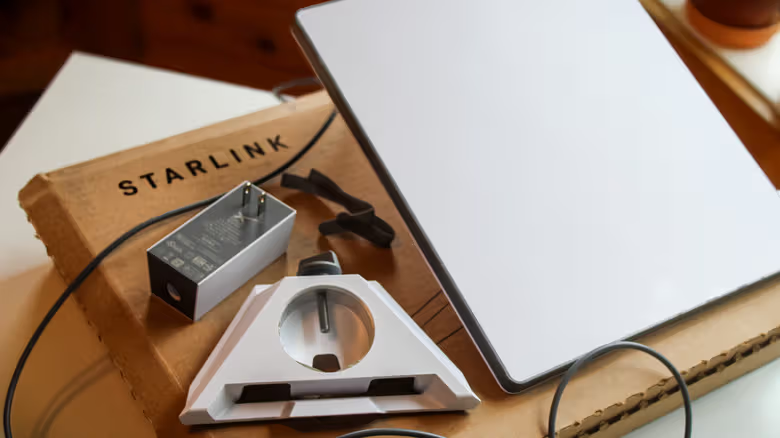
Starlink Mini itself has a built-in Wi-Fi 5 router. Engadget reported citing data that the coverage area can be up to 1,200 square feet and supports 128 device connections at the same time, which is quite sufficient for a portable antenna. In other words, just by carrying a mobile phone or laptop close to the antenna, you can access the Internet without the need for additional equipment under normal circumstances.
Router Mini is an upgraded version in terms of specifications, using Wi-Fi 6, the coverage area has been increased to 1,300 square feet, and can support 235 devices at the same time. This amount of connection is obviously excessive for general portable usage scenarios, but if the portable device itself supports Wi-Fi 6, there will still be a noticeable difference in speed. It can be connected in Mesh mode to the built-in Wi-Fi of the antenna through an Ethernet line or wirelessly. Starlink officials recommend using wired connections first, but in situations where wires cannot be connected, wireless Mesh can still work.
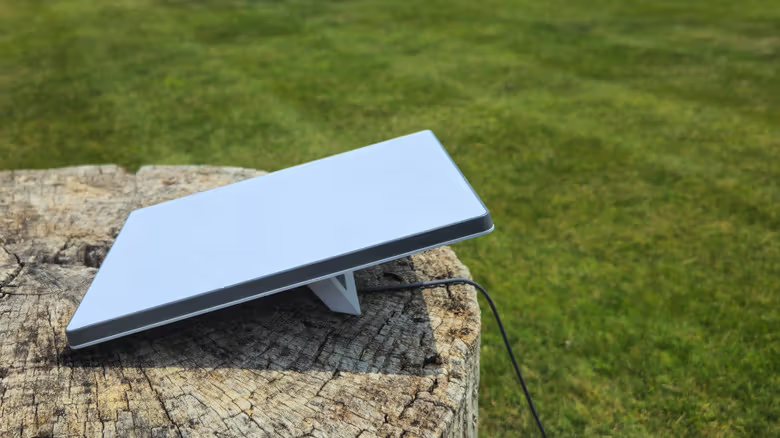
The antenna should be facing the sky and the router should be close to people
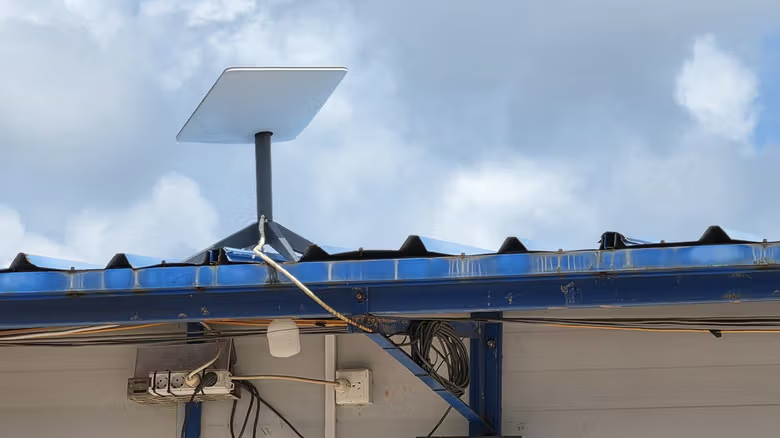
The problem is that the Starlink antenna needs to maintain a stable field of view with the satellites in orbit, and trees, buildings, and hills may cause obstruction. This determines that the antenna can only be placed in a location that is "suitable for receiving signals" but not necessarily "suitable for Wi-Fi." Back to the example of the campervan: The antenna was inserted into the gap between the trees to maintain the satellite connection, but the vehicle body and surrounding obstacles made the Wi-Fi signal worse. At this time, you can place the Router Mini closer to the person and use the Ethernet line to achieve a more stable speed, which is equivalent to separating the location requirements of the antenna and Wi-Fi hotspot. The same situation not only happens in campers, but also in cabins, studios, or when there is a shelter in your own yard, you may encounter the same gap.
It is worth making clear that Router Mini does not make the satellite connection itself faster or wider, it only improves the quality of the internal connection between the antenna and the terminal device. The report also mentioned that users do not actually have to use Starlink’s own Router Mini. Any third-party router that supports Ethernet connections or has Mesh functions can be connected to antennas and integrated into existing home networks.
For most users who just want a stable connection to the built-in Wi-Fi, the Router Mini is more like a "better" accessory than an "impossible to have" accessory - it also takes up more storage space and can be connected to an additional power supply. The real priority is the placement of the antenna itself; wait until the signal is stable, and then evaluate whether to add an additional router to share the range and device load.