Is It Safe to Charge Your Phone with a Laptop's USB-C Charger? It All Comes Down to the Negotiation Protocol
USB-C has become the common port for phones, tablets, and laptops alike, but can you really use a laptop charger to power up your phone without frying it? The answer lies in the communication protocol behind USB Power Delivery.
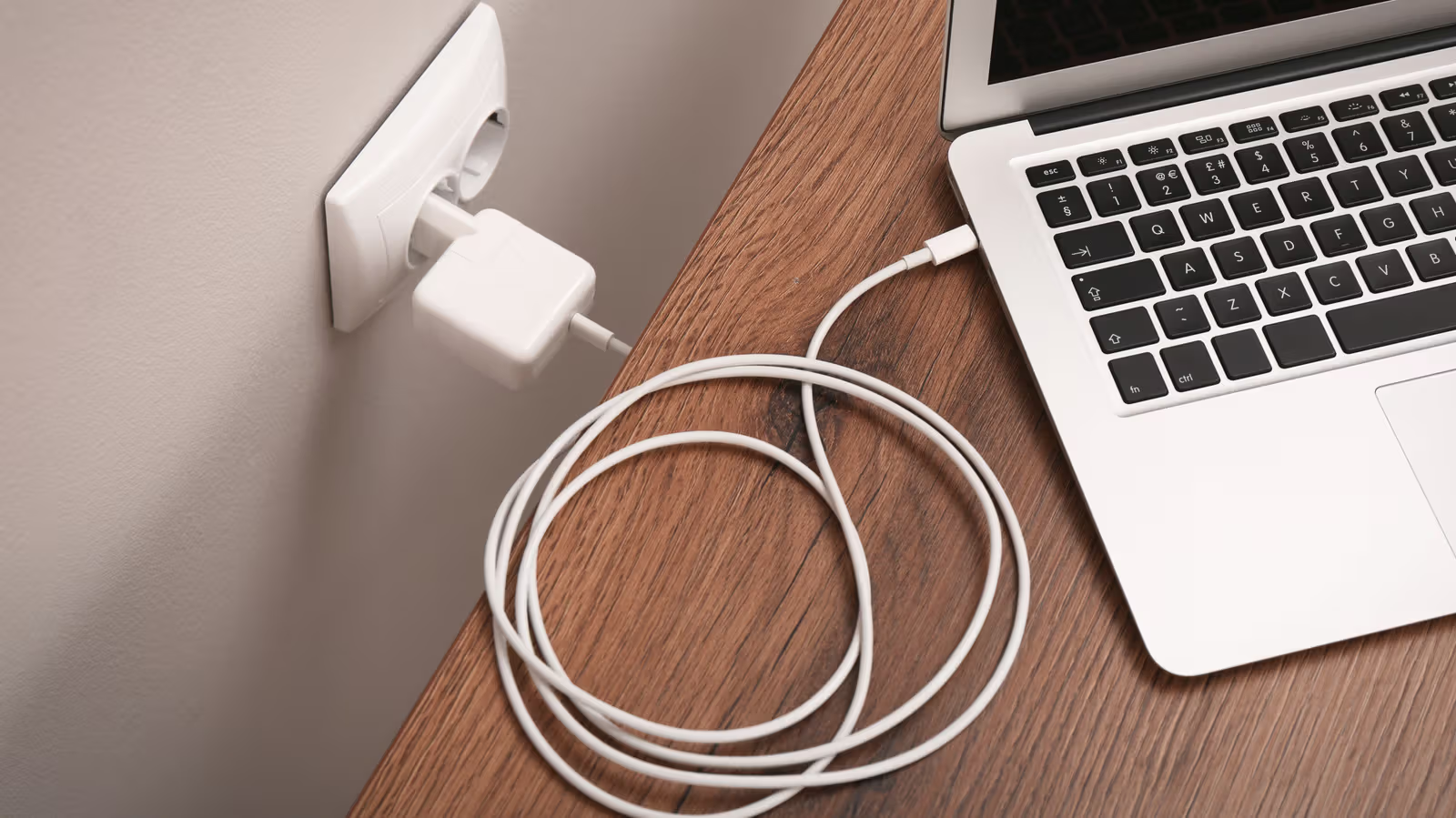
Your laptop's sitting on the desk, plugged in and idle, while your phone battery's running low—so you unplug the laptop charger and hook it up to your phone instead. It's a move almost every USB-C user has made, but there's always that nagging doubt: the specs are different, so is borrowing the charger actually safe?
The answer hinges on a technical protocol: USB Power Delivery (USB-PD), established by the USB Implementers Forum (USB-IF). The key isn't in the charger—it's on the phone's end. The charger doesn't just force its maximum wattage into the phone; instead, it "negotiates" with the device first. The charger lists out all the power options it can supply, and the phone picks the highest level it can safely handle. In other words, the phone actively "pulls" the amount of power it needs, rather than the charger "pushing" power onto it. Because this negotiation mechanism exists, a high-wattage charger theoretically won't fry your phone's circuitry, and your phone won't absorb more power than its internal components can handle.
When Can You Safely Mix and Match?
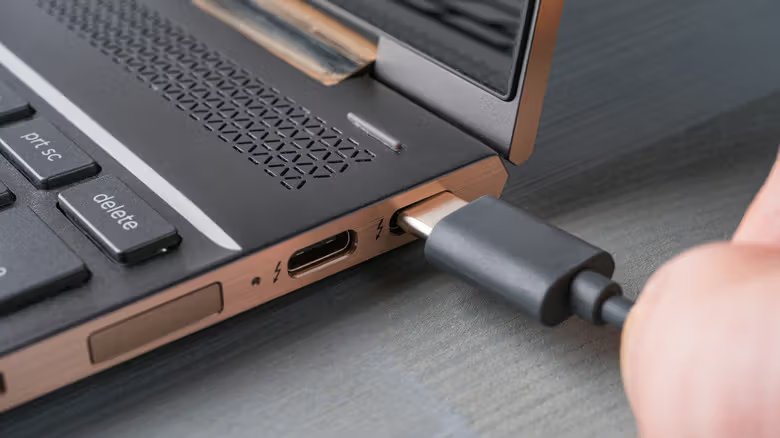
If both your phone and laptop are devices made within the last decade or so, the answer is pretty much "yes." Most current iPhone, Pixel, and Galaxy models, along with MacBooks and most Windows laptops, support USB-PD. As long as both the charger and phone have this protocol built in, the negotiation process kicks in automatically, and swapping chargers day-to-day isn't an issue.
Even if one side doesn't support USB-PD, it's still not really dangerous. If a USB-PD charger is connected to an older phone that doesn't support negotiation, it'll automatically fall back to a safe output level—charging just slows down, with no safety concerns. Conversely, if a non-USB-PD charger is connected to a phone that does support negotiation, output gets capped at 5V/3A, which is plenty for everyday charging needs.
Faster Charging Depends on Your Phone's Own Limit
Charging speed comes down to whatever fast-charging spec your phone actually supports. Take Apple's official guidance, for example: most recent iPhones need a USB-C power adapter rated 20W or higher to hit fast-charging speeds. A 65W laptop charger easily clears that bar, so the iPhone will negotiate the power it needs and charge faster. But if a phone is capped at 18W or 20W input, plugging it into a 100W laptop charger won't speed things up at all—the phone only pulls the wattage it's rated for. That high wattage listed on a charger is really there to handle multiple devices drawing power from multiple ports at once, not to make a single phone charge faster. And going the other way around—using a phone charger to power a laptop—obviously won't get you anywhere near the laptop's native fast-charging speeds either.
The real risk to watch out for comes from poorly made chargers and cables. Cheap or shoddily built chargers often skip the isolation that should exist between the AC input and DC output—if there's a power surge, dangerous voltage could get sent straight to your phone. Substandard USB-C cables can also be missing the internal pull-up resistors required by spec, which is another hidden risk. Before picking out a charger, it's worth checking for safety certification marks like Underwriters Laboratories (UL), Intertek (ETL), or CE. On top of that, some phone brands use proprietary fast-charging protocols that only hit their advertised speeds when paired with the original cable or charger; and since smaller USB-C accessories don't always have the microcontroller needed to communicate with high-power chargers, it's still safest to stick with the charger that came in the box.