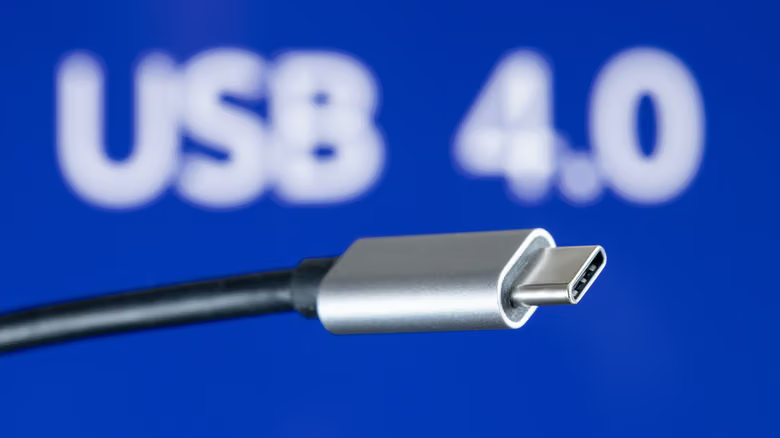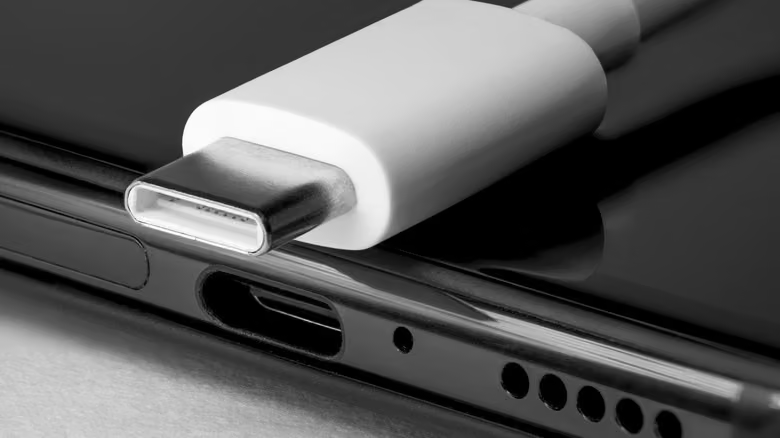
Let's cut to the chase: that USB-C cable in your hand could run at just one-eighth the speed depending on which port you plug it into. It's not the cable's fault—USB-C and USB4 are completely different things. USB-C is the shape of the connector; USB4 is the transfer spec launched back in 2019. Every USB4 cable uses a USB-C connector, but the reverse isn't true—older USB-C ports don't necessarily have the bandwidth to handle USB4.
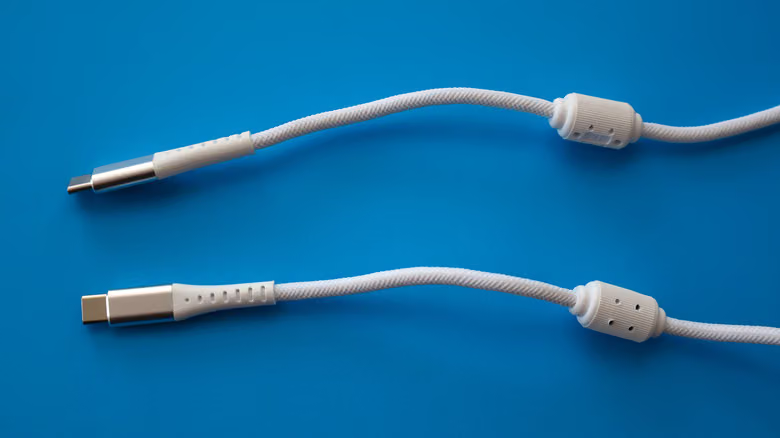
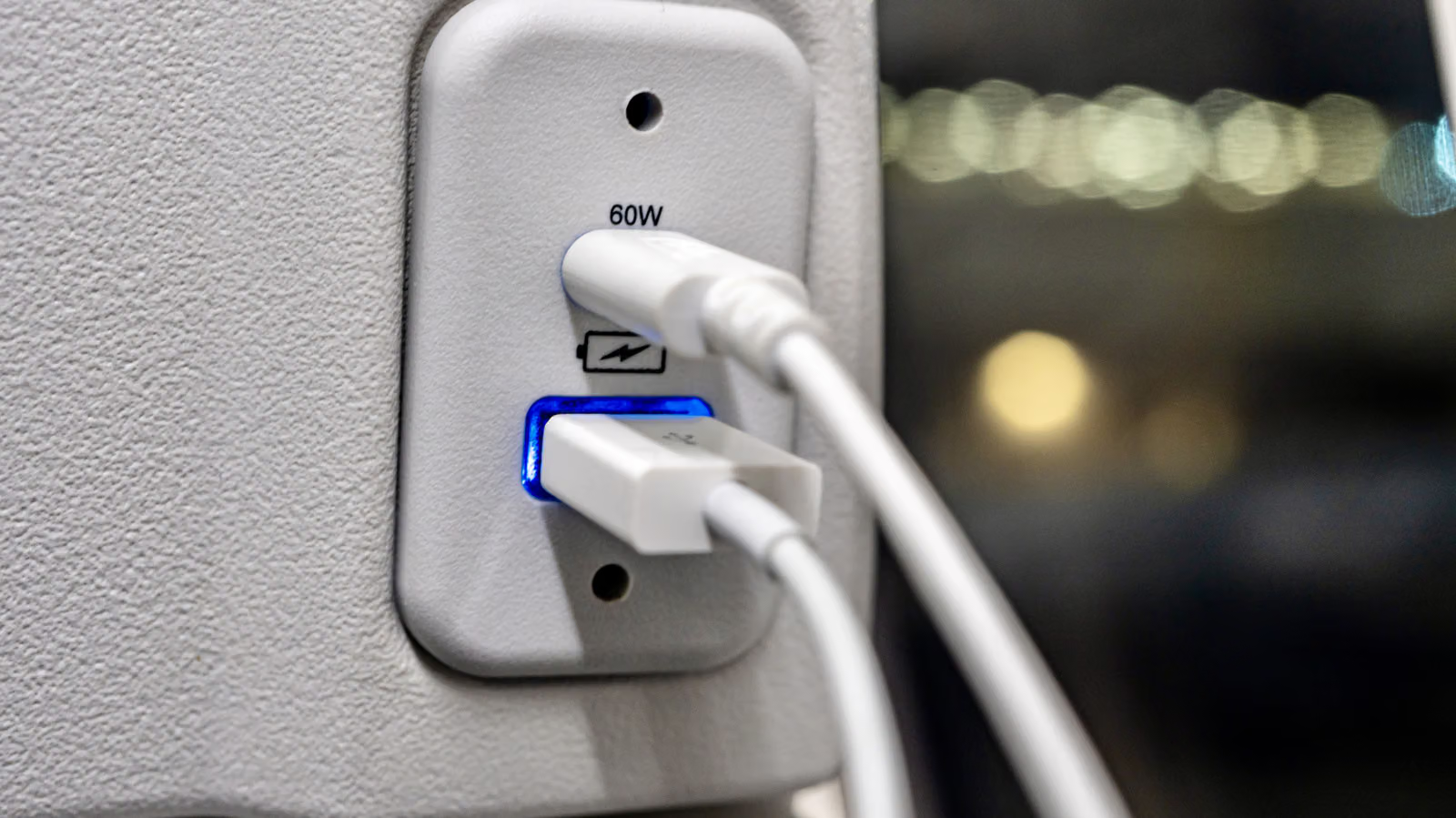
If your computer was bought before 2019, its ports are likely stuck at the USB 3.2 generation, with the first gen capping out at just 5Gbps. USB4 jumps straight to 40Gbps, so only laptops or desktops bought after 2019 stand a real chance of supporting it. The quickest way to check: look for a "USB4" label next to the port, or the Thunderbolt 3 lightning bolt icon that USB also supports. Since labeling isn't standardized across brands, check the manual if you're unsure.
Plug a USB4 device into a USB 3.2 port, and your speed gets capped at whatever ceiling that port has—10 or 20Gbps—nowhere near the 40Gbps USB4 is supposed to deliver. That's why the same cable getting wildly different speeds in two different ports isn't some mystery—it's just a spec gap.