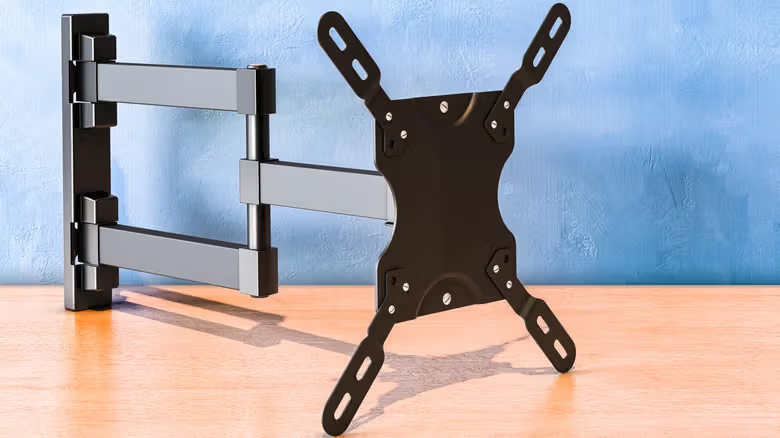
VESA 400 × 400 sounds like yet another TV spec you need to memorize, but it's really just two numbers: the distance between the mounting holes on the back of the TV, measured in millimeters. VESA stands for Video Electronics Standards Association, and the hole-spacing standards this organization set give TVs and wall mounts a common language. But "VESA mount" itself doesn't refer to one specific style of bracket—it's a general term for wall mounts that support these standardized hole patterns.
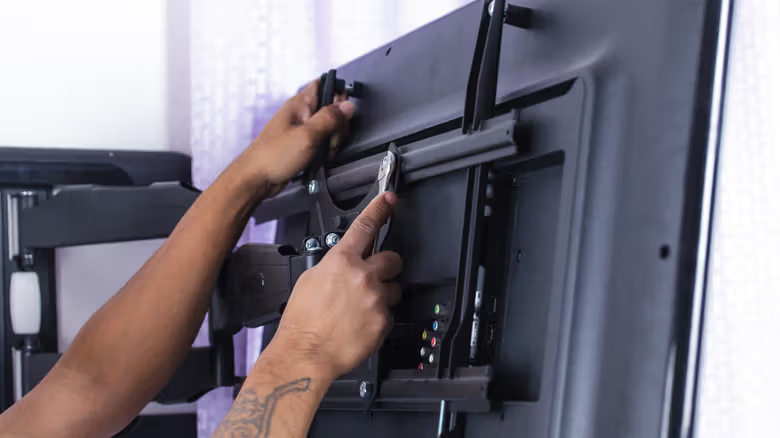
Look at the back of a TV and you'll notice the screw holes are usually arranged in a square or rectangle. The first VESA number is the horizontal spacing, the second is the vertical spacing. A TV with 400 × 200 means the mounting holes are 400mm apart left to right and 200mm apart top to bottom; 200 × 200 means all four sides are 200mm. These numbers have nothing to do with screen resolution or screen size—larger TVs often use bigger hole spacing, but you can't work backward from screen size to guess the spacing. Checking the specs for your specific model is the only accurate way to know.
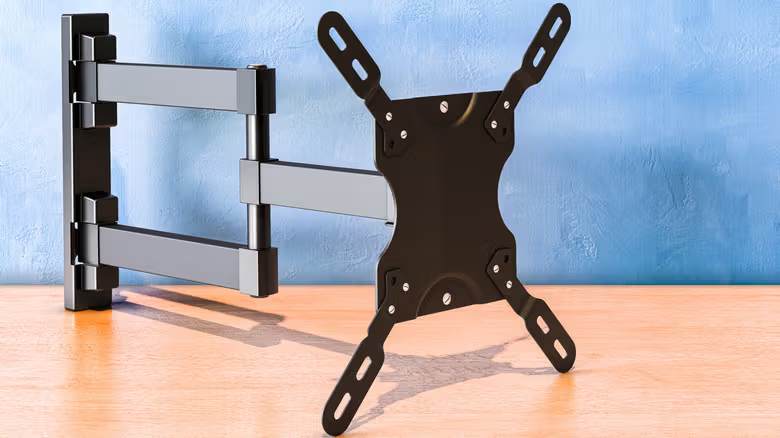
The most direct way to find your TV's VESA hole spacing is to check the manual or the manufacturer's official support page for wall-mounting specs—brands usually list the spacing directly in millimeters. If you can't find the specs, you can measure it yourself: measure from the center of one mounting hole to the center of the corresponding hole, once horizontally and once vertically, and record it as "horizontal × vertical" in millimeters. That way you can directly compare it against the spec sheet for any wall mount.