Tags
#CarPlay
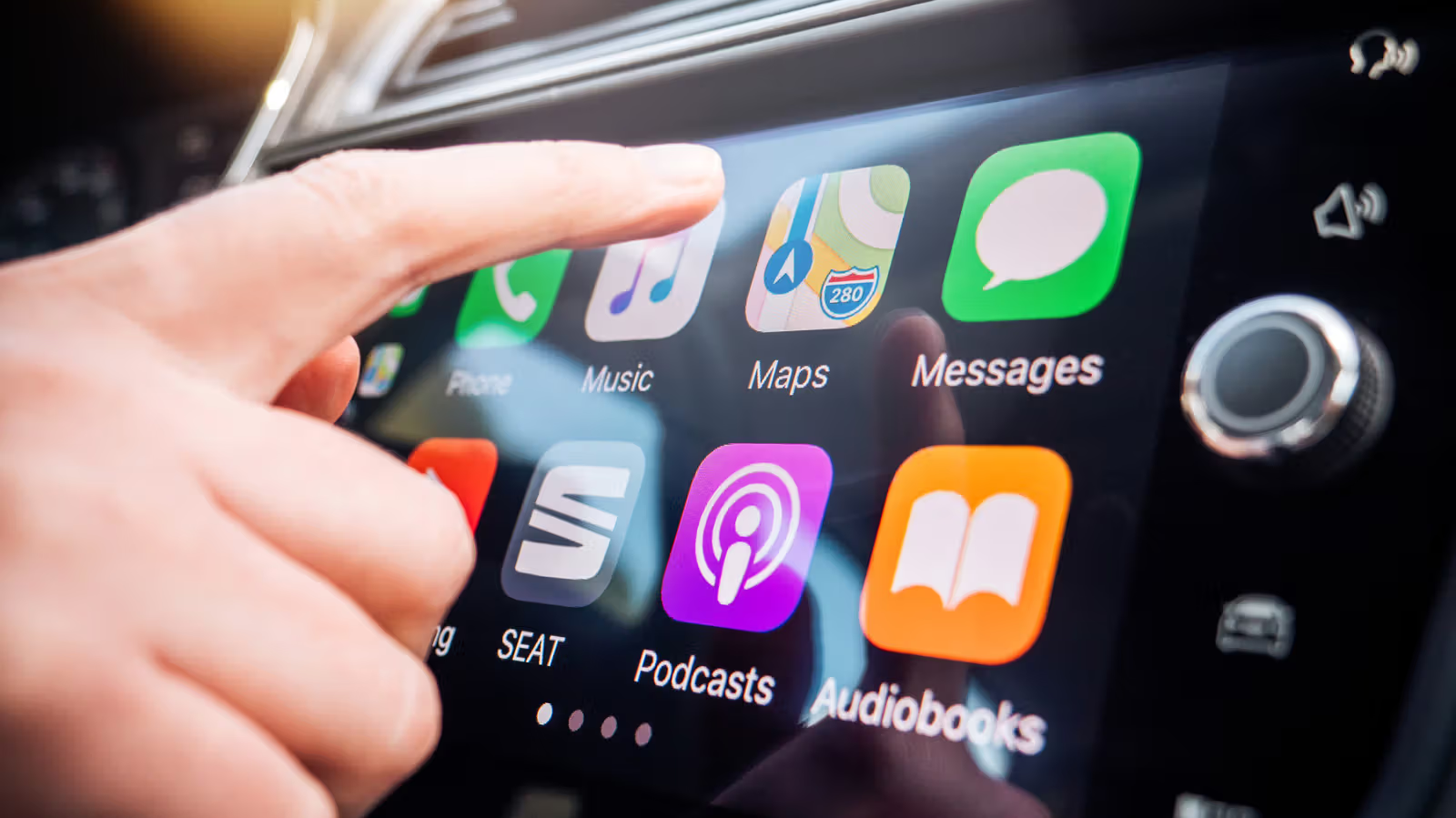
CarPlay Keeps Getting Interrupted by Siri? Four iPhone Settings to Quiet Down Your Voice Assistant
Siri wants to read out everything on CarPlay, from message notifications to turn-by-turn directions. With Focus mode, Announce Notifications, and Apple Maps volume settings, you can make your drive a lot quieter.
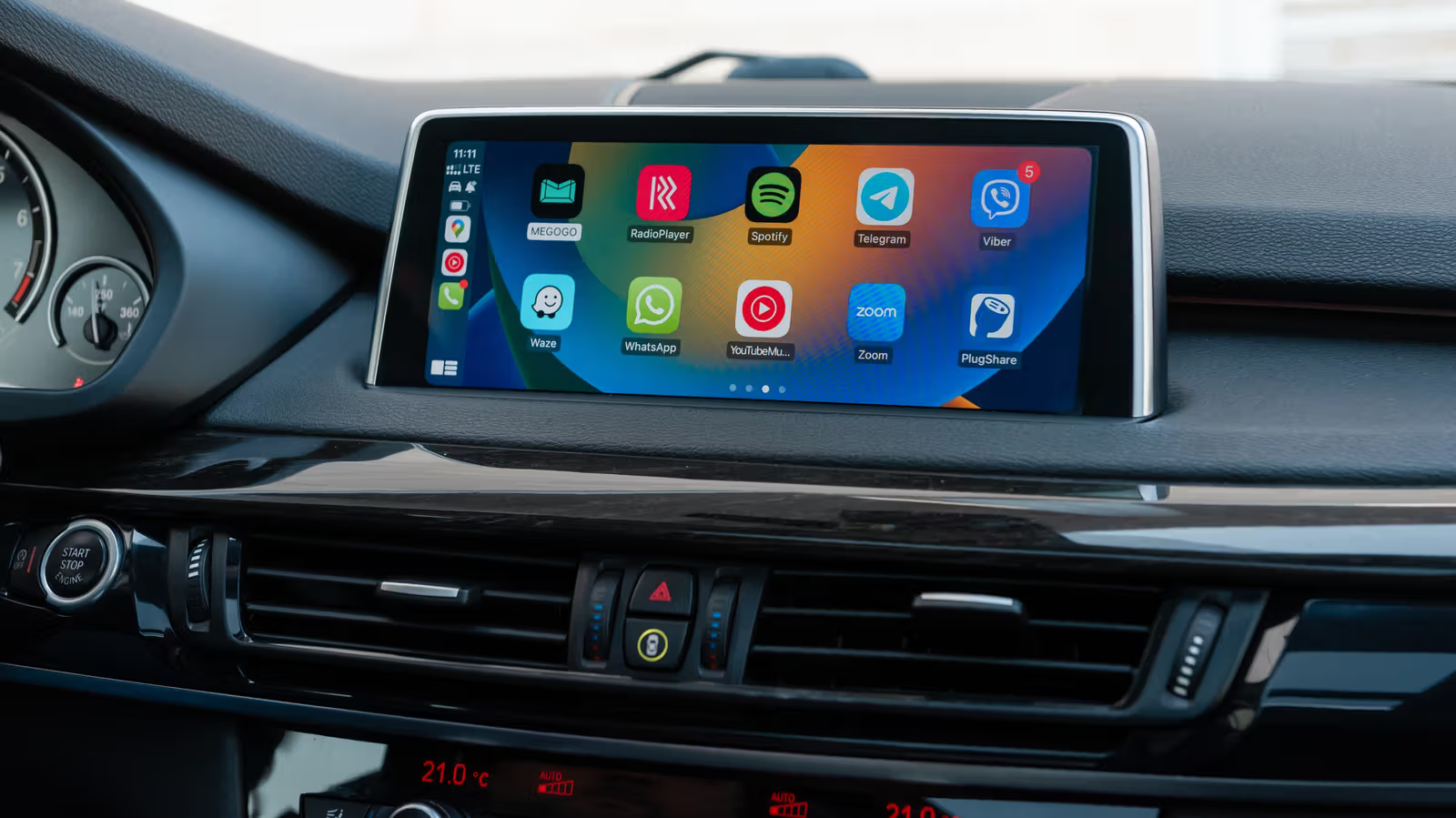
Siri Ignoring You on CarPlay? The Problem Usually Isn't Siri Itself
Calling out to Siri while driving and getting nothing back? Don't be so quick to blame the voice assistant. The real culprit could be hiding in your iPhone settings, a wired or wireless connection issue, or even the car's own infotainment system. Working through each one methodically beats randomly poking at settings.
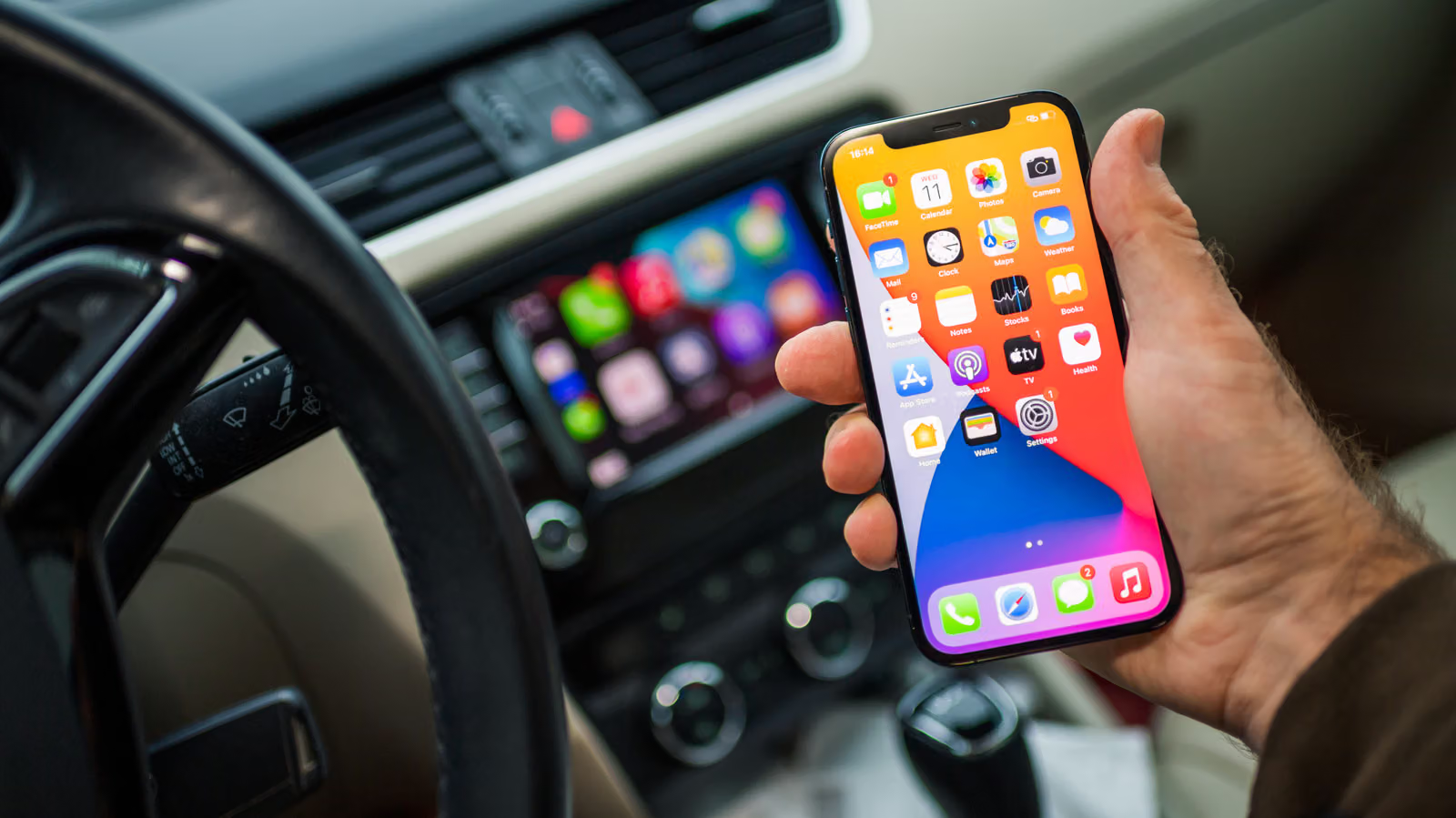
Wired vs. Wireless CarPlay: Same Features, Different Headaches (Disconnects, Dead Batteries, or Cluttered Cupholders)
The features are identical—the real question is whether your phone keeps randomly connecting to the wrong device, whether your battery survives the drive, and whether that cable is even worth keeping around. Engadget breaks down the real tradeoffs between wired and wireless CarPlay.
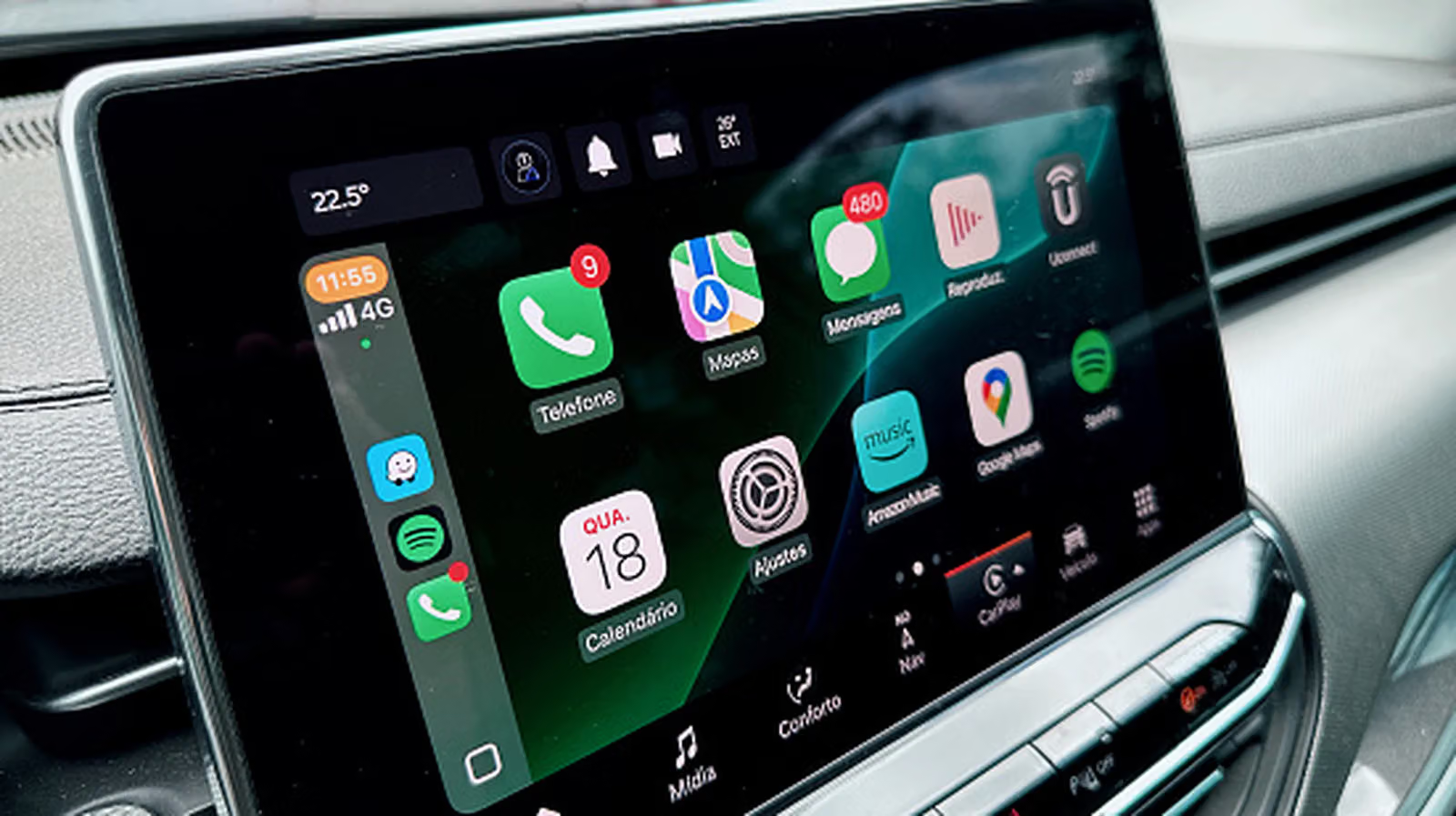
CarPlay Keeps Dropping? Don't Rush to the Dealer—Check Siri and Your USB Cable First
Beyond restarts, compatibility lists, and the Siri toggle, things like which USB port you're using, whether your cable actually supports data transfer, and your Wi-Fi auto-join settings could all be the real reason CarPlay keeps disconnecting. Work through these first before jumping to re-pairing or a factory reset.