CarPlay Keeps Dropping? Don't Rush to the Dealer—Check Siri and Your USB Cable First
Beyond restarts, compatibility lists, and the Siri toggle, things like which USB port you're using, whether your cable actually supports data transfer, and your Wi-Fi auto-join settings could all be the real reason CarPlay keeps disconnecting. Work through these first before jumping to re-pairing or a factory reset.
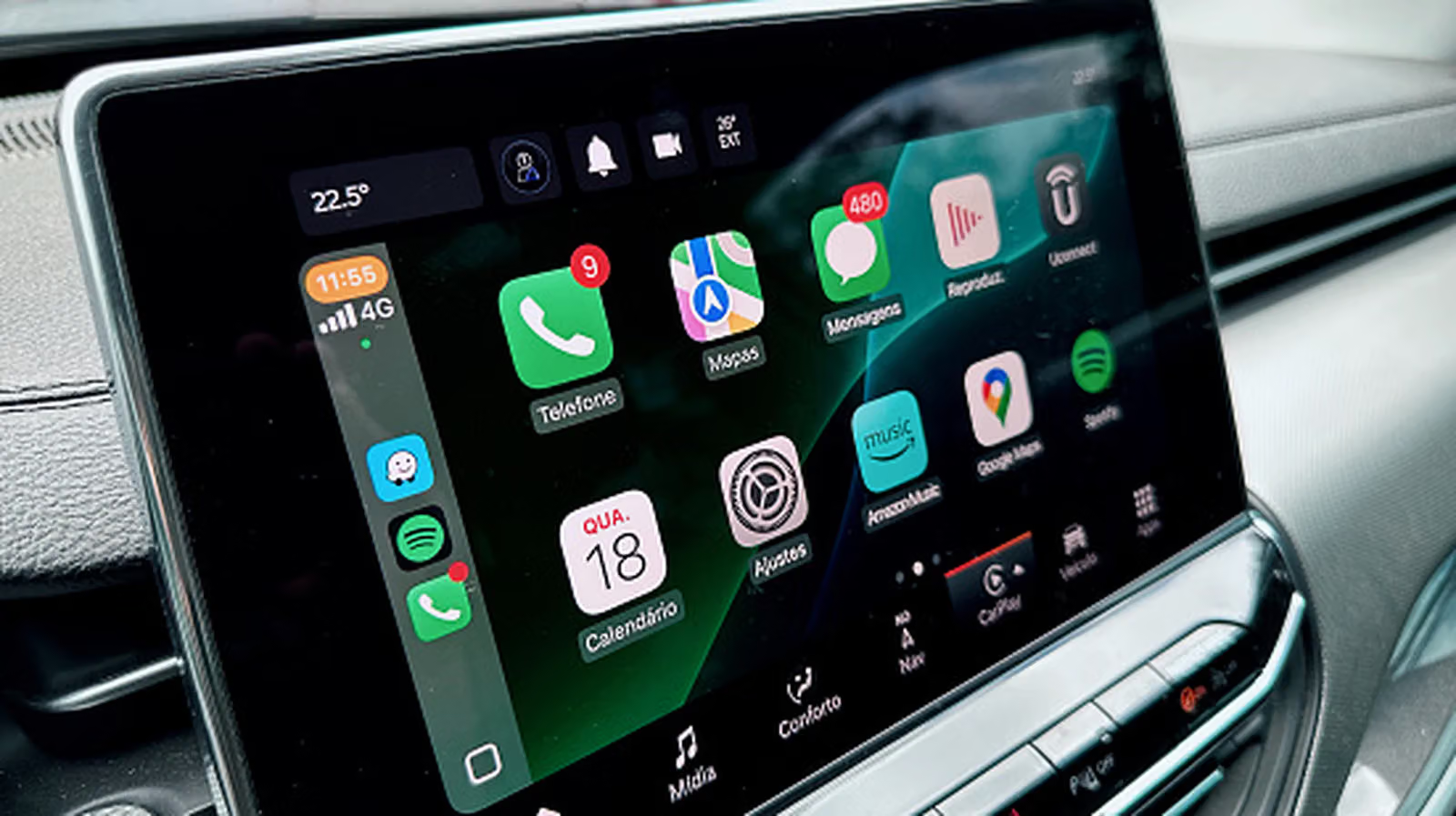
The CarPlay icon vanishes, your dash is stuck on the car's native interface, and your first instinct is to blame your phone or assume the automaker's software glitched out again. In reality, the reasons CarPlay stops working are usually surprisingly mundane—a USB cable that's about to give up, an unchecked Siri toggle, or a setting locked behind Screen Time. Get the troubleshooting order right, and most of these fixes cost nothing at all.
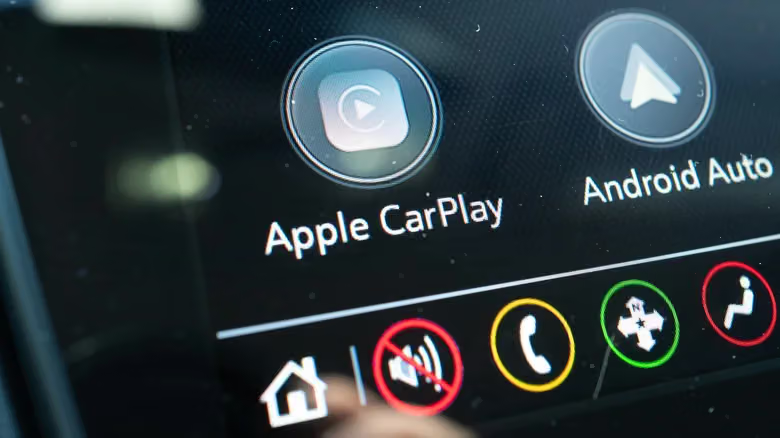
Start with the basics: restart both your iPhone and the car itself to clear up any temporary connection hiccups. Next, check the car's default interface—CarPlay doesn't always launch automatically, so you may need to tap the icon manually. If this is your first time setting it up, cross-check Apple's list of supported vehicles to confirm your car is compatible. The phone side is rarely the issue; every iPhone since the iPhone 5 supports CarPlay, unless you're still rocking something older than an iPhone 4s.
Another commonly overlooked requirement is Siri. CarPlay needs Siri enabled to function—head to Settings > Apple Intelligence & Siri (or just "Siri" depending on your device), and make sure "Listen for 'Hey Siri'" or "Talk to Siri" isn't switched off, and that "Press Side Button for Siri" is turned on. Finally, update to the latest version of iOS—CarPlay doesn't strictly require the newest software, but updates often quietly fix minor glitches along the way.
Skipping the Unlock Step Is Hidden in Settings
Having to unlock your phone every time before CarPlay connects is a common source of confusion—people assume something's broken when really the connection is just locked. To skip this step, go to Settings > General > CarPlay, tap your vehicle's name, and turn on "Allow CarPlay While Locked." With this enabled, CarPlay launches automatically the moment you plug in or connect wirelessly—no Face ID or passcode needed. The trade-off: anyone with access to your phone and car keys can make calls, send texts, or dig into your phone's data through CarPlay. Fine if it's your own car, but worth turning off before lending your car to someone else.
Cables, Wireless Connections, and CarPlay Locked Behind Screen Time
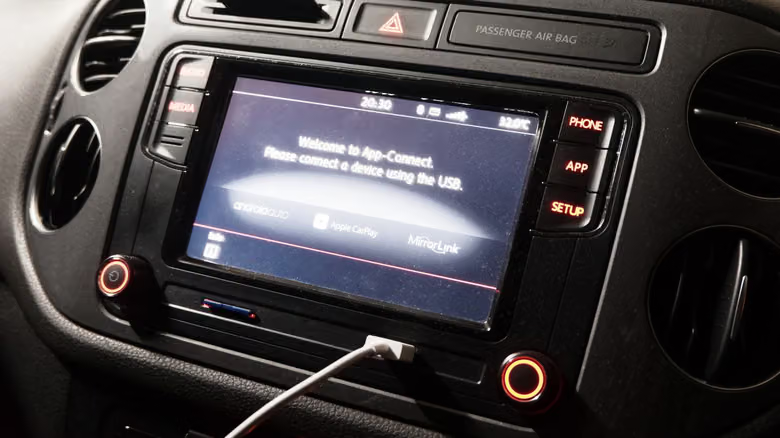
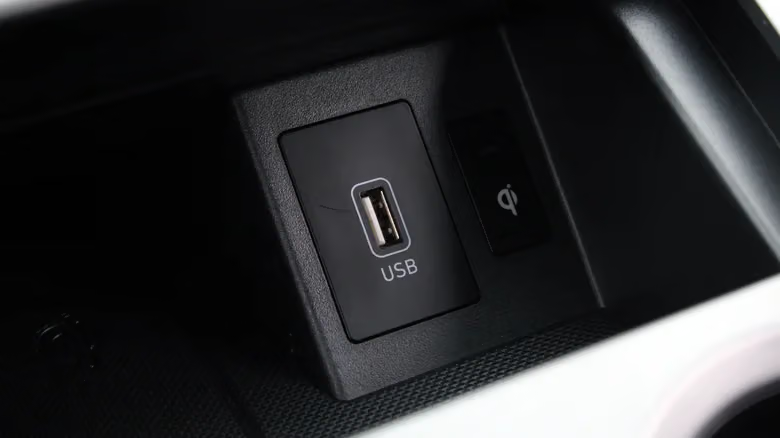
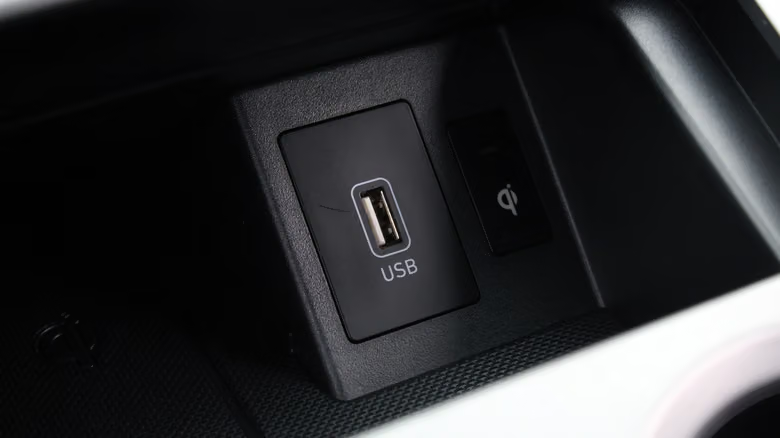
If you're connecting via USB, try a different port in your car first—some vehicles have separate ports designated for CarPlay/Android Auto, so check your owner's manual to be sure. The cable itself wears out easily too—summer heat inside the car combined with constant bending doesn't do USB cables any favors. If you have to bend the cable at just the right angle to keep the connection alive, it's time for a replacement. When shopping for a new one, make sure it's explicitly labeled as supporting data transfer—cheap charge-only cables can't handle CarPlay at all. Adapters are best avoided too; a direct connection is always more stable. While you're at it, clear out any dust from both your phone's and car's USB ports.
For wireless connections, confirm both Bluetooth and Wi-Fi are turned on on your phone—both are required for wireless CarPlay to work. Then go to the Wi-Fi menu, tap the info icon next to your car's name, and make sure "Auto-Join" is enabled so you don't have to manually connect every single time you get in.
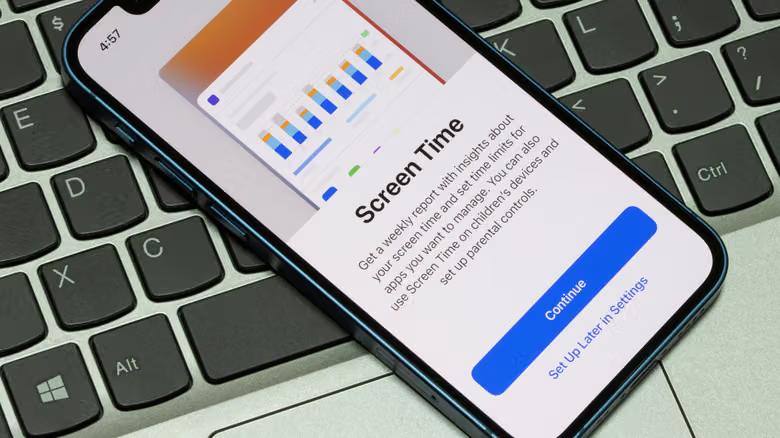
One more easily overlooked culprit is Screen Time. Go to Settings > Screen Time > Content & Privacy Restrictions—if restrictions are turned on, tap "Allowed Apps," and confirm CarPlay shows up as enabled (green). It's also worth checking your car's "Connections" or "Devices" menu to make sure CarPlay hasn't been disabled on that end, or that your phone isn't showing as disconnected.
If none of the above works, it's time to re-pair. Go to Settings > General > CarPlay, tap your vehicle, and before selecting "Forget This Car," take screenshots of your app layout and widgets so you can restore everything afterward. Update your car's firmware if an update is available, then re-pair from scratch—use a known-good cable for wired setups, or go through your car's device pairing menu for wireless (usually accessible by holding down the voice button on your steering wheel). If re-pairing still doesn't fix it, a factory reset on the car's infotainment system is the last resort—just make sure to back up your settings to a USB drive first, or at minimum take photos, so you're not left guessing how everything was configured once it's wiped clean.