Tags
#iPhone
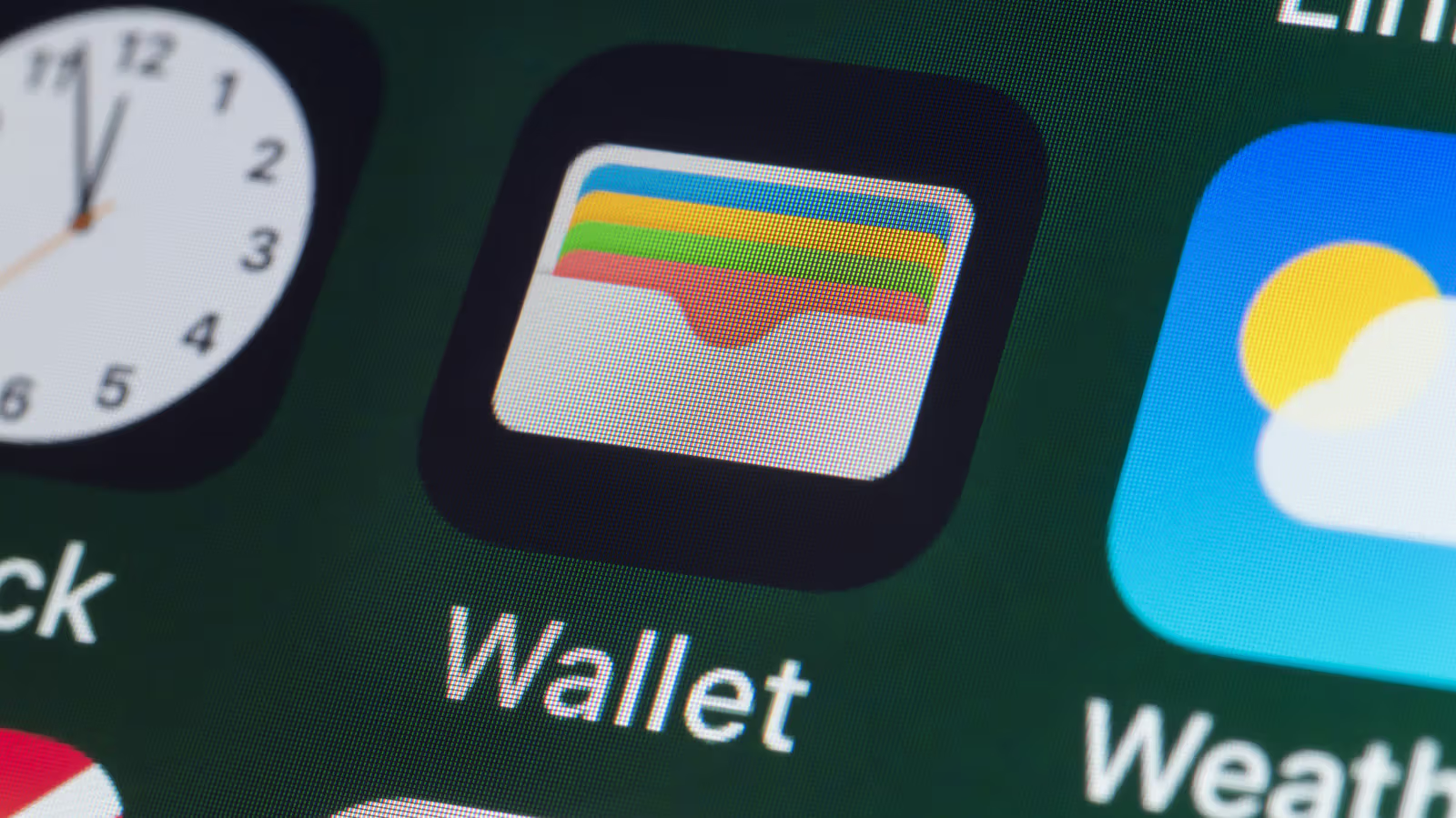
How to add and delete Apple Wallet cards? Credit cards and coupons are actually two sets of logic.
Credit cards can be added to Wallet with just one click of a scan, but coupons and membership cards are subject to the issuer’s decision. Understand the difference between these two sets of logic so that you won't be in a daze at the blank Wallet menu.
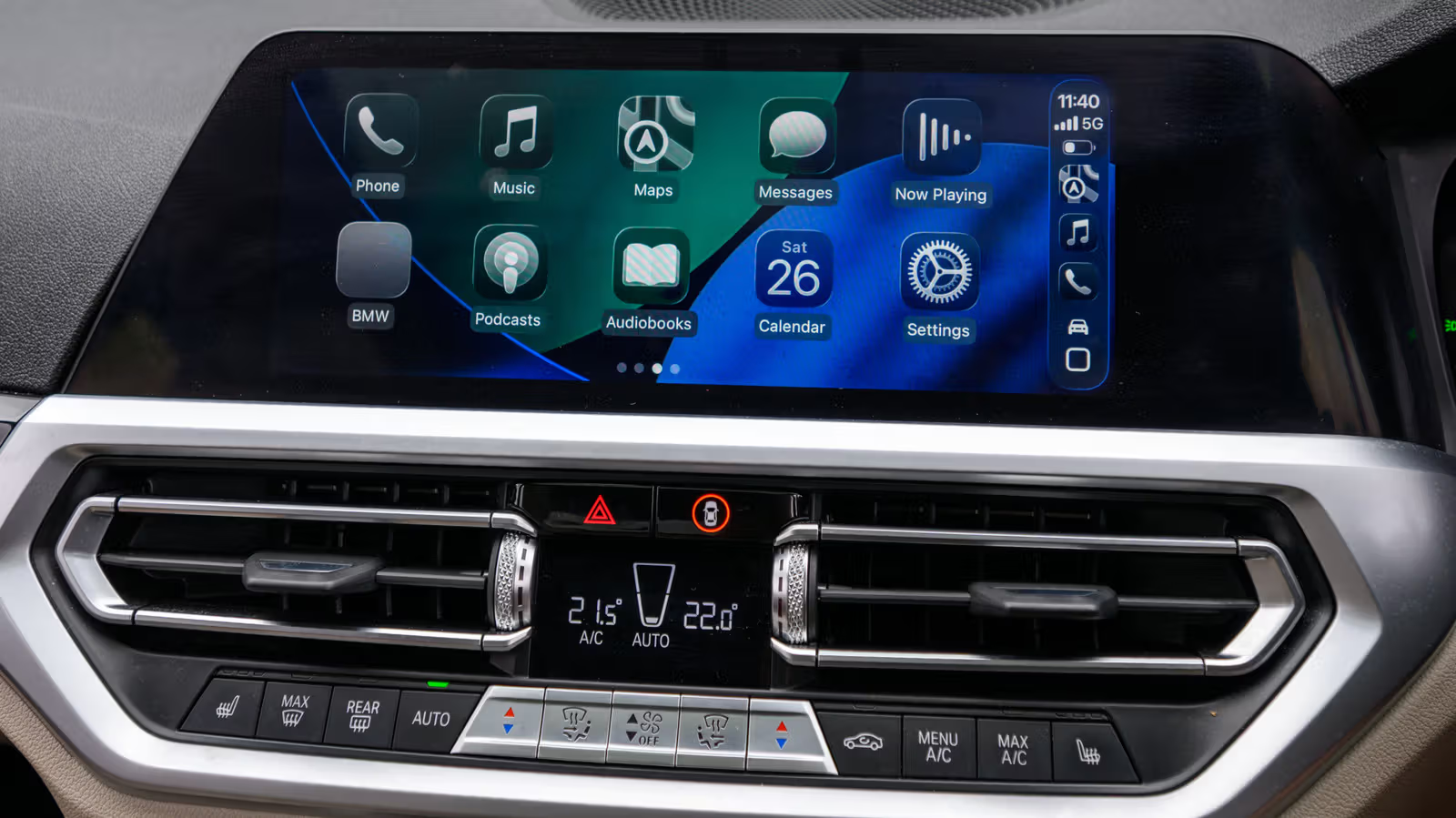
Use the "Shortcut" App to add a dedicated opening sound effect to Apple CarPlay
There is no need to wait for the car manufacturer to update the firmware. The built-in Shortcuts App on the iPhone can allow CarPlay to play customized sound effects as soon as it is connected. From Siri saying good morning to movie soundtracks, the setting only takes a few steps.
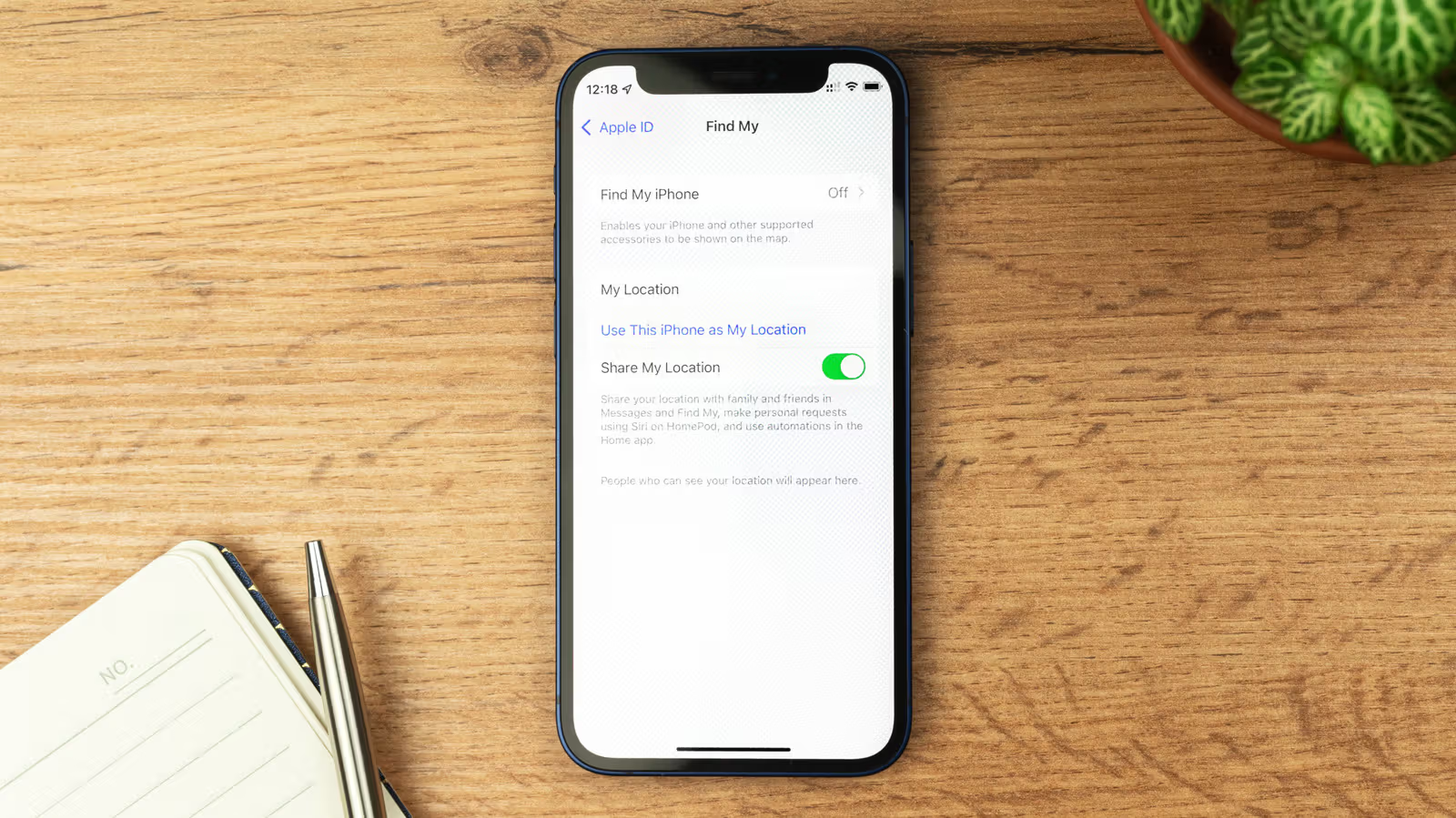
iPhone Lost and Getting Extorted to Turn Off Find My? That's Exactly When You Shouldn't
There are actually very few situations where Apple's Find My should be turned off — mainly when selling a device or sending it in for repair. But if your phone is genuinely lost or stolen, don't fall for extortion messages telling you to disable it.

AirPlay Guide: How to Cast Your iPhone or MacBook Screen to a TV
From casting Prime Video off an iPhone to mirroring an entire MacBook desktop, the AirPlay process actually varies from app to app. Here's a rundown of the steps and edge cases that trip people up most.
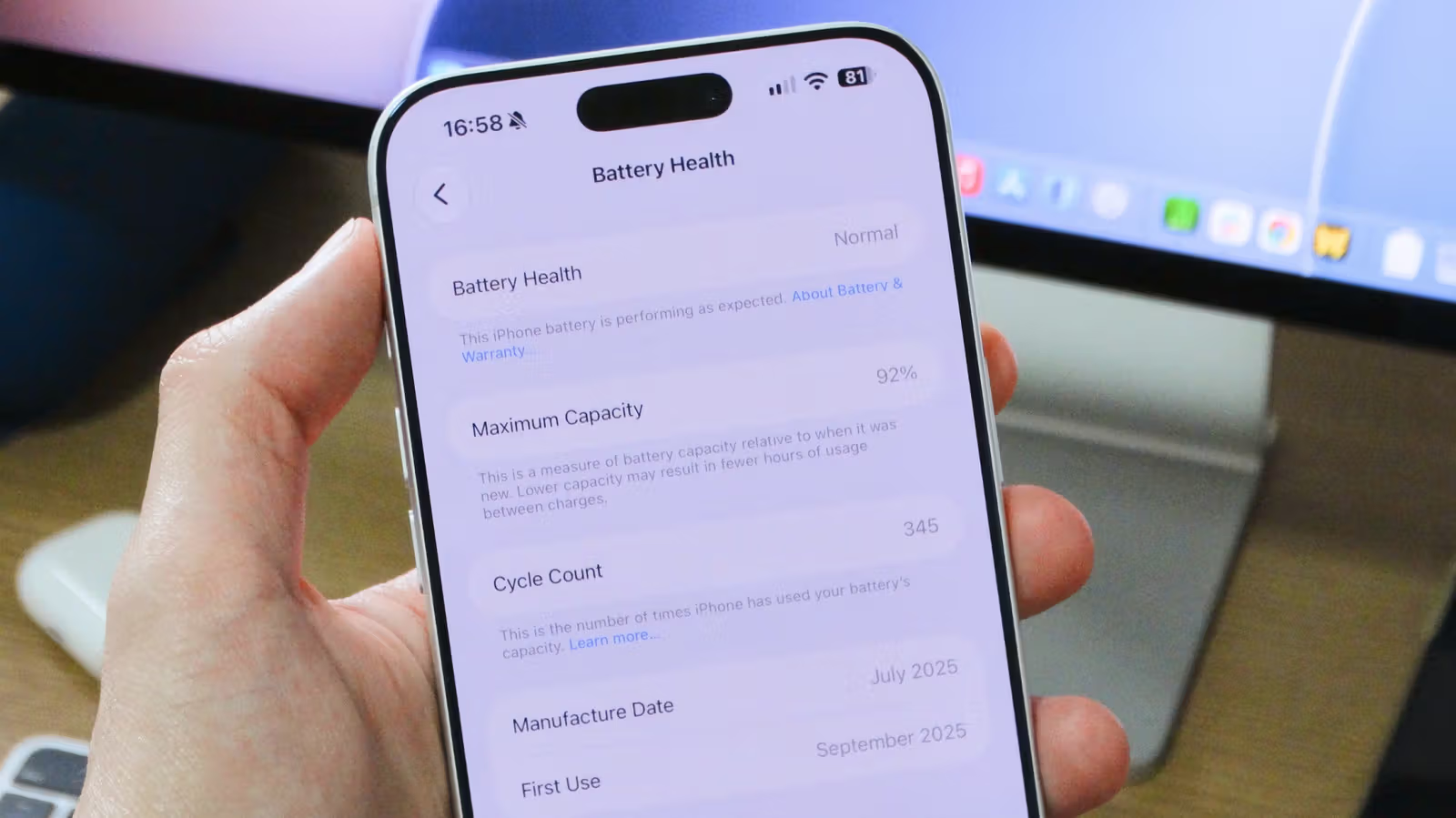
Before Buying a Used iPhone, Check Battery Health and Cycle Count First
Just open the Settings app to check an iPhone's maximum battery capacity and cycle count—the most direct way to gauge a used phone's battery condition. Native cycle count tracking only arrived with iPhone 15; older models require a third-party app.
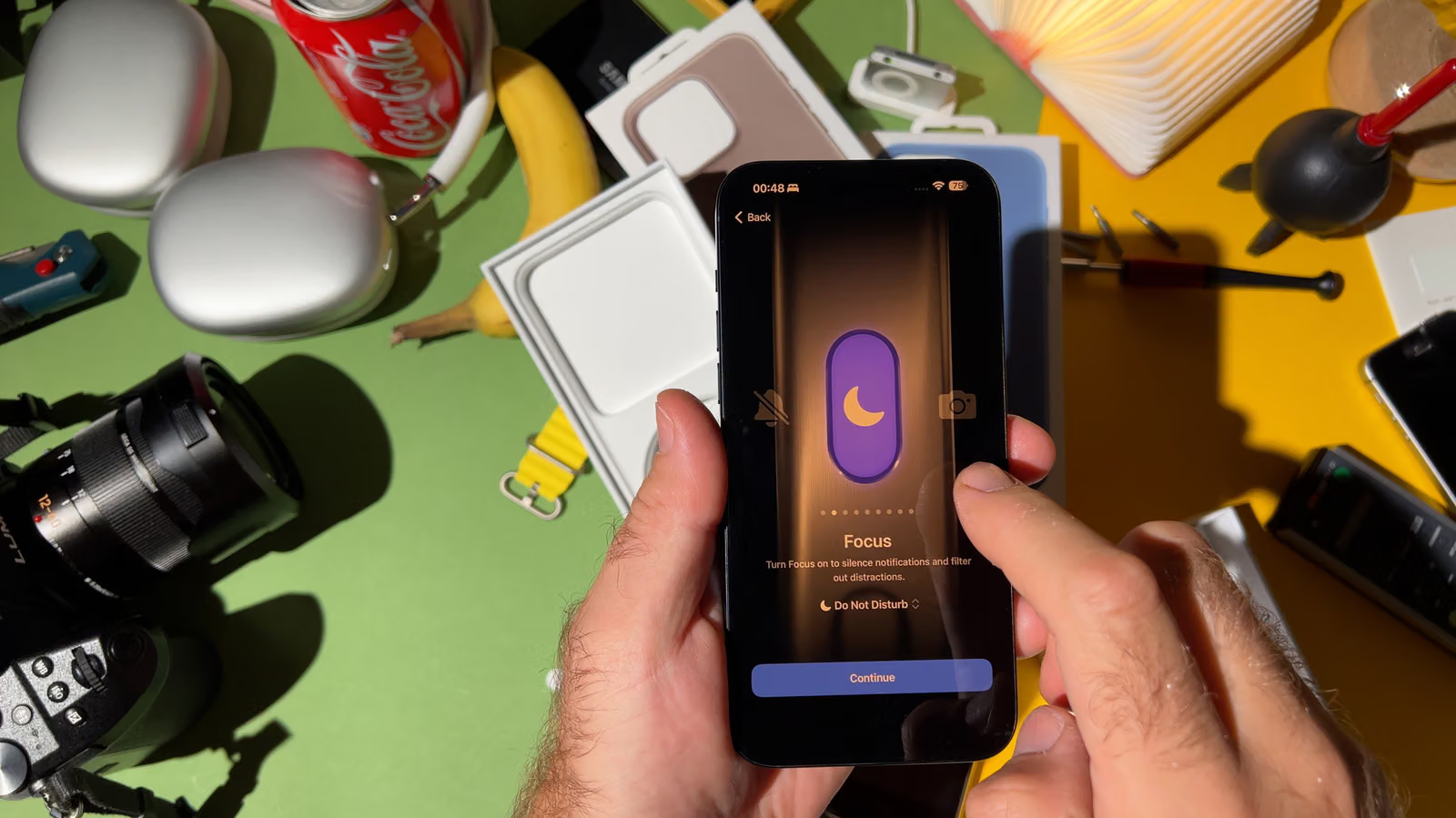
Stop Just Using Do Not Disturb: iPhone Focus Mode Is Actually a Notification Routing System
From Gaming mode triggered by a game controller to Driving mode that auto-replies via CarPlay, iPhone Focus mode has long moved beyond a simple Do Not Disturb toggle — it can precisely filter calls and app notifications based on context.
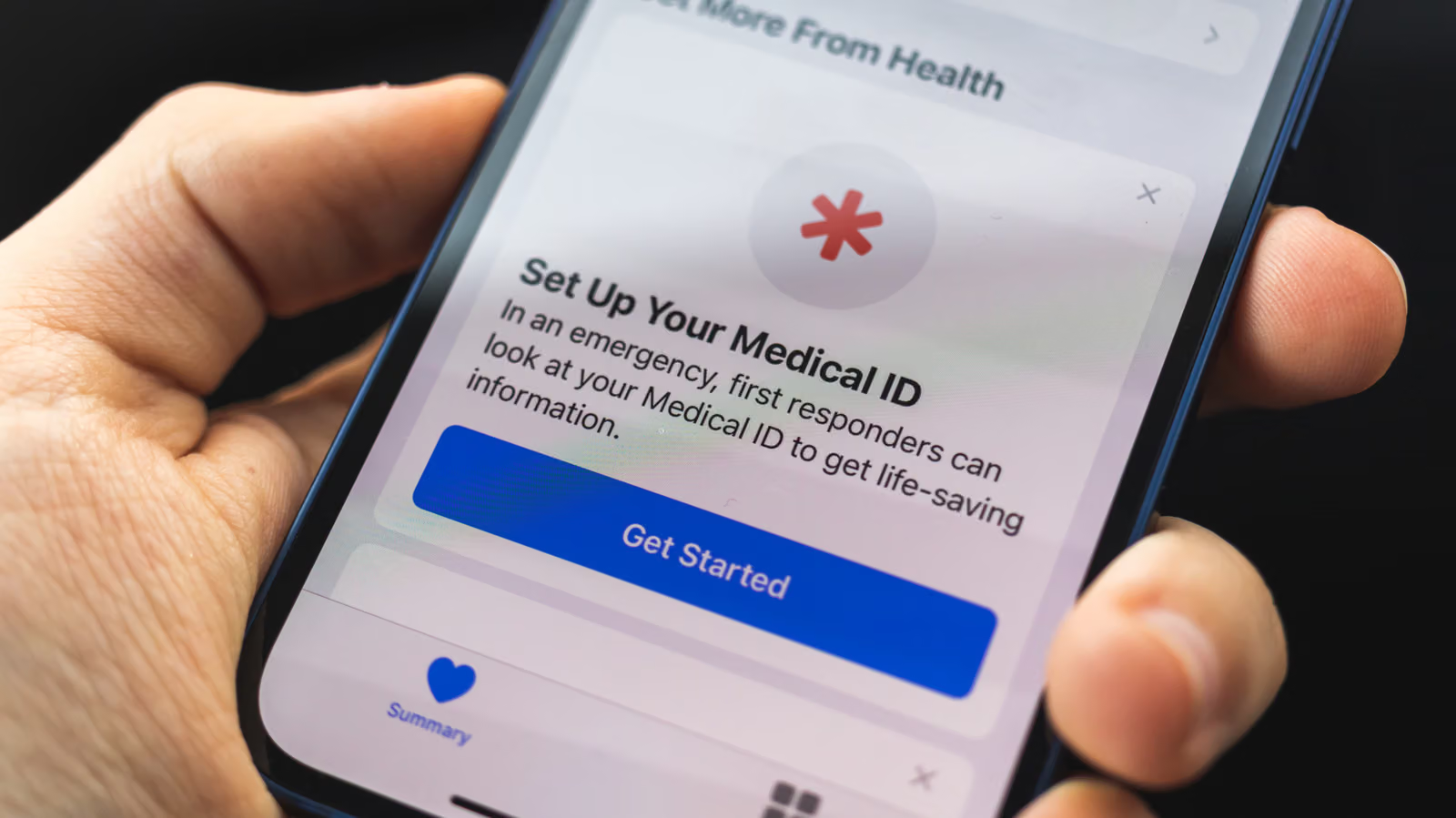
Your iPhone Has a Life-Saving System Hidden Inside—Have You Set It Up? A Complete Guide to Medical ID and Emergency Contacts
Apple has included Medical ID and Emergency Contacts in iOS since 2014, and first responders know where to find them. The essential controls are tucked inside the Health app and system settings.
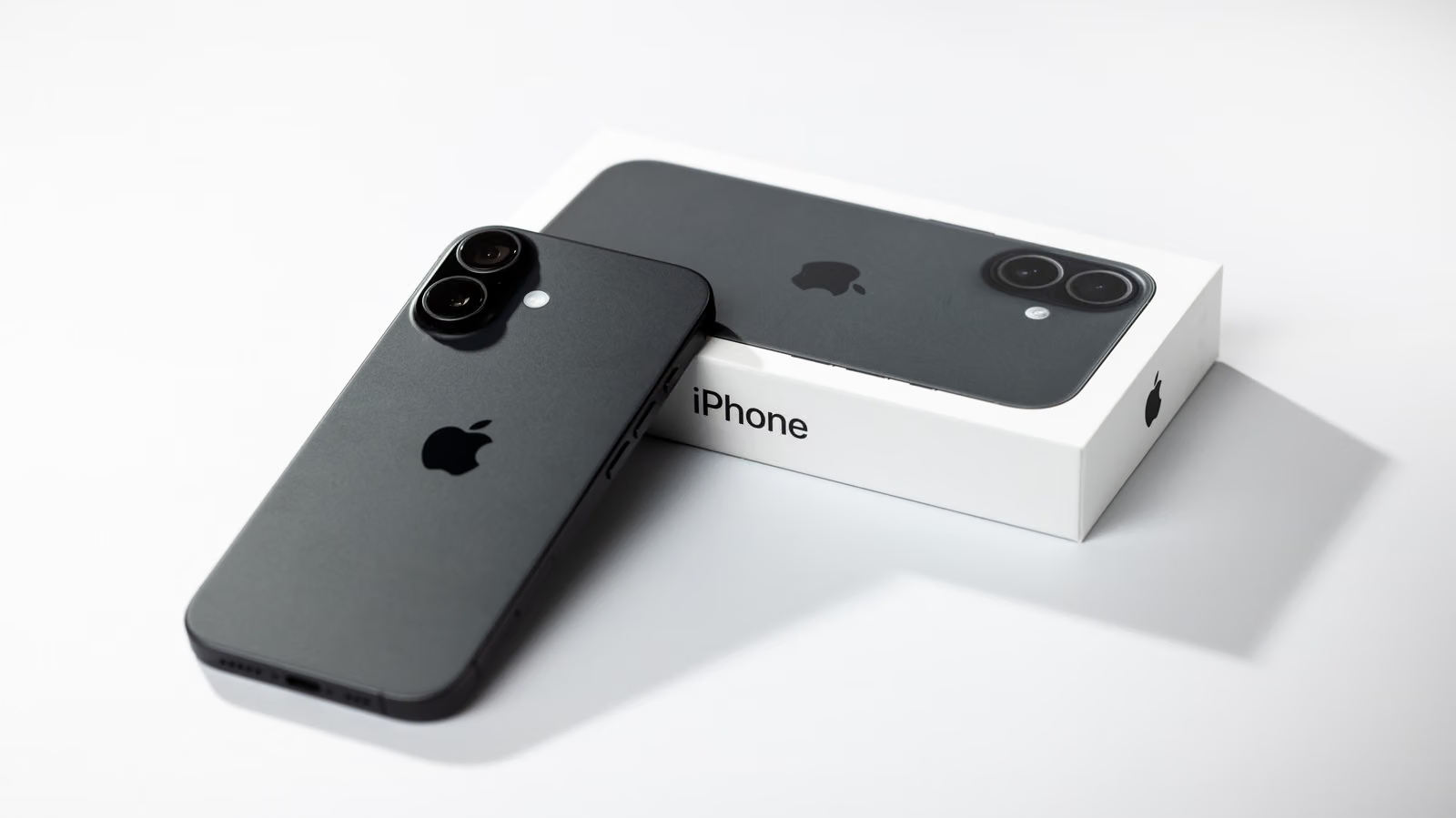
You Won't Buy an iPhone Anymore, You'll Just Rent It: Apple Upgrade Program Cuts Monthly Payment to $17.99, But You'll Never Actually Own It
Apple is replacing the iPhone Upgrade Program with the new Apple Upgrade Program, partnering with Klarna to offer interest-free leasing. The monthly payment threshold drops and now covers iPad and Mac too, but finishing your payments no longer means you automatically own the device.
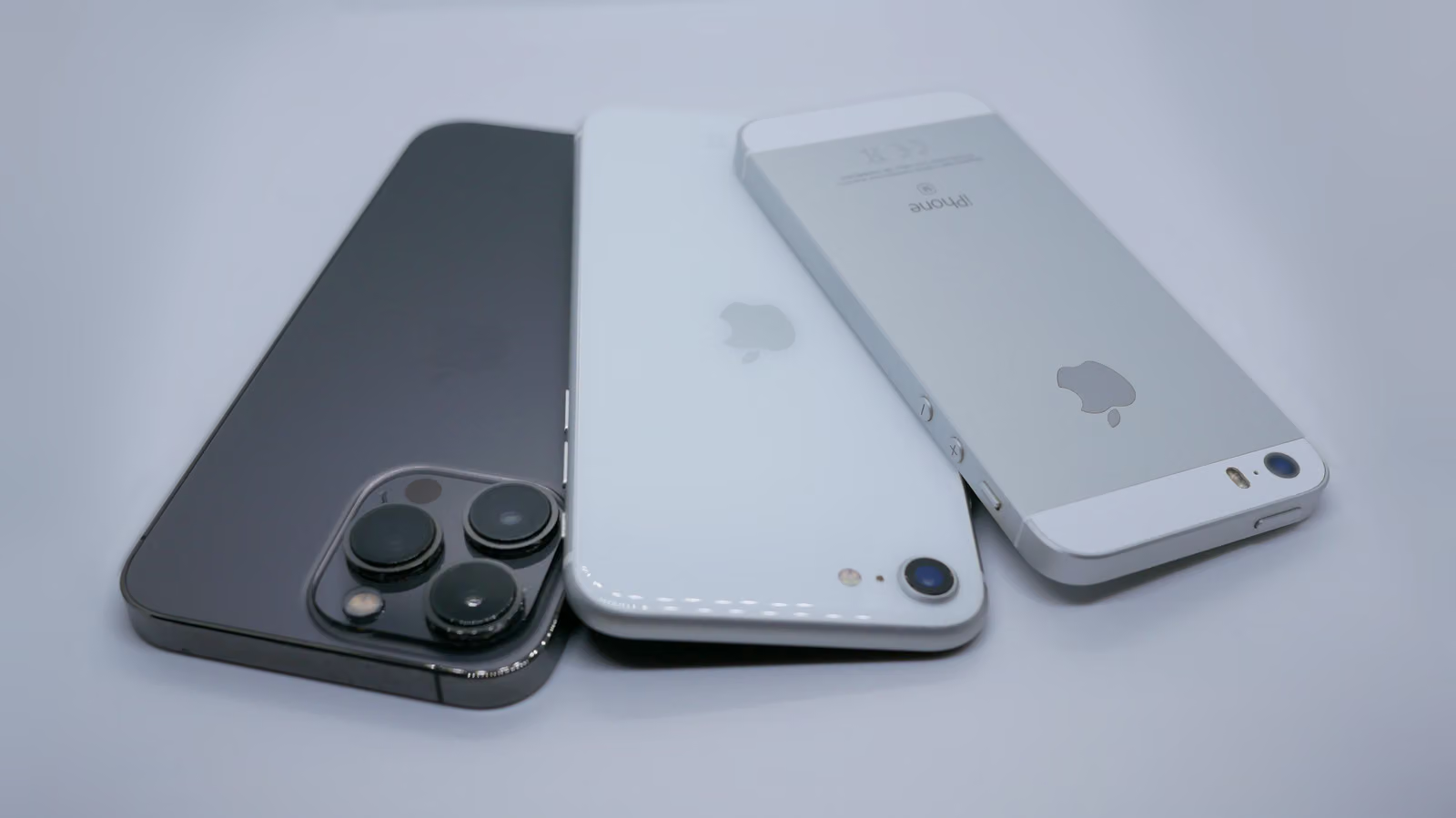
Five Years, Five iPhones: Buttons, Screens, and Cameras Got Overhauled — iCloud's 5GB Never Did
From iPhone 13 to 17, Lightning gave way to USB-C, the mute switch became the Action Button, and camera specs doubled — yet the free iCloud tier has been stuck at the same measly amount for fifteen years.
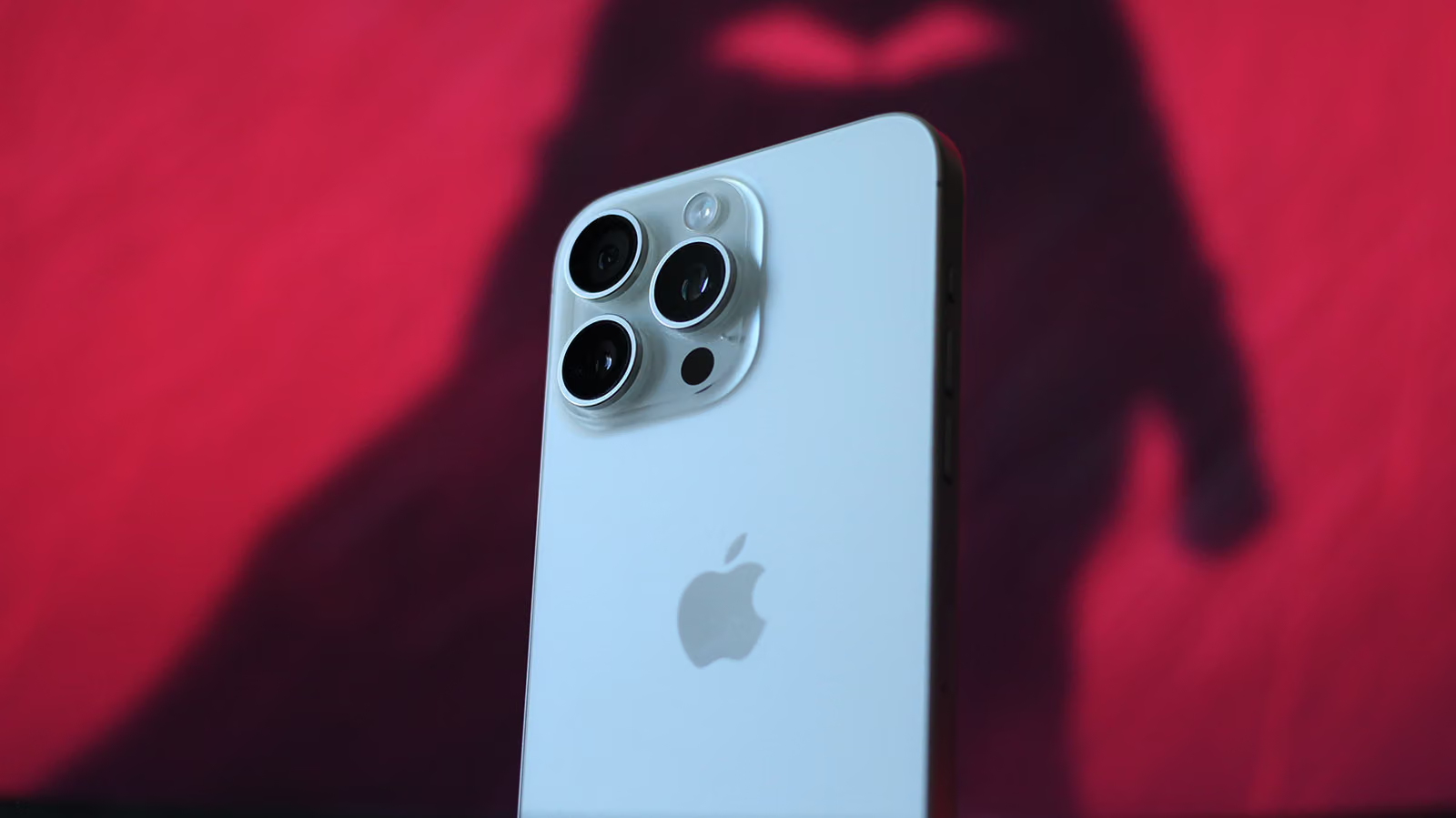
Editor Returns to OnePlus, Realizes AirPods Spatial Audio and Apple Watch Are the Real Cost of Leaving iOS
Engadget editor Adnan Ahmed switched back to Android with the OnePlus 15, and data migration was a non-issue. The real sticking point? All the accessories and services locked into Apple's ecosystem.

Lending Your Phone to a Stranger? Lock These Apps First
Since iOS 18, iPhones finally have an official app-hiding feature — and it's way more than just dumping icons into a folder. From Face ID locks to App Store purchase history, here's what it actually does and doesn't do.
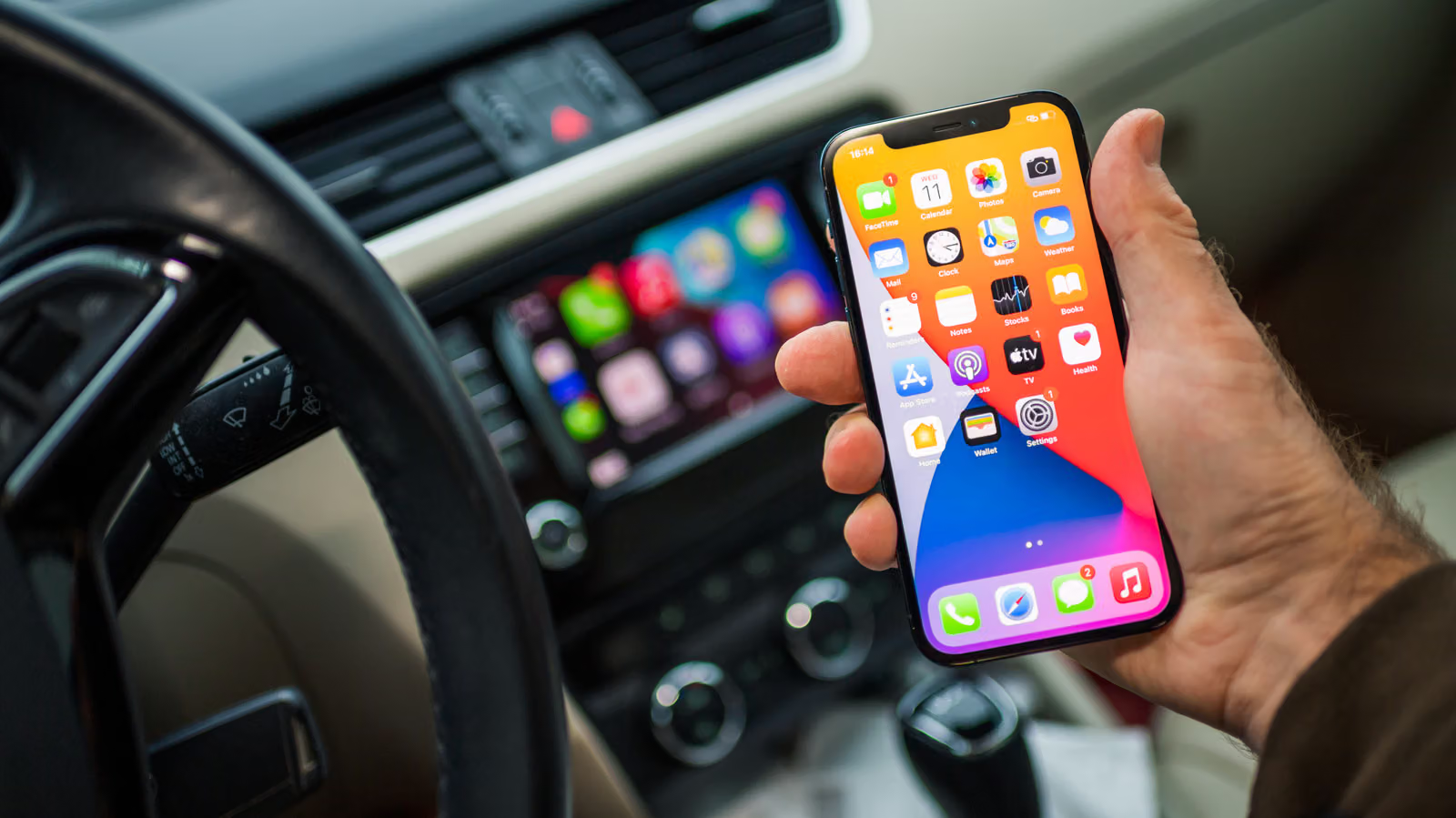
Wired vs. Wireless CarPlay: Same Features, Different Headaches (Disconnects, Dead Batteries, or Cluttered Cupholders)
The features are identical—the real question is whether your phone keeps randomly connecting to the wrong device, whether your battery survives the drive, and whether that cable is even worth keeping around. Engadget breaks down the real tradeoffs between wired and wireless CarPlay.
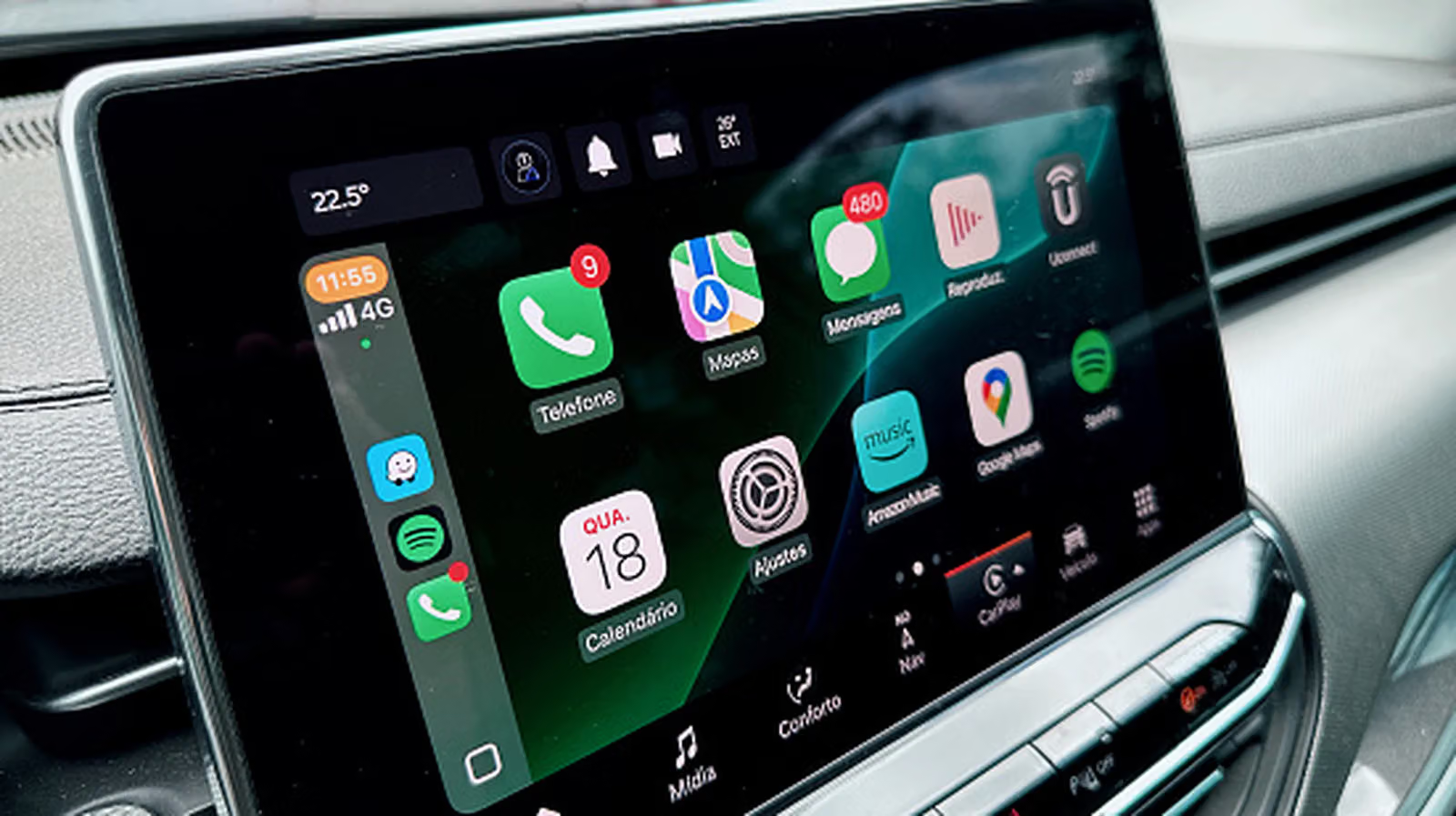
CarPlay Keeps Dropping? Don't Rush to the Dealer—Check Siri and Your USB Cable First
Beyond restarts, compatibility lists, and the Siri toggle, things like which USB port you're using, whether your cable actually supports data transfer, and your Wi-Fi auto-join settings could all be the real reason CarPlay keeps disconnecting. Work through these first before jumping to re-pairing or a factory reset.
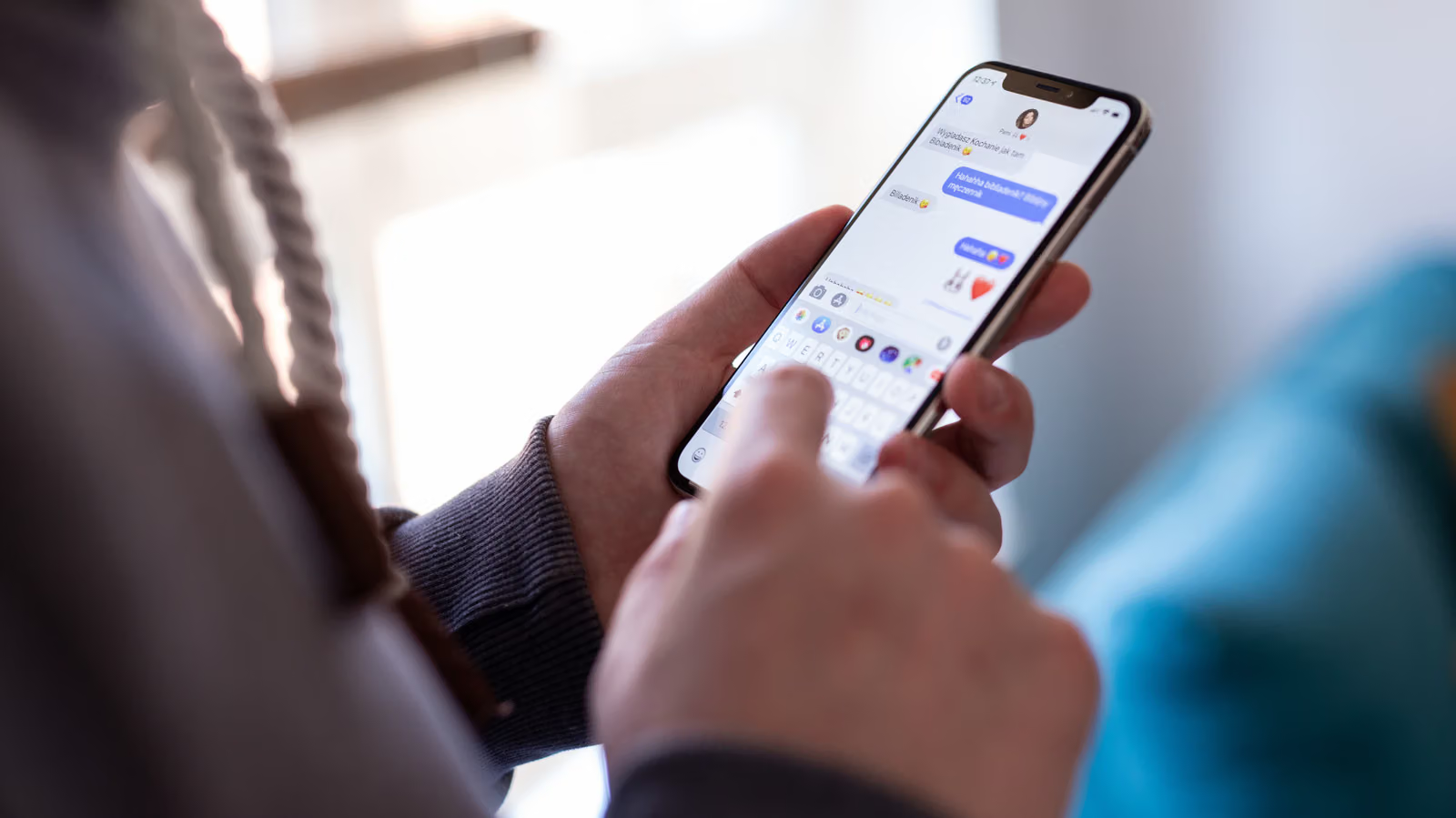
Ditch the Emojis: How to Turn Your Own Photos Into iPhone Stickers
Everyone gets tired of the same old emojis eventually. iPhone's built-in sticker feature lets you turn any photo—even Live Photos—into inside jokes only your group chat will get. It only takes a few steps.