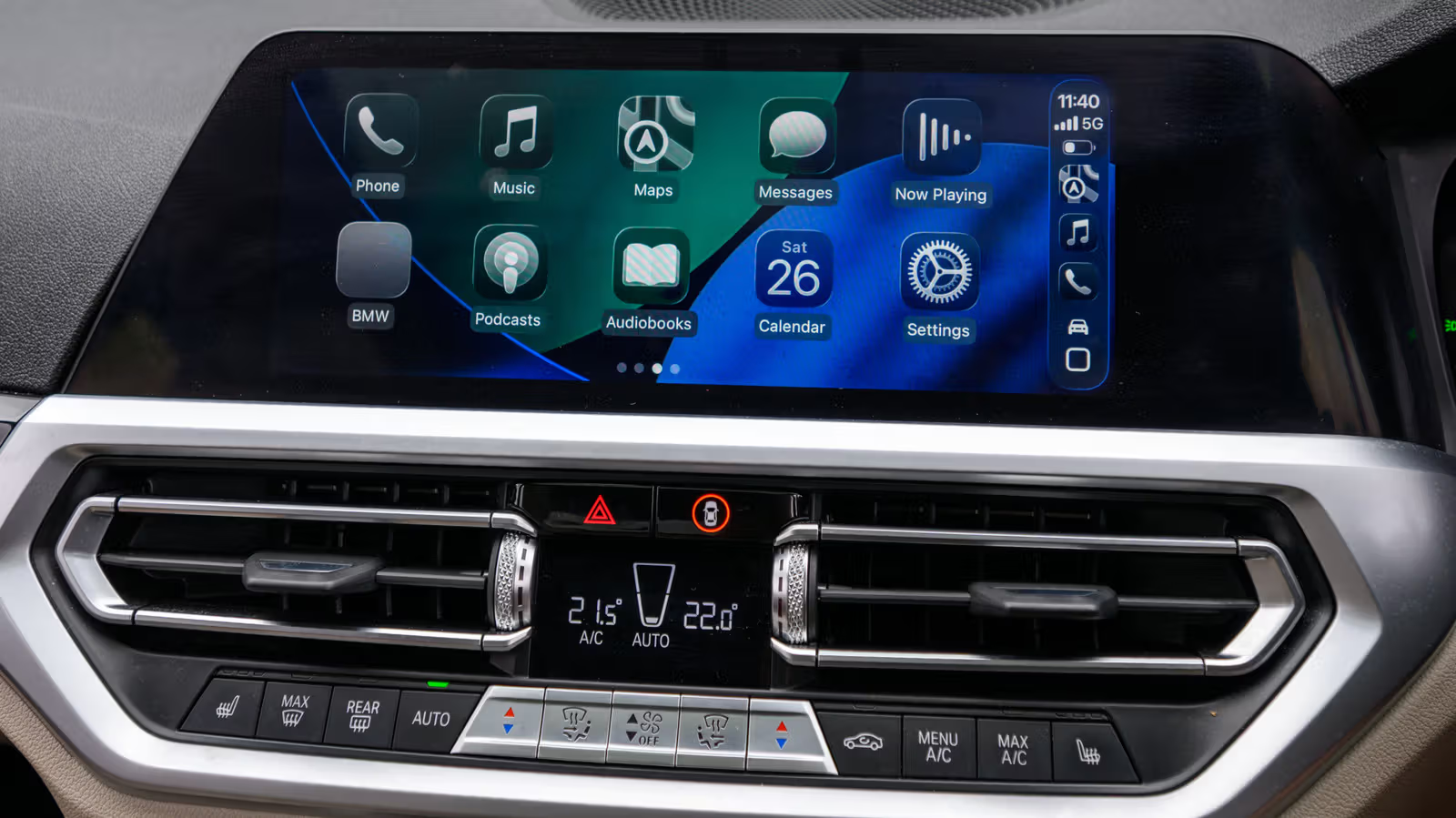
Use the "Shortcut" App to add a dedicated opening sound effect to Apple CarPlay
There is no need to wait for the car manufacturer to update the firmware. The built-in Shortcuts App on the iPhone can allow CarPlay to play customized sound effects as soon as it is connected. From Siri saying good morning to movie soundtracks, the setting only takes a few steps.
Set the theme song of "Back to the Future" as the background sound for the first second in the car, or ask Siri to remind yourself by voice, "The mug is still on the roof of the car, and don't forget to take the wallet." This is not a black technology, but it does make the few seconds when you start the engine a little more personal. The method is not in the car manufacturer's original system, but is hidden in the iPhone's built-in "Shortcuts" App.
The method is simple: create a CarPlay automation through a shortcut, and playback will be triggered as soon as the iPhone is connected to the car. This sound effect will not replace the vehicle's original startup chime, seat belt warning chime, or entertainment system welcome animation. It is purely an additional sound played by the iPhone through the sound system. Since the entire mechanism relies on the connection between the iPhone and the car, there may be some differences in the triggering time due to wired and wireless connections and the speed of the connection. It is recommended that custom sound effects be controlled between two and five seconds, short enough so as not to overwhelm navigation instructions or other important messages. Before setting up, you only need to prepare an iPhone, Shortcuts App, and an audio file saved in the "File" App.
Steps to set up CarPlay automation
Before officially starting, first save the desired sound effect file into a newly created folder in the iPhone "File" App (do not store it in iCloud Drive). The folder name should be easy to remember so that it can be quickly found in the shortcut later.
Open the "Shortcut" App.
Click the "Automation" icon centered at the bottom of the screen.
If you haven't created an automation yet, select "Add Automation" or click the + icon in the upper right corner.
Find and click "CarPlay" (usually in the middle of the list, you can also use the search box to find it).
Click "Connected", select "Run Now", and then click "Next".
Click "Create New Shortcut".
Scroll down and click "File".
Several options will appear here, select the tab labeled "File".
You will see a light blue "File" button at the top of the screen, click on it.
Browse to the folder you just created and open it.
Select the sound effect file in the folder.
Click the blue check mark in the upper right corner and the setting is complete.
The details of the steps may be slightly different depending on the iPhone model and iOS version. The shortcut function is supported all the way to iPhone 5s. The order of options or label text on older models may be slightly different. After the setting is completed, connect to CarPlay and actually listen to the effect. If the volume is too high or too low, you can adjust it directly on the iPhone - when the system performs this action, it usually uses the volume of the original recording.
Modify, close or expand this opening ceremony
It's easy to change the sound effects. Go back to the "Automation" tab of the shortcut, click on the one you created before, and you can replace the file, adjust the order of actions, or delete it directly. If you just get tired of listening to it but don’t want to delete the entire group, change "Execute immediately" to "Do not execute" to pause. You can turn it back on at any time if you want to rotate new sound effects or take a vacation for yourself.
Shortcuts can do more than just play a sound. After the opening sound effect, you can also open the navigation app in series, play the commute playlist, or jump out of the morning routine reminder action; you can also set the automation of "disconnection" to automatically pause media playback or start walking navigation when turning off the car and getting off the car. Whether the entire CarPlay experience should be simple or require a few more layers of ingenuity depends entirely on how the user combines these actions.