Your iPhone Has a Life-Saving System Hidden Inside—Have You Set It Up? A Complete Guide to Medical ID and Emergency Contacts
Apple has included Medical ID and Emergency Contacts in iOS since 2014, and first responders know where to find them. The essential controls are tucked inside the Health app and system settings.
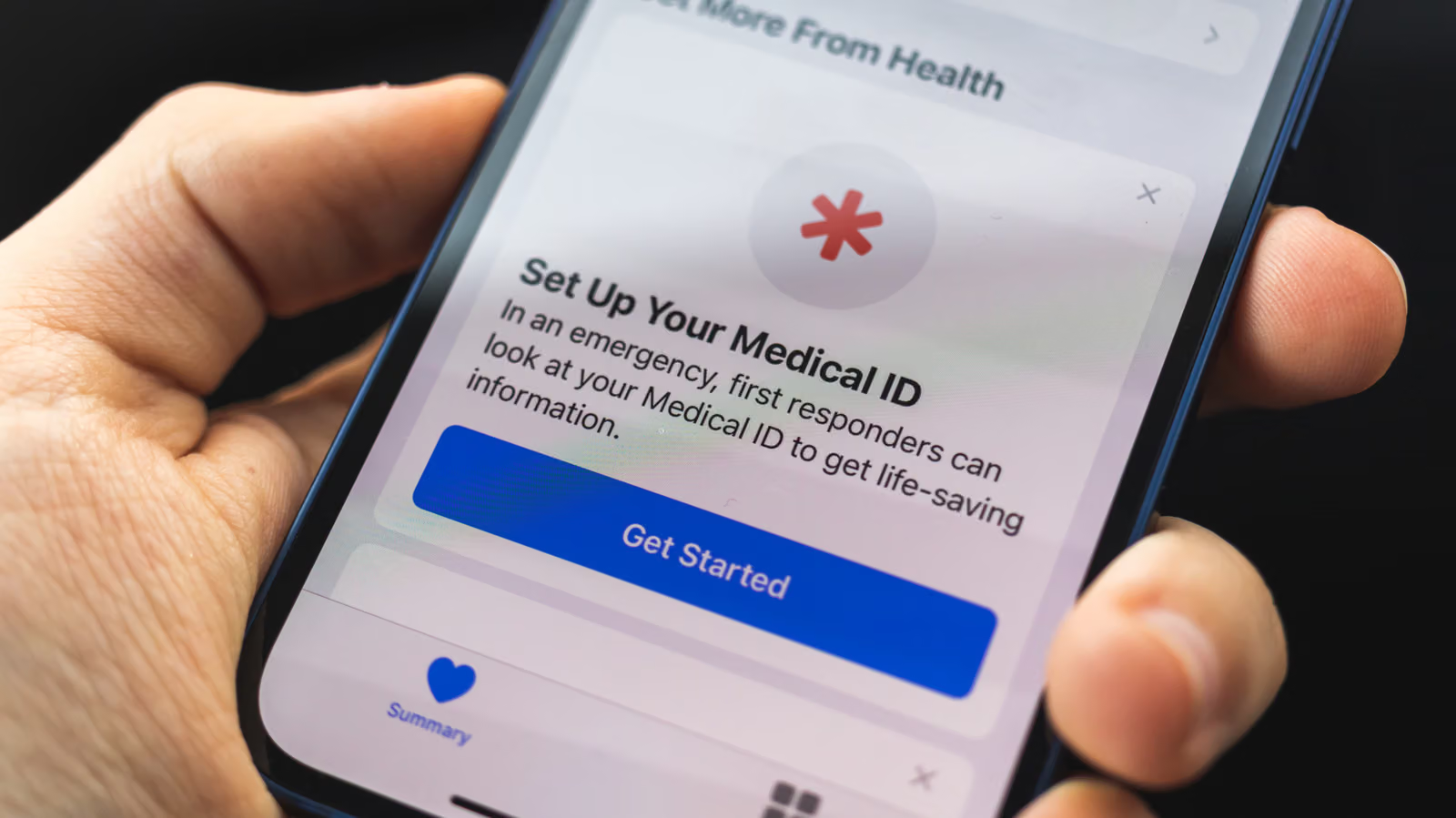
There's a small word on your lock screen that says "Emergency," and most people have never tapped it in their life. But according to Engadget, Apple has had Medical ID and Emergency Contacts built into iOS since 2014—a system designed not for you, but for the stranger who's the first to pick up your phone when you're unconscious or unable to speak. That could be a paramedic, or it could just be a passerby. Medical professionals now know to look for this feature, and it may even replace that card in your wallet listing your allergies, since let's face it, you're way more likely to have your phone on you.
Setting it up isn't complicated—the real question is whether you've ever spent those few minutes to tap through it. And even if you set it up years ago, the info might be outdated by now, so it's worth circling back to check periodically.
Medical ID: Open the Health App and Let Strangers Understand Your Condition
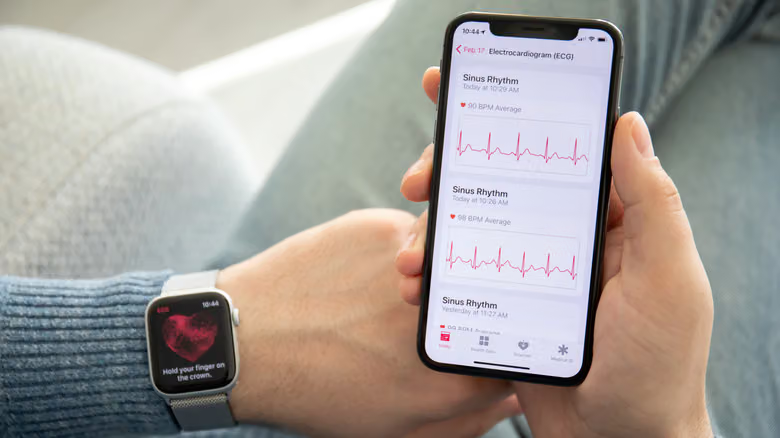
To create or edit your Medical ID, open the Health App, tap your profile picture in the top right corner, and select "Medical ID." At the top of the page are two toggles: "Show When Locked," which lets anyone at the passcode screen tap "Emergency" then "Medical ID" to see the info you've filled in; and "Share During Emergency Call," which automatically sends key details when you dial 911, so you don't have to say it yourself. The article recommends turning both on—after all, information locked inside your phone that no one can see defeats the purpose of filling it out.
Scroll down and you can fill in basics like your age, current medications, allergies, and medical conditions. "Other Data" lets you add height, weight, and blood type, and there's a "Notes" field for anything the other fields don't cover. This information helps paramedics figure out faster what kind of treatment you need.
Emergency Contacts and SOS: Who Gets Notified and How It's Triggered
Further down the same page is the "Emergency Contacts" list. Tap "Add Emergency Contact," pick someone from your existing contacts, then choose a relationship label. The article suggests adding a few people, just in case one of them happens to be unreachable. This list serves two purposes: it tells whoever finds your phone or first responders who to notify, and when you trigger "Emergency SOS," the system sends your location to these contacts as well—which is a different thing from your phone getting stuck in SOS mode due to no signal.
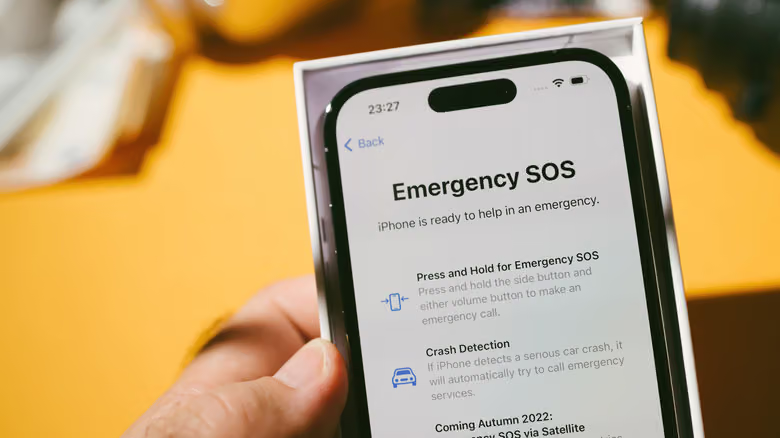
To adjust how SOS is triggered, go to Settings and select "Emergency SOS." The default method is holding the side button and either volume button together, but you need to hold longer than you would to power off—there's a countdown and alert sound to warn you that 911 is about to be dialed. Turning on "Call with 5 Presses" of the side button makes triggering faster, but it's also easier to trigger by accident. "Call Silently" turns off the alert sound, at the cost of making it harder for you to notice if you accidentally set it off. Even with both options turned off, the "Emergency Call" slider on the power-off screen still works. There's also "Call After Severe Crash," which can call for help if you're injured and unable to operate your phone yourself. Note that Emergency SOS doesn't support the Action Button on the left side.
Other Toggles Worth Knowing: Do Not Disturb Exceptions, Text-to-911, and Satellite SOS
"Emergency Bypass" isn't part of the Medical ID group, but it's just as worth setting up. Once turned on, calls or texts from designated people will still ring through even if your phone is on Do Not Disturb or silent mode. The article warns this should be used carefully—only give it to people who genuinely will only contact you in real emergencies, otherwise you'll be getting woken up at 3 a.m. or having your phone blare during a meeting. To set it up, open the Contacts app, select a contact, tap Edit, and turn on "Emergency Bypass" under Ringtone or Text Tone. Unfortunately there's no way to batch-enable it for all your emergency contacts at once. The same page also has an "Add to Emergency Contacts" shortcut, handy for filling in anyone you missed.
In parts of the U.S., "Text to 911" is an alternative to calling. The article notes that calling conveys more information and is generally the preferred option, but if speaking would put you in danger or you're unable to talk, texting can serve as a backup—some 911 dispatchers in certain areas can even request access to your phone's camera feed. Meanwhile, on iPhone 14 and later, you can send emergency messages or make calls via satellite even with zero cellular signal. To test it, swipe down from the top right of your screen to open Control Center, tap the connectivity icon group, and select "Satellite."