The Moment Your Phone Gets Snatched, Here's What Android's Anti-Theft Settings Do First
Google has built motion sensing and offline disconnection detection directly into Android's anti-theft tools, so your phone can automatically lock the moment it's snatched from your hands. Here's a rundown of the actual steps Samsung and Pixel users need to take to turn these settings on.
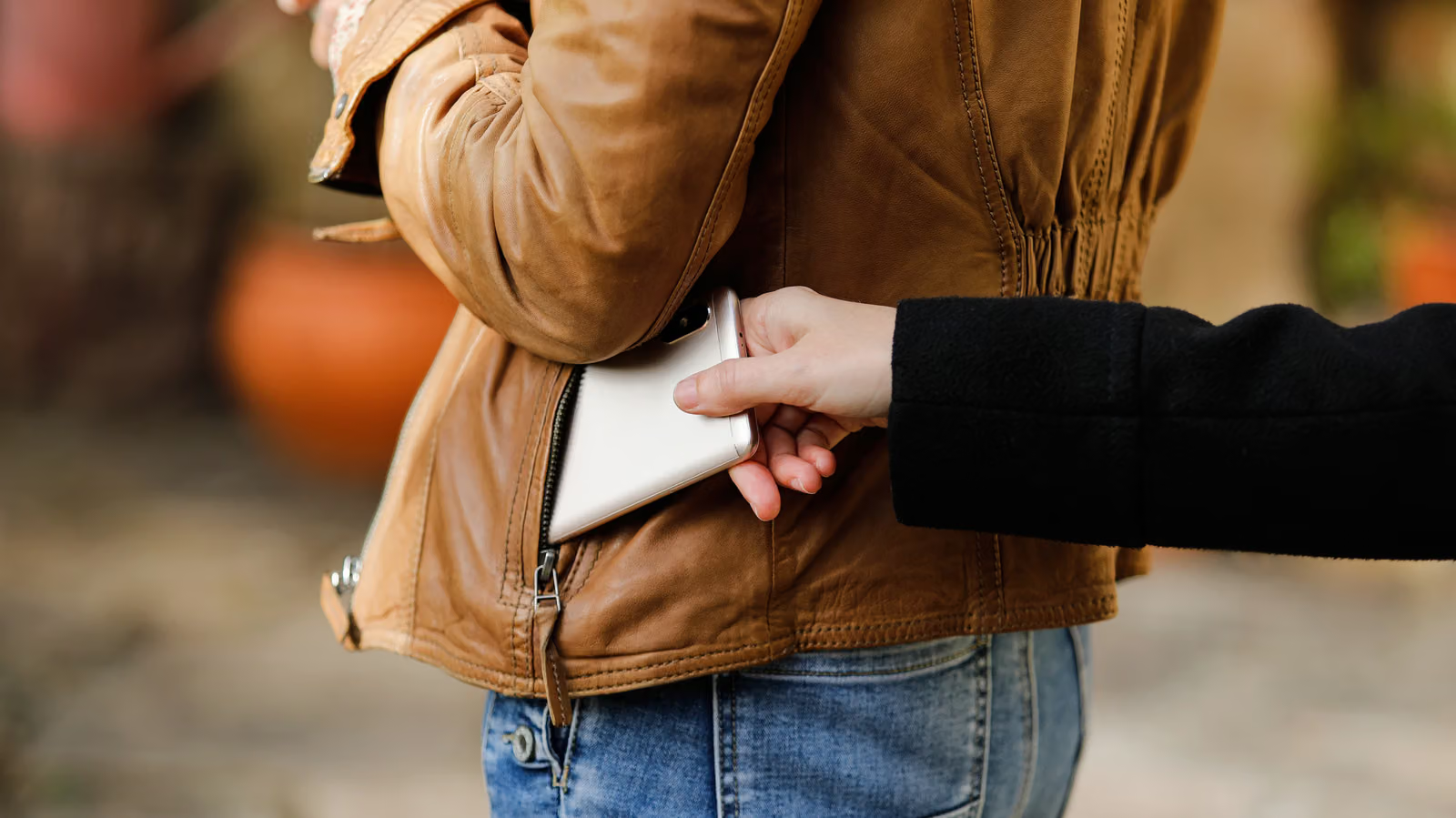
The moment someone yanks a phone out of your hand usually lasts a fraction of a second — and until now, Android's anti-theft measures have mostly stuck to reminders like "protect your PIN carefully" or "don't use a simple password," which don't do much good when something actually happens. This time, Google is focusing on motion sensing and disconnection detection, so the phone reacts on its own the instant it's snatched or cut off from the network, instead of waiting for the user to notice and manually respond.
According to Engadget, the core of this system is Theft Detection Lock: when the system detects sudden, aggressive motion signals consistent with a phone being grabbed and quickly moved away, it automatically locks the screen. The other piece is Offline Device Lock, aimed at scenarios where a thief pulls out the SIM card or switches to airplane mode to cut off connectivity — the system starts a countdown and forces the screen to lock within a short window, and this can trigger even without the phone maintaining a network connection. The report notes that the mechanism also includes usage limits and active-use checks, designed to avoid mistakenly locking the phone during normal, everyday handling.
These features are already built into Google Play Services, so as long as a device runs Android 10 or later, they should theoretically be built in already, with no extra download required. That said, Engadget also notes that some entry-level devices running Android Go Edition with lower memory, along with certain Android tablets or devices lacking full Google Play Services, may not have complete access to these features.
Samsung and Pixel Have Different Setup Paths
The naming and menu structure of these settings vary by manufacturer. On Samsung devices, the path is "Settings → Security and Privacy → Lost Device Protection → Theft Protection"; on Google Pixel devices, it's "Settings → Security and Privacy → Device Unlock → Theft Protection." Both recommend turning on Theft Detection Lock first — once enabled and confirmed, the phone will start responding to sudden or aggressive movement.
Next is Offline Device Lock — once turned on, even if a thief switches to airplane mode to cut off Wi-Fi and mobile data, the lock mechanism will still activate shortly after the disconnection, without requiring the phone to stay connected. Last is Remote Lock: users can go to android.com/lock, enter their phone number, and follow the on-screen instructions to remotely lock their phone from any device. The report specifically points out that Remote Lock means Google's Find Hub is no longer the only rescue option — even if a thief connects the phone to a different network, this lock feature still works.
There's one precondition for all of this, though: the phone itself needs to have a PIN, biometric, or a sufficiently complex password set up. Google explicitly requires screen lock to be enabled for Identity Check and other device protection tools to function. On Pixel and newer Android phones, Identity Check will periodically require biometric or PIN re-verification when the user leaves their familiar activity range — for example, moving away from home or the office. Once Theft Detection Lock and Offline Device Lock are turned on, even if a thief tries to power off the phone or keep it in airplane mode, the data stays locked behind the screen. Samsung Galaxy devices also have a dedicated Theft Protection page that works in tandem with Samsung's own lost-device tools.
Engadget's advice is straightforward: turn on Remote Lock and verify your phone number now, so that the moment you realize your phone is missing — whether it was stolen or you just left it on the roof of your car or in the fridge — you can lock it immediately from a browser.