Don't Toss That Old Android Tablet — One App Turns It Into a Car Screen
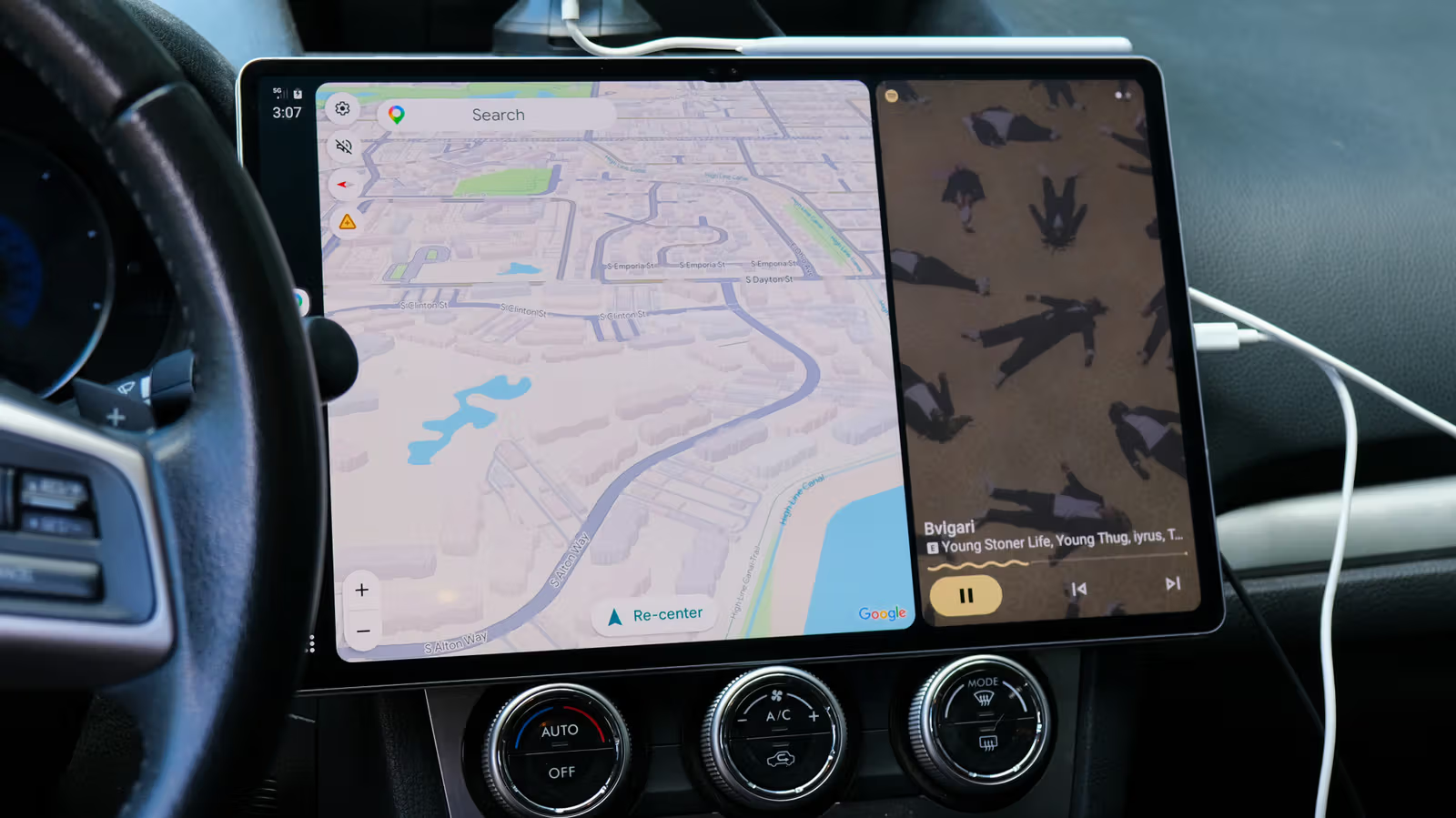
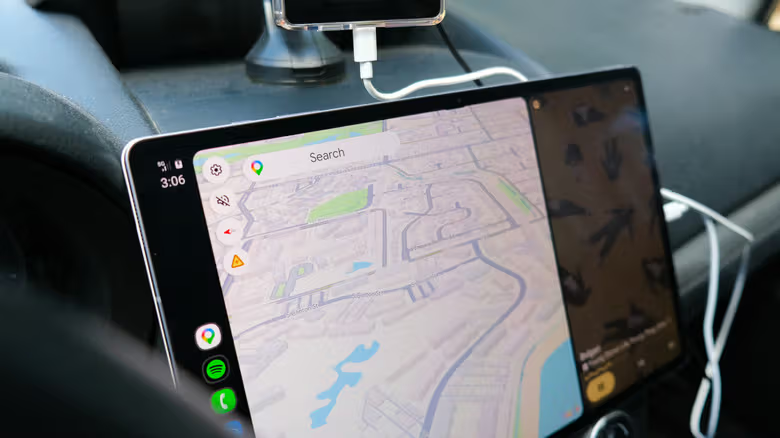
Engadget editor Max Miller put the Open Headunit app to the test, turning a spare Android tablet into an Android Auto display. With a 14.6-inch 2K AMOLED screen, driving comes with a serious upgrade for navigation and music.
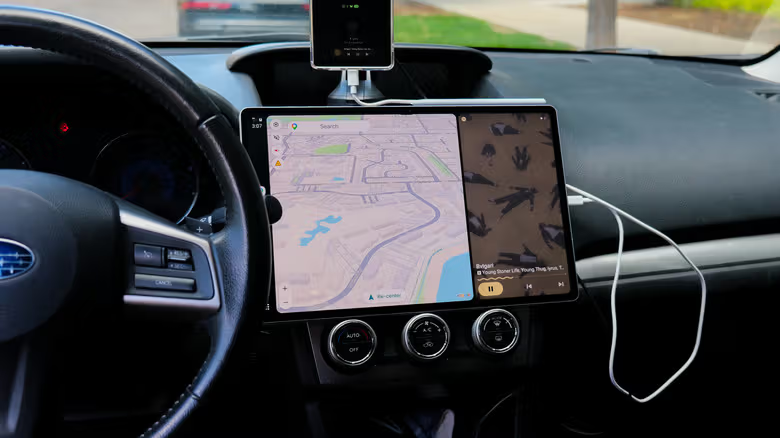
A retired Android tablet usually ends up as nothing more than an expensive coaster. But Engadget editor Max Miller found another use for one: mounting it in his car as an Android Auto screen.
The tool he used is Open Headunit, an app priced at nearly $4 on Google Play (or free from GitHub if you're comfortable with a bit of technical setup). The app works by tricking a phone into thinking the tablet is a car's Android Auto head unit, letting it beam navigation, music, and messages onto the tablet's bigger screen. After testing it out for a while, Miller says it's a viable workaround for anyone whose car doesn't support Android Auto natively — especially as some automakers keep scaling back Android Auto support.
USB is the most stable connection; Bluetooth lag is the real problem
Open Headunit supports USB, Wi-Fi, and Bluetooth, plus running Android Auto directly on the tablet if it's supported. Which connection method works best really comes down to trial and error with your specific phone-and-tablet combo. The app includes a setup wizard that walks users through the necessary permissions and settings, and Gemini within Android Auto is supported too.
Miller's wireless connection kept dropping out, so he ended up connecting his phone via USB to his Samsung Galaxy Tab S10 Ultra, setting Open Headunit as the default USB app. Once connected, Android Auto launched reliably and played Spotify through the tablet's speakers. Switching to Bluetooth to route audio through his car stereo introduced noticeable lag; he eventually solved that by using a USB-C hub with a 3.5mm headphone jack and running an AUX cable into his car's built-in 3.5mm port.
That said, this setup doesn't play nice with older hardware. Miller tried a 2013 Nexus 7, which got stuck in a boot loop, and a 2019 Galaxy Tab S6 Lite, which developed a screen glitch — neither device had recovered by the time of writing. He notes that all the actual processing happens on the phone; Open Headunit just tricks it into believing the tablet is a car's head unit.
Not a perfect solution, but a solid stopgap for a broken head unit
Permanently mounting a tablet in a car does raise a concern: an exposed old tablet could catch the eye of an opportunistic thief. Since his tablet doubles as his main work device, Miller plans to install multiple MagSafe car mounts on his dashboard and attach a matching magnetic ring to the tablet's back, so he can grab it and go whenever he needs to. He also mentions that Amazon carries plenty of ready-made tablet car mounts. For now, during testing, he's just been keeping the tablet in the storage bin below his factory head unit.
What sparked this whole experiment was a broken factory head unit in his 2015 Subaru — getting it replaced through an official dealer would have run over $2,000. Buying an aftermarket Android Auto head unit and installing it himself was an option, but after looking into the tutorials, he decided he didn't have the time to spare right now. Open Headunit turned out to be a much cheaper stopgap in the meantime. He also noted that running Android Auto on a 14.6-inch 2K AMOLED screen genuinely feels more premium than a typical factory head unit.